13
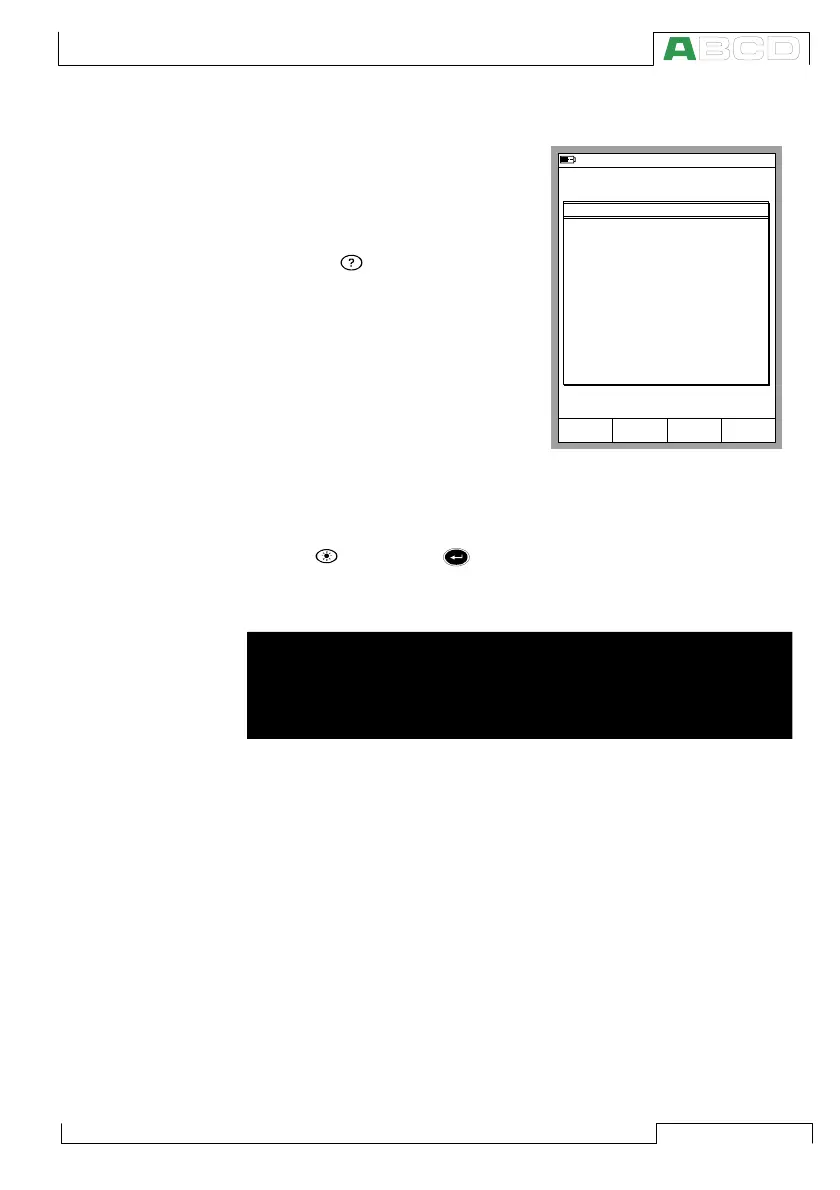
Help Function
The Help function is not seen in the
picture of the menu structure be-
cause it is not a separate “branch”
but a utility available in almost any
situation. If you need help, just
press the key. A window with
related help pops up.
Printing
You can print out screenshots of any situations in MC5P by press-
ing the key and the key simultaneously..
Additional information on printing is found in part C of this manual.
Warning!
Only use the printer that is available as an option. Using any
other printers may damage the printer or MC5P or even both of
them.
10.11.2003 15:02
1
Voltage
ET: Low V Low V. Sensor Meas.
Basic Mode is the focal point of
the calibrator's menu structure.
Advanced functions are in D/Menu
and C/Others.
To measure, generate or simulate,
select Quantity and Port from
Window 1 Setup or
Window 2 Setup menu.
User Guide:
Part B Measuring
Part B Generating/Simulating
HELP
Close
Keys
Lock
Mode
Basic
MC5P Firmware



 To Next Page