72
Advanced Operation and Configuration
Configuring the Calibrator
A group of settings are available in MC5P’s Others menu’s Main-
tenance option. The following chapters tell how you can change
them and what the default settings are.
Settings
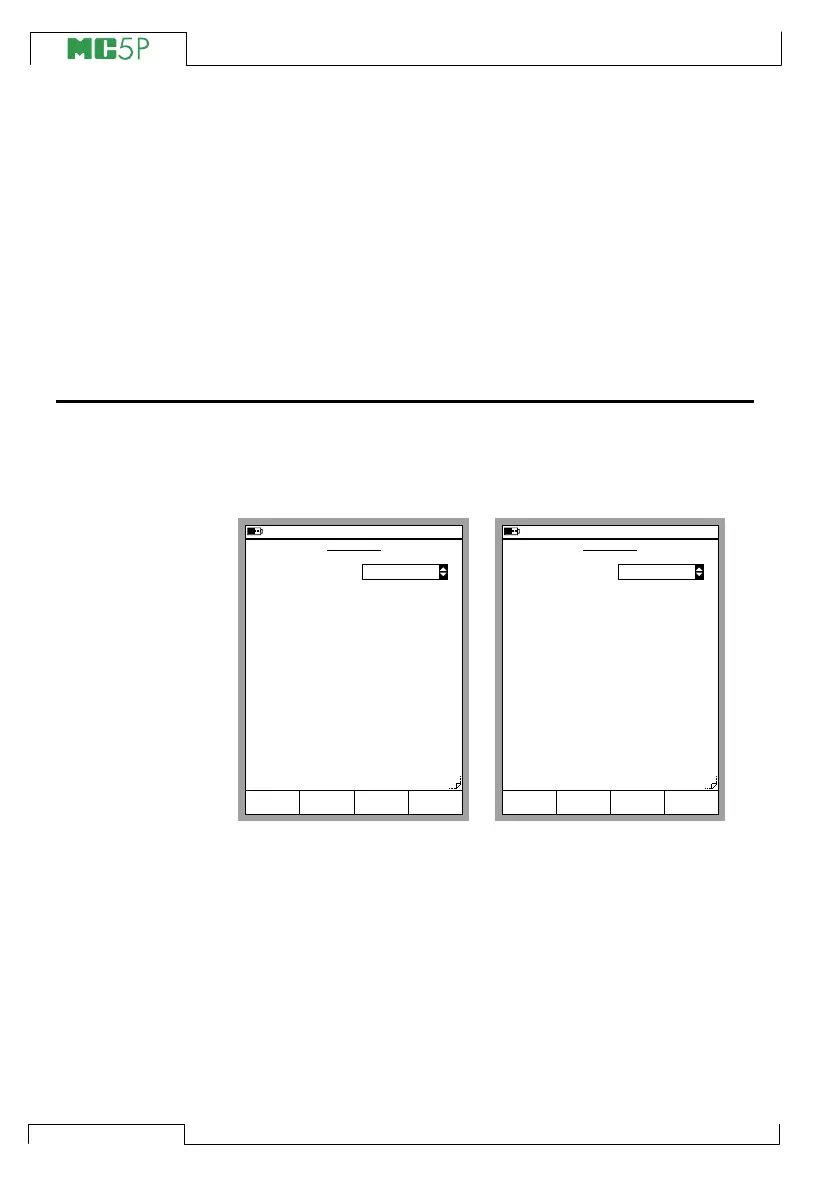
The settings window has two pages. To open the settings window
starting from Basic Mode, press D/Menu, C/Others and 1/Set-
tings. The leftmost picture is the settings page that opens first.
You can scroll between the pages using the B/Next Page Function
Key.
Note.
All changes in settings become valid immediately.
11.11.2003 8:33
SETTINGS
Date Format
Time Format
Language
Auto-off Delays (0=never) [min]
Calibrator
Backlight
Sound Volumes
Key Click
Alarm
Attention
Outside Span
Error
h:mm 24h
English
0
5
Low
High
Medium
Medium
Low
Close
dd.mm.yyyy
Page
Next
Edit
11.11.2003 8:34
Net Frequency
Backlight Power
Normal
50 Hz
ENV-sensor Usage
Temperature Unit
Temperature Scale
Both
°C
ITS90
SETTINGS
Close
Page
Next
Edit



 To Next Page