51
Special Filtering and Resolution
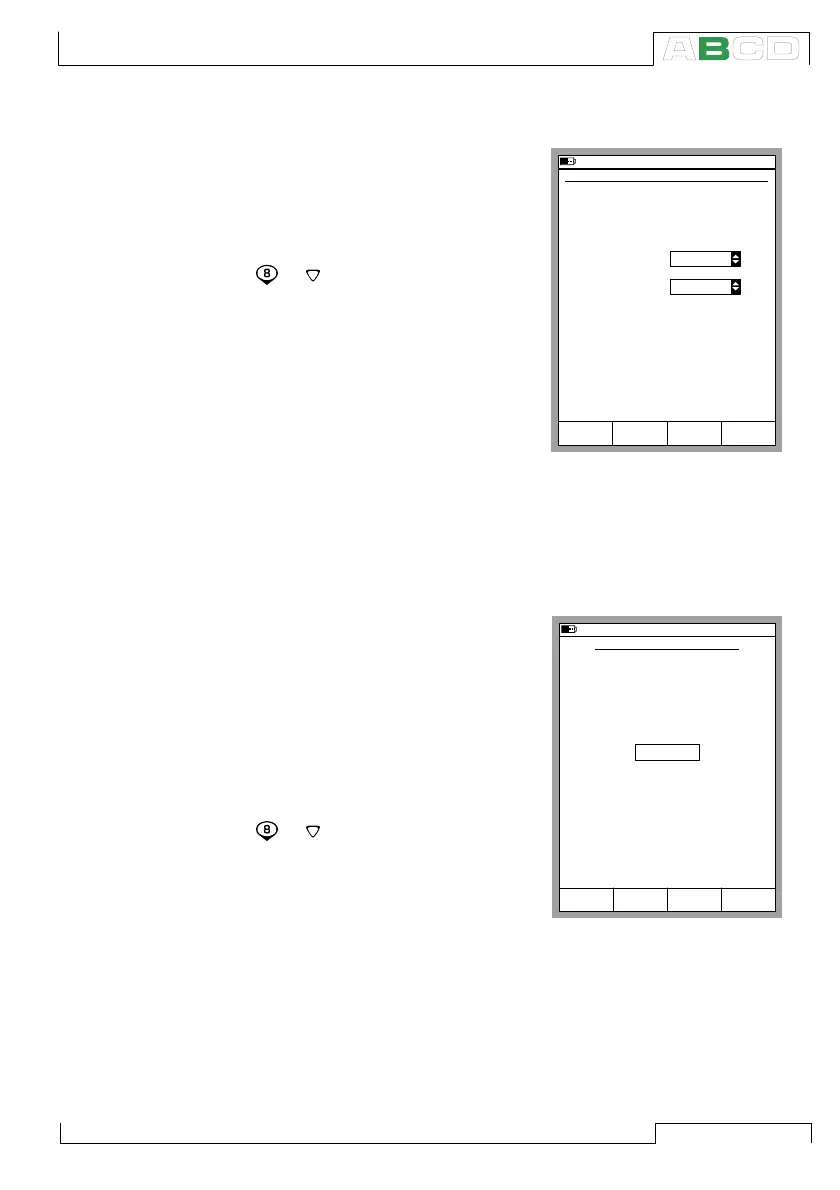
Start using special filtering and
resolution by selecting:
D/Menu
and B/Window 2 Setup, if
needed,
or ,
1/Special Measurements,
Filter and Resolution….
Select the Time Constant setting
and how many decimals should be
cut off from the actual resolution of
the current measurement. The fil-
ter is a 1
st
order digital filter.
None means “No additional filter-
ing” and “Use the modules own resolution” respectively.
Note.
You cannot “worsen” the resolution to less than one significant digit.
Deviation Measurement
In deviation measurement the read-
ing of the main port is compared to
a reference value. The reference
value is subtracted from the read-
ing of the main port. Start the de-
viation measurement by selecting:
D/Menu
and B/Window 2 Setup, if
needed,
or ,
1/Special Measurements,
Deviation Meas….
You can enter the reference value
when you start the special mea-
surement mode.
Note.
Keep in mind that when the displayed deviation reading is small
compared to the actual reading, a significant part of the deviation
value may be measurement error. See the specifications for mea-
surement errors at the actual measurement level.
10.11.2003 16:01
SPECIAL FILTERING AND RESOLUTION
Quantity
Port
Unit
Time Constant
T/C-temperature
ET: TCi(meas)
°C
Decimals
-2
The setting -1, for instance, means one
less decimals.
5
s
StartCancel Edit
10.11.2003 16:02
DEVIATION MEASUREMENT
Quantity
Port
Measure deviation from the value
T/C-temperature
ET: TCi(mea)
22.0000
°C
StartCancel Edit
Special Measurements



 To Next Page