110
Calibration
A Calibration Procedure Using MC5P
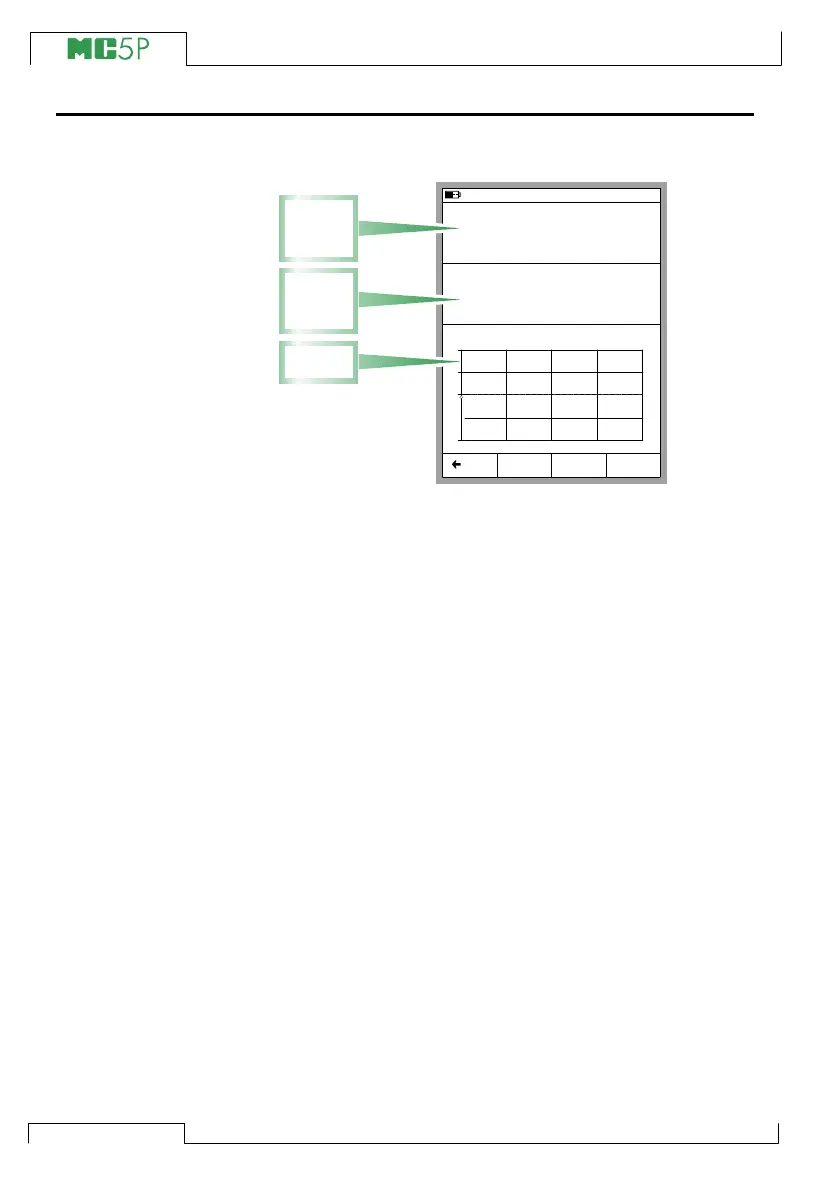
The Calibration Windows:
A typical calibration procedure using MC5P is as follows:
We assume you have already selected the instrument to be
calibrated and are viewing/editing the selected instrument’s data
pages. See Selecting the Instrument to Be Calibrated on page
108 for information on how to enter Calibration Mode and se-
lecting instruments for calibration.
1. Make the required connections and test them by altering the
input signal in with the Instrument Adjustment utility (if you
haven’t done the connections and testing in Basic Mode).
2. Start the calibration run by pressing B/Start. The way MC5P
passes through all calibration points depends on the Cali-
bration Method setting:
In Automatic calibration MC5P generates/simulates (or
communicates with an external device capable of generat-
ing/simulating) the input signal. See chapters
About Automatic Calibration on page 112 and
About Manual Calibration on page 112.
Note.
You can pause a calibration run whenever you want by
pressing the A/Stop Function Key. Then you are provided
with the following (self-explanatory) choices:
A/Continue
B/End
C/Skip Point.
11.11.2003 13:05
Input
Error
1.00
Output
Pt100 α385
°C (ITS90)
3.9762
-0.15 % of span
0.00
+
0
-
0% 50% 100%
RTD Temperature [ET: Simul]
Current [E: Meas]
mA
Start MENU
Back
Adjust
Input
Signal
Window
Error
Graph
Output
Signal
Window



 To Next Page