129
Viewing Calibration Results
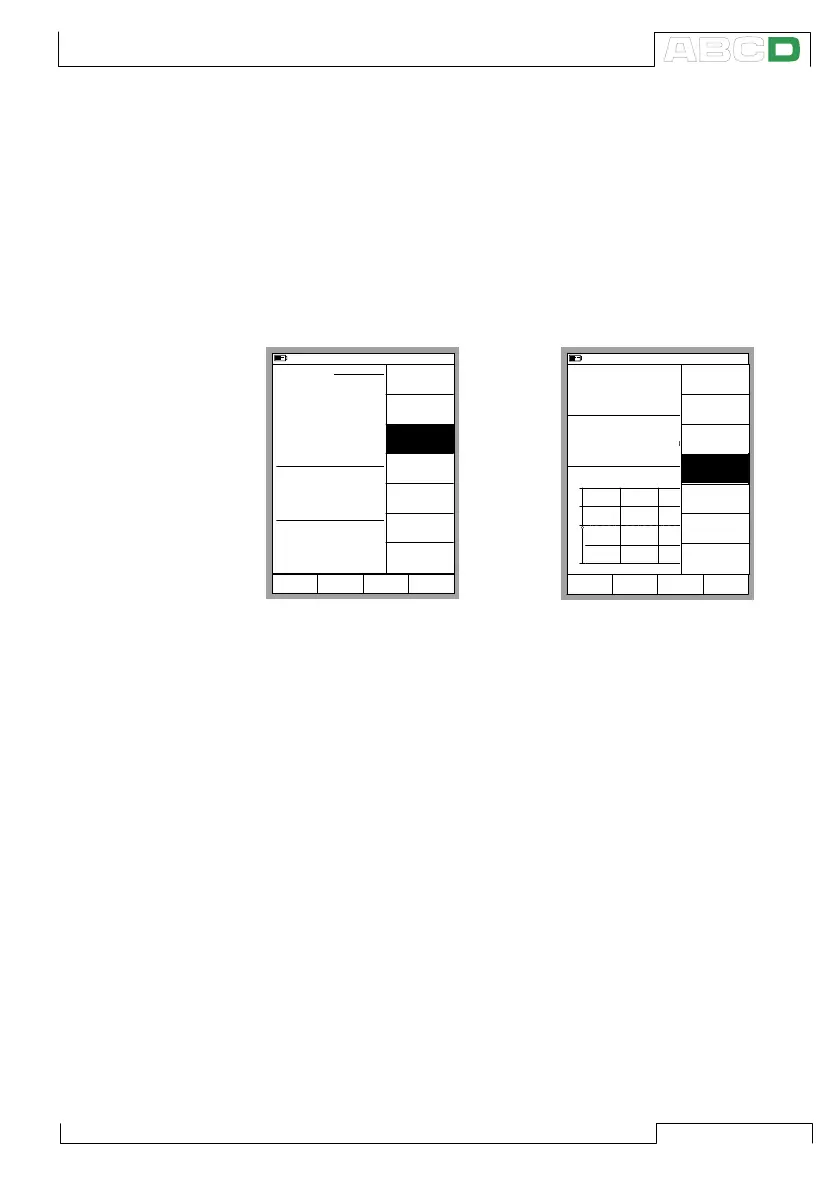
You can open the calibration result windows from two places:
When viewing the instrument window, press D/Menu and 3/View
Calibration Results (see the leftmost picture below).
When viewing the calibration windows, and you haven’t started a
calibration run, press D/Menu and 2/View Calibration Results
(see the rightmost picture above).
11.11.2003 13:30
INSTRUMENT
112-TT-003.1
Edit Calibrate MENU
Intake Temperature on Feed 1
Cal. Points
5
↑↓
Transfer Function
Linear
Method
Simulated
INPUT
0.00 ... 100.00 °C
Sensor Type
Pt100
α
385
Method
Measured
Output
4.0000 ... 20.0000 mA
Back
MENU
Close
Delete
Instrument
Controller
Settings
View
Instrument
Details
Make a Copy
View
Calibration
Results
11.11.2003 13:32
Input
Error
1.00
Output
Pt100
α
385
°C (ITS90)
3.9762
-0.15 % of span
0.00
+
0
-
0% 50% 100%
RTD Temperature [ET: Simul]
Current [E: Meas]
mA
Start MENU
Back
Adjust
MENU
Close
Prescan
[On]
Start
HART
Adjustment
View
Calibration
Results
Zero
Pressure
Module
Viewing Calibration Results



 To Next Page