83
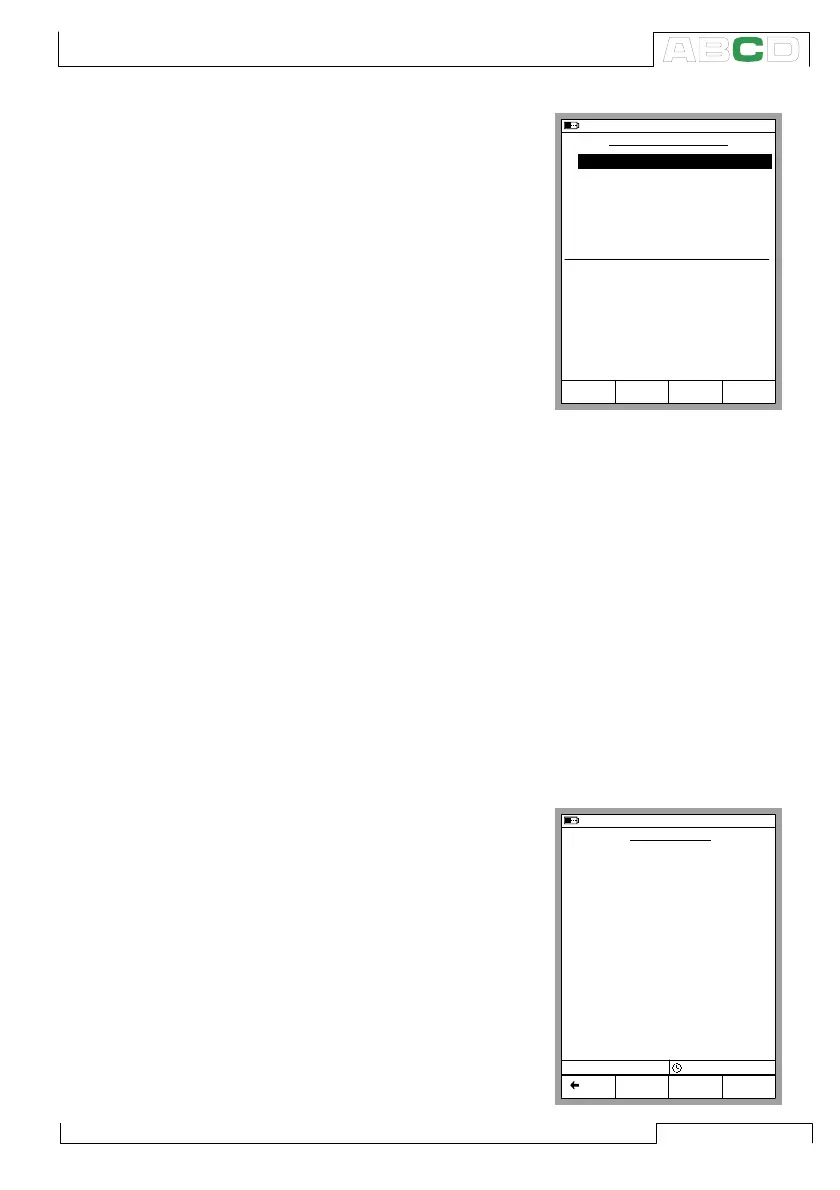
General Data Logging Settings
Trigger Available options: Peri-
odic, Keyboard and Clock Start.
When Keyboard is selected, the
fields Interval, Samples and Time
are not needed and thus not shown.
When Clock Start is selected, a
separate field for entering the start
time is shown. Enter the time in 24
hour format. Save Method Op-
tions: Instant, Average, Minimum,
Maximum, Min & Max and All val-
ues.
Interval
Accepted values: 1 to 3600 seconds. Enter the value as an integer.
Samples
Maximum amount of samples: 70000.
Time
Automatically calculated based on the Interval and Samples set-
tings. Alternatively, by changing the Time settings, the Samples
value is automatically changed to suit the new Time settings.
Note.
In addition to the previously mentioned limits, the maximum values
of Samples and Time settings also depend on the available free
memory. If you enter values that require more memory than is avail-
able, MC5P automatically replaces
the entered value with the currently
allowed maximum value.
When a data log is done, you can
enter a name for the results.
Starting the Data Log
To start logging, select B/Data Log-
ging in the Data Logging configu-
ration window. Start the Logging by
selecting C/Start Logging in the
Logging window.
10.11.2003 8:14
DATA LOGGING SETUP
1
Trigger
2 ET:RTD(mea) °C Pt100
α
385
3 ET:TCi(mea) °C K NiCr/niAl
4 None
5 None
6 None
7 None
Save Method
Interval [s]
Samples
Time [h min s]
Periodic
Instant Value
60
720
12
Mode
Basic
Logging
Data
Edit MENU
P3:B bar abs
0 0
Abs
bar
1.0113
10.11.2003 13:12
DATA LOGGING
Pt100 α385
°C
24.17
K NiCr/NiAl
°C
24.39
Posit. kantti
kHz
-------
Posit. kantti
kHz
-------
Posit. kantti
kHz-------
Posit. kantti
kHz
-------
1
2
3
4
5
6
7
Count 647 38802 s
Logging
Stop
MENU Back
Advanced Utilities



 To Next Page