11
MC5P Firmware
MC5P’s firmware is saved in FLASH memory. Therefore it is rela-
tively easy to update the firmware whenever a new version with
fresh capabilities is released. See Firmware Update on page 26
for more information on updating the firmware in your MC5P.
General Description
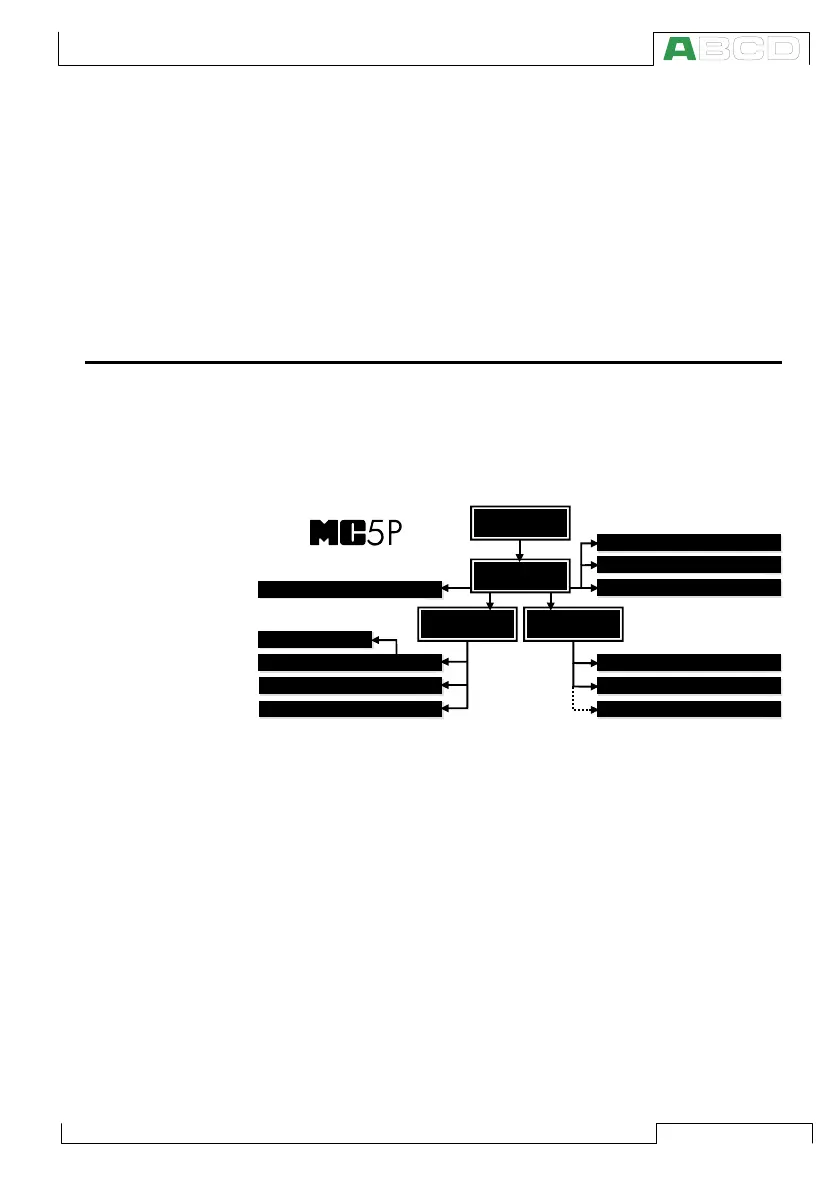
The following picture shortly describes the functions of the firm-
ware. All main functions are marked with a black border. Each main
function has several tasks which are displayed as shaded boxes
without a black border.
STARTUP
PROCEDURE
MAINTE-
NANCE
Adjusting the Calibrator
Stepping and Ramping
Configuring the Calibrator
Setting Time and Date
Instrument Database Maintenance
Instrument Adjustment
Viewing the Results
Instrument Calibration
Transmitter Simulation
Data Logging
Measurement/Generation/Simulation
BASIC
MODE
CALIBRATION
MODE
STARTUP
PROCEDURE
MAINTE-
NANCE
MENU STRUCTURE
The following chapters briefly describe each main function.
Startup Procedure
Every time MC5P is started the Startup Procedure checks the func-
tionality of the device by performing a self test.
If the self-test is passed successfully, some basic calibrator data is
displayed.
After that MC5P automatically proceeds to Basic Mode. A more
comprehensive description of the Startup Procedure is in the be-
ginning of Part B of this manual.
MC5P Firmware



 To Next Page