136
Appendix 1, User Guide for MC5 HART Option
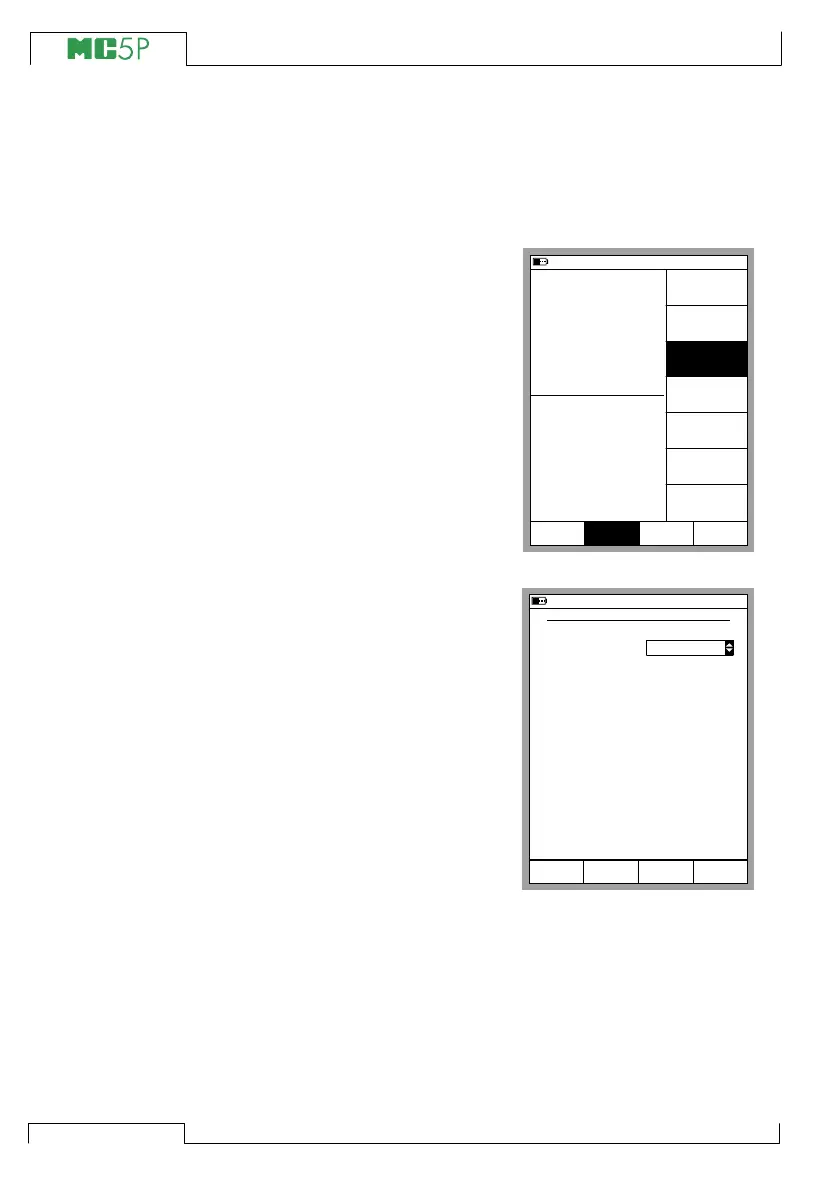
HART Communication Settings
Before attempting to communicate
with HART instruments it is advis-
able to review MC5P’s HART com-
munication settings. Open the set-
tings window by pressing
D/Menu,
C/Others and
3/HART Communication
Settings
Master Address
HART communication supports the
use of two masters, a Primary and
a Secondary master. Select a
unique master address for MC5P.
Preambles used
Can be a value between 3 to 20.
The smaller the value is, the faster
the communication is, but instru-
ments requiring a larger amount of
preambles may not communicate.
Number of Retries
Can be a value between 1 to 10.
Determines the amount of retries
when communication errors occur.
11.11.2003 13:55
1
Pressure
2
Current
P1: INT400MC/-41.400...41.400 kPa
E: Current Measurement
gauge
kPa0.089
3.9845 mA
Setup
Window 1
Others
MENU
CloseWindow 2
Setup
Settings
Maintenance
HART
Communication
settings
11.11.2003 13:56
HART COMMUNICATION SETTINGS
Master Address
Preambles used
Number of Retries
5
3
Close
Secondary



 To Next Page