122
Calibration
Using External Devices in Calibration Mode
In order to utilize external devices when calibrating an instrument,
the following things need to be set/available before the calibration
is started:
• The required firmware option has to be installed in MC5P (and
when applicable, in the connected external device).
• The Instrument’s Input Method field has to be set either to
Controlled or Controlled/Meas. About the settings:
∗ Controlled: The input signal (pressure or temperature)
is measured using one of MC5P’s measurement input
ports.
∗ Controlled/Meas: The input signal is measured by the
external device and communicated to MC5P.
In both cases: MC5P sends the set point values to the external
device via the communication cable connected to the AUX
connector
• The Instrument’s Calibration Method field has to be set to
Automatic.
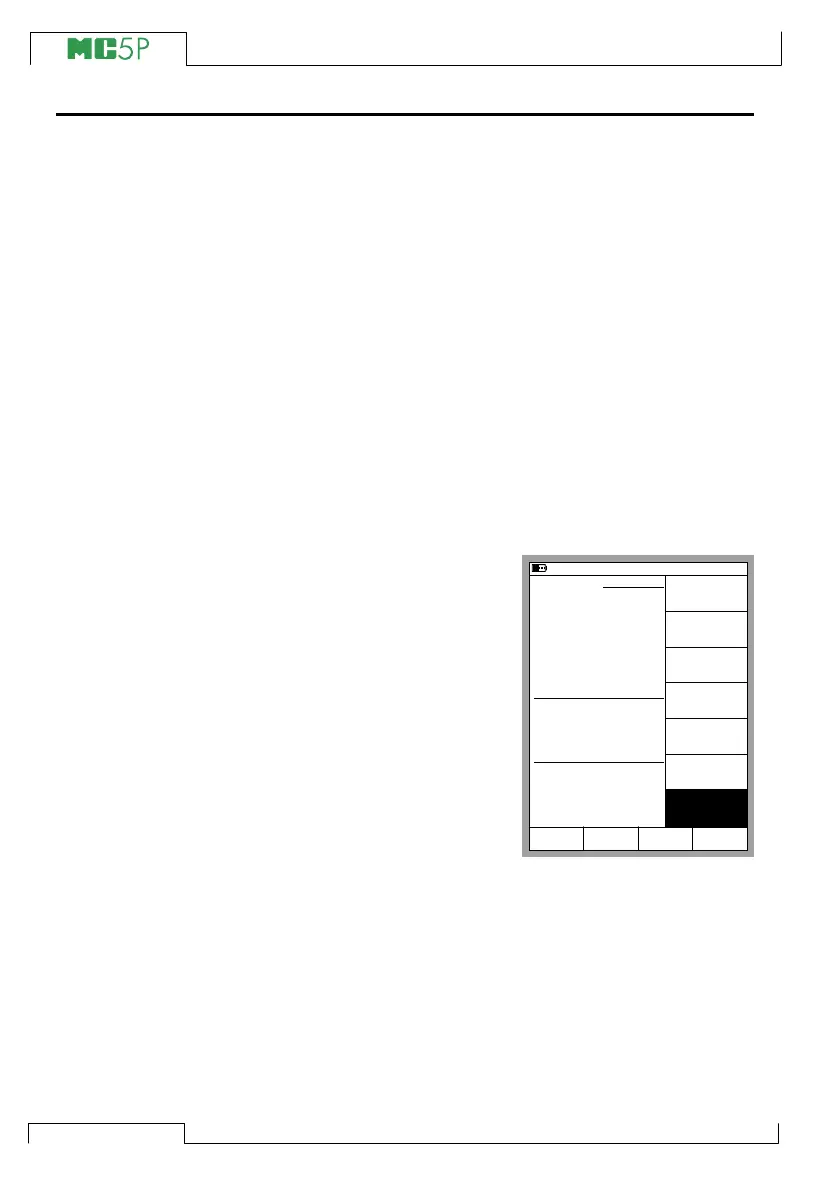
• In the Instrument Window: Se-
lect the D/Menu and 7/Con-
troller Settings to select the
Controller type and activate
the communication.
Notes.
The Input Method option Con-
trolled is available for the follow-
ing Input Quantities: Pressure,
RTD temperature and TC tem-
perature.
The Input Method option Con-
trolled/Meas is available for the
following Input Quantities: Pres-
sure, Temperature, RTD Temperature and TC Temperature.
More information on how to create instruments into MC5P’s data-
base and how to edit the settings of an existing instrument is avail-
able in chapter Maintaining MC5P’s Instrument Database on page
124 and its subchapters.
Chapter Generating Signals Using External Devices on page 85
contains a description on how to utilize external devices in Basic
Mode and also information on controller settings.
11.11.2003 13:37
INSTRUMENT
112-TT-003.1
Edit Calibrate MENU
Intake Temperature on Feed 1
Cal. Points
5 ↑↓
Transfer Function
Linear
Method
Controlled
INPUT
0.00 ... 100.00 °C
Sensor Type
Pt100
α
385
Method
Measured
OUTPUT
4.0000 ... 20.0000 mA
Back
MENU
Close
Delete
Instrument
Controller
Settings
View
Instrument
Details
View
Calibration
Results



 To Next Page