109
The Instrument Window
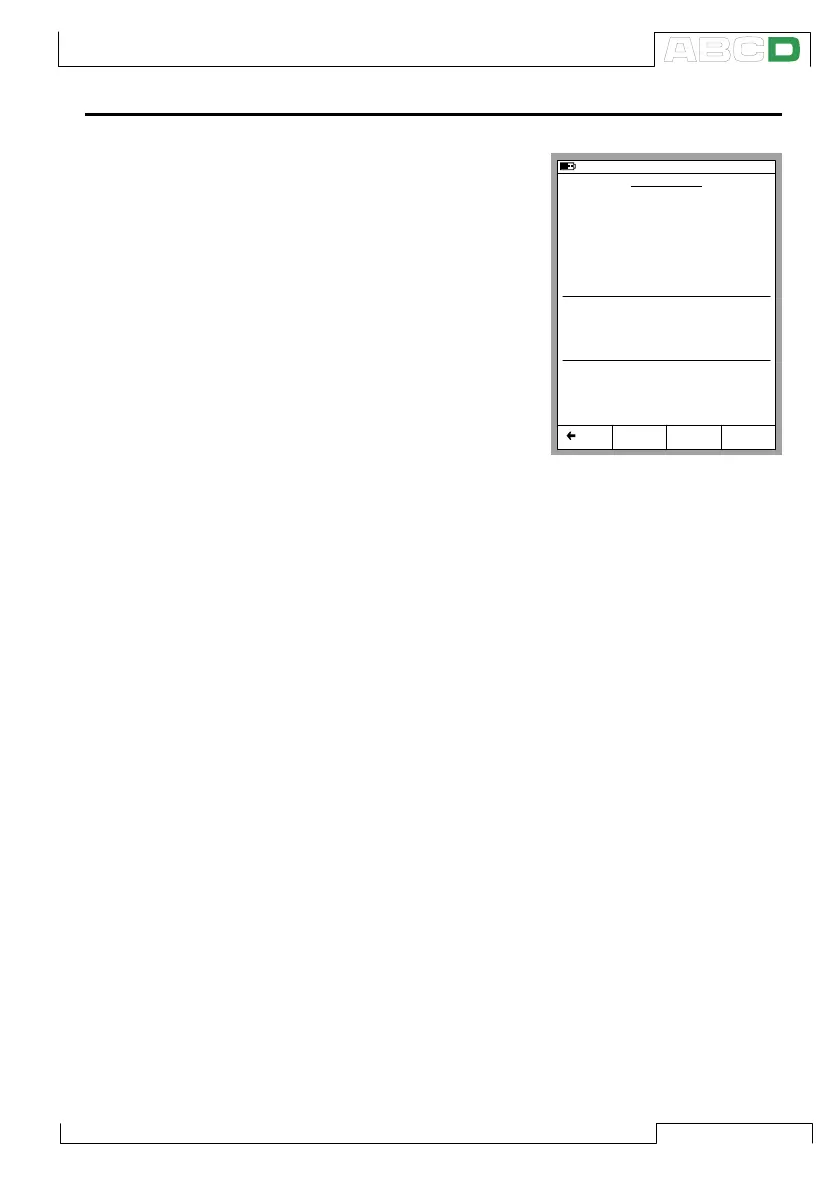
The Instrument window gives you
an overview of the selected instru-
ment. You can view detailed instru-
ment data by pressing the D/MENU
Function Key and 1/View Instru-
ment Details.
To edit the Instrument data, press
the B/Edit Function Key. More in-
formation on editing instrument
data is in chapter Editing Instru-
ment Data on page 125.
If your instrument is calibrated us-
ing an external device that is com-
municating with MC5P, select
D/MENU Function Key and 7/Con-
troller Settings to select the device and start the communication.
To calibrate the selected instrument, simply press C/Calibrate.
General calibration procedures are discussed in chapter A Cali-
bration Procedure Using MC5P on page 110. Some calibration
examples are available starting from chapter Examples of Instru-
ment Calibration on page 113.
If a Starting Guide text is written, it appears before the Calibration
Windows are opened. To close the window displaying the note text,
press D/OK.
11.11.2003 13:01
INSTRUMENT
112-TT-003.1
Edit Calibrate MENU
Intake Temperature on Feed 1
Cal. Points
5 ↑↓
Transfer Function
Linear
Method
Simulated
INPUT
0.00 ... 100.00 °C
Sensor Type
Pt100
α
385
Method
Measured
OUTPUT
4.0000 ... 20.0000 mA
Back
Calibrating an Instrument



 To Next Page