35
Pressure Measurement
See chapter Things to Consider when Measuring Pressure on page 91 for more infor-
mation on pressure measurement and internal/external pressure modules.
Required settings Options/description
Quantity Pressure
Pressure Type g gauge pressure or
abs absolute pressure.
The available pressure types may be restricted because of the selected pressure port /
pressure module. For more information concerning pressure types, see chapter Pres-
sure Type on page 91.
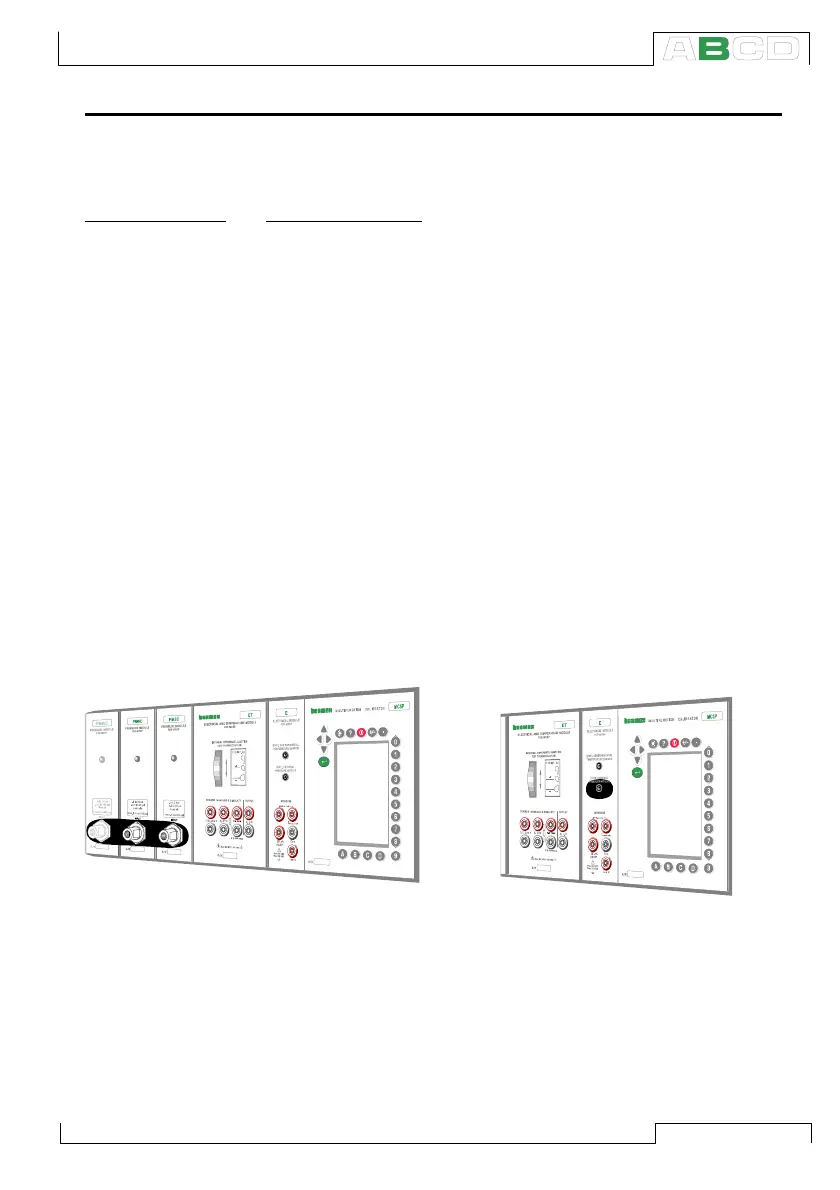
Using Internal Modules
Select an internal pressure module port
with a suitable measuring range and with
an ability to measure the required pressure
type:
Port P1: INTxxxx,
P2: INTyyyy
…if applicable, up to:
P9: INTzzzz.
Using External Modules
Select the external pressure module port
with a connected pressure module and a
suitable measuring range and with an abil-
ity to measure the required pressure type,
e.g.
Port PX1: EXTxxxx
Connecting and Removing External Pressure Modules
An external pressure module may be connected and removed at
any time. If a removed module was part of an active measurement,
MC5P automatically changes the measurement to a suitable inter-
nal pressure module. MC5P also emits a “beep” to inform you of the
fact that the external pressure module used for pressure measure-
ment was disconnected.
+24V
V, ,
Open
CloseClose
T/C
WIRES
ONLY
XXXXXXX
XXXXXXX
+24V
V, ,
Open
CloseClose
T/C
WIRES
ONLY
Measuring



 To Next Page