30
Startup and Basic Operation
Starting MC5P
Startup Procedure
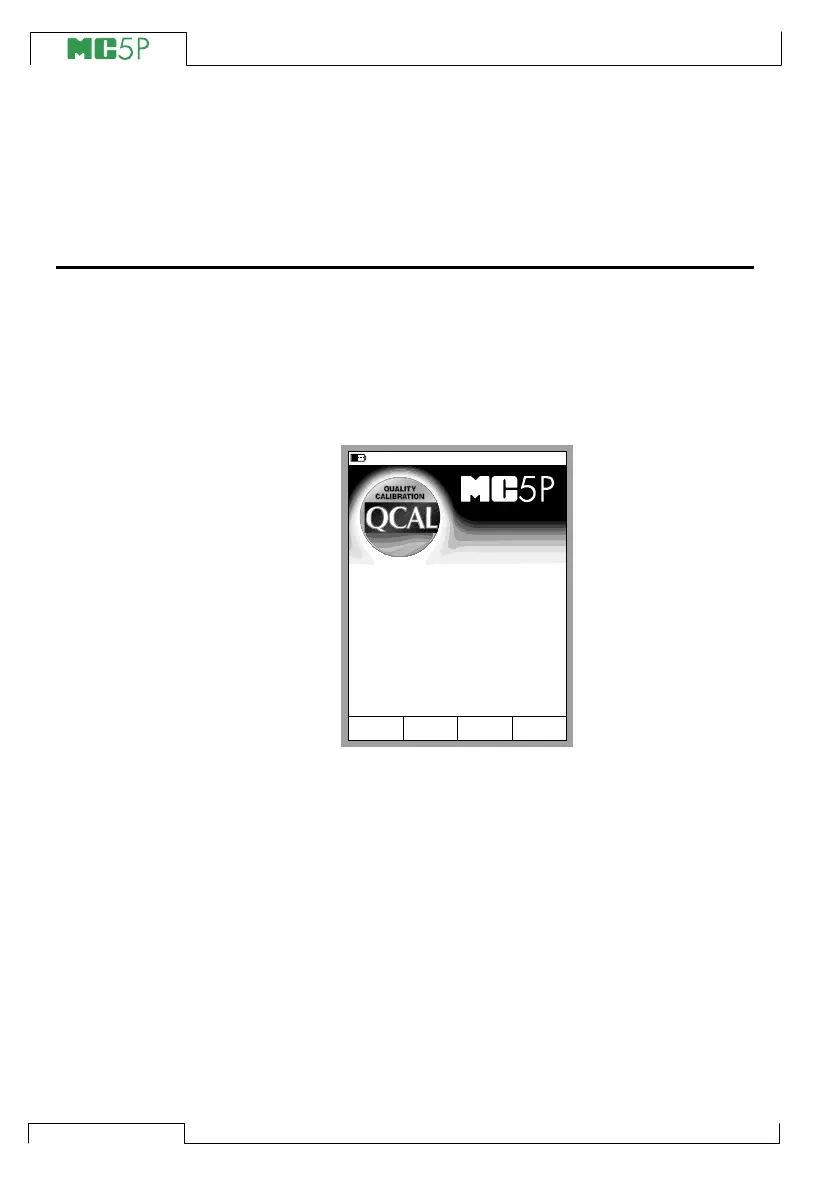
When MC5P is started, a startup picture appears. After a self test,
some basic information of the calibrator at hand appears in the lower
part of the screen. If you want to view the calibrator information for
a longer period, press the D/Wait function key. Then the calibrator
information is visible until you press the D/Continue function key.
If a module’s version number cannot be seen, the module is not
included in the MC5P at hand.
The calibration due date that is listed in the startup window is the
earliest calibration due date for all connected modules. If the cali-
brator requires recalibration, MC5P stops at the calibrator informa-
tion window and the text “Calibrate Soon” appears below the cali-
bration due date row.
05.11.2003 15:30
Wait
Serial number
E module version
Calibration due date
Main version
ET module version
23512365
1.50
20.03.2004
1.90
1.70
www.beamex.com



 To Next Page