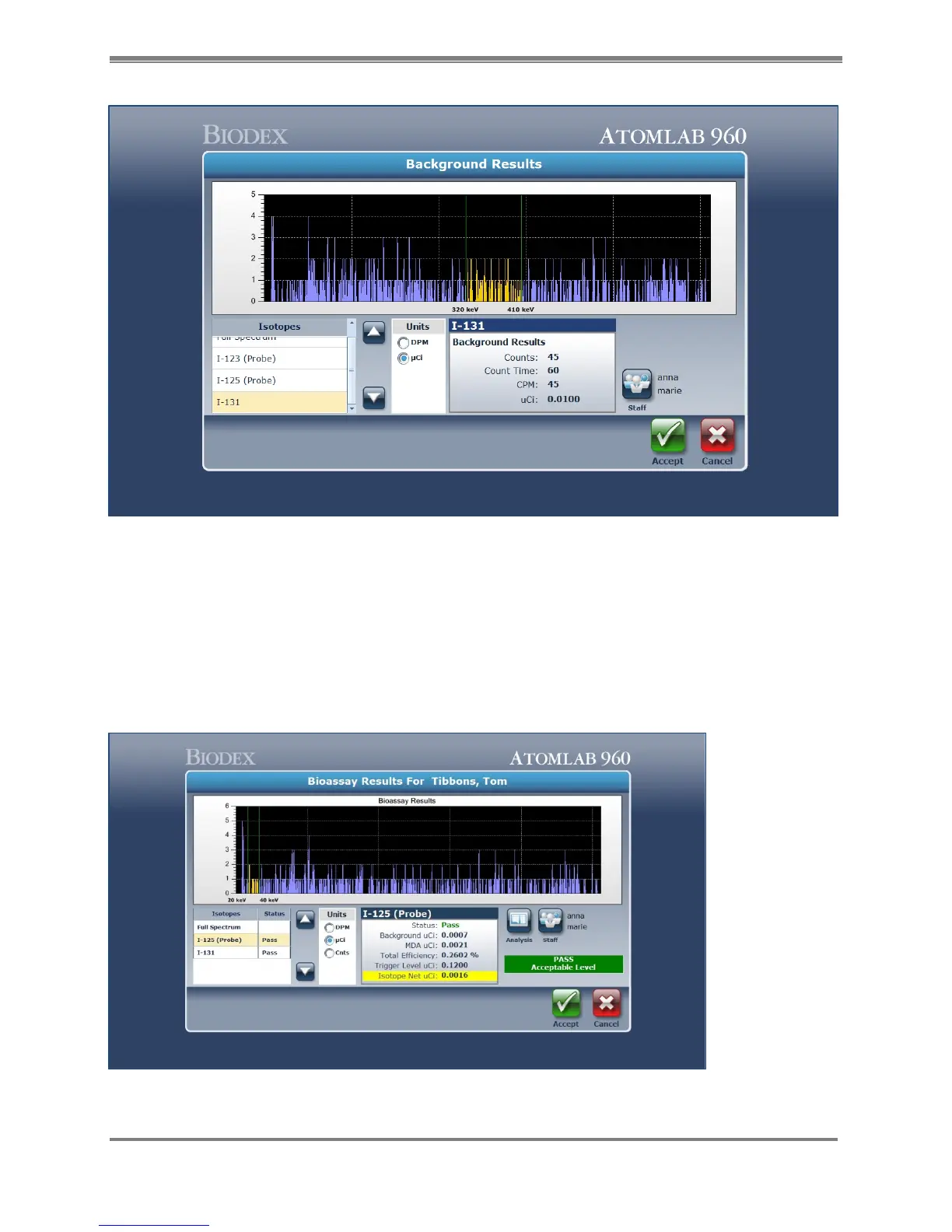
Figure 9.3. Bioassay Background Results screen.
8. Now position the probe for the Bioassay test and select <Accept> to start the Bioassay
count.
NOTE: The current distance used for the Bioassay calculation is displayed. The default value is
18.50cm. It is important to use the correct distance (Geometry).
9. Once the counting is finished, the Bioassay Results screen is now shown.
Figure 9.4. Bioassay Counting Results screen for Staff Member.



 To Next Page