4-24 UTILITIES Biodex Medical Systems, Inc. © 2014
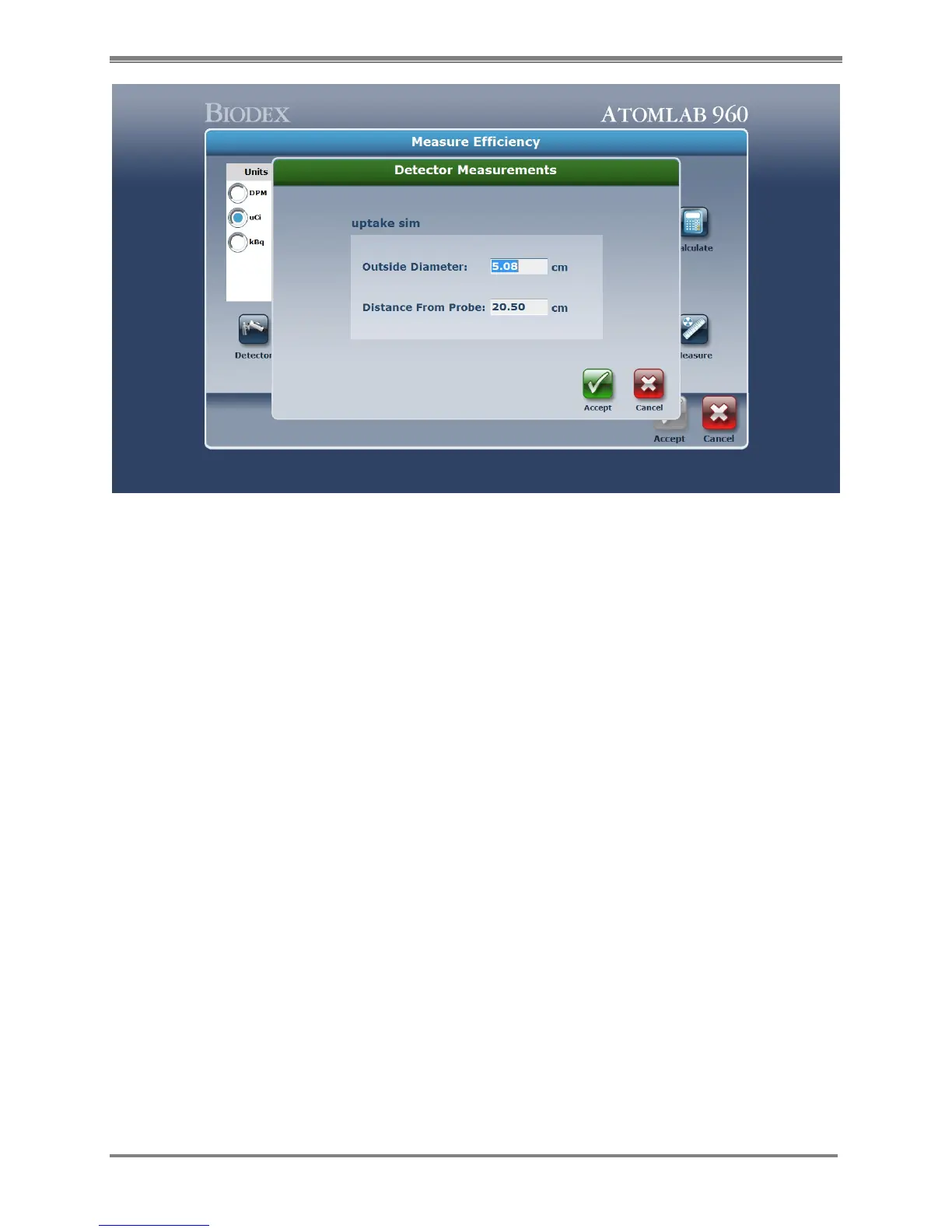
Figure 4.19. Detector Measurements screen.
9. Change the distance from the probe to the correct distance to be used. Select <Accept> to
save or <Cancel> to return to the Measure Efficiency screen without saving.
10. Select the <Measure> icon and position the source in the correct geometry.
11. Select <Accept> to measure the standard. The system will now start counting the standard
placed in front of the detector.
12. Select <Abort> to abort the count, or <Stop> if you do not want to finish the count but still
want to accept it. The system shows the elapsed and remaining time.
13. Select <Analysis> to review the spectrum screen if desired, or <Next> to return to the
Measure Efficiency screen. Isotope efficiency is now displayed. Select <Accept> or
<Cancel>.



 To Next Page