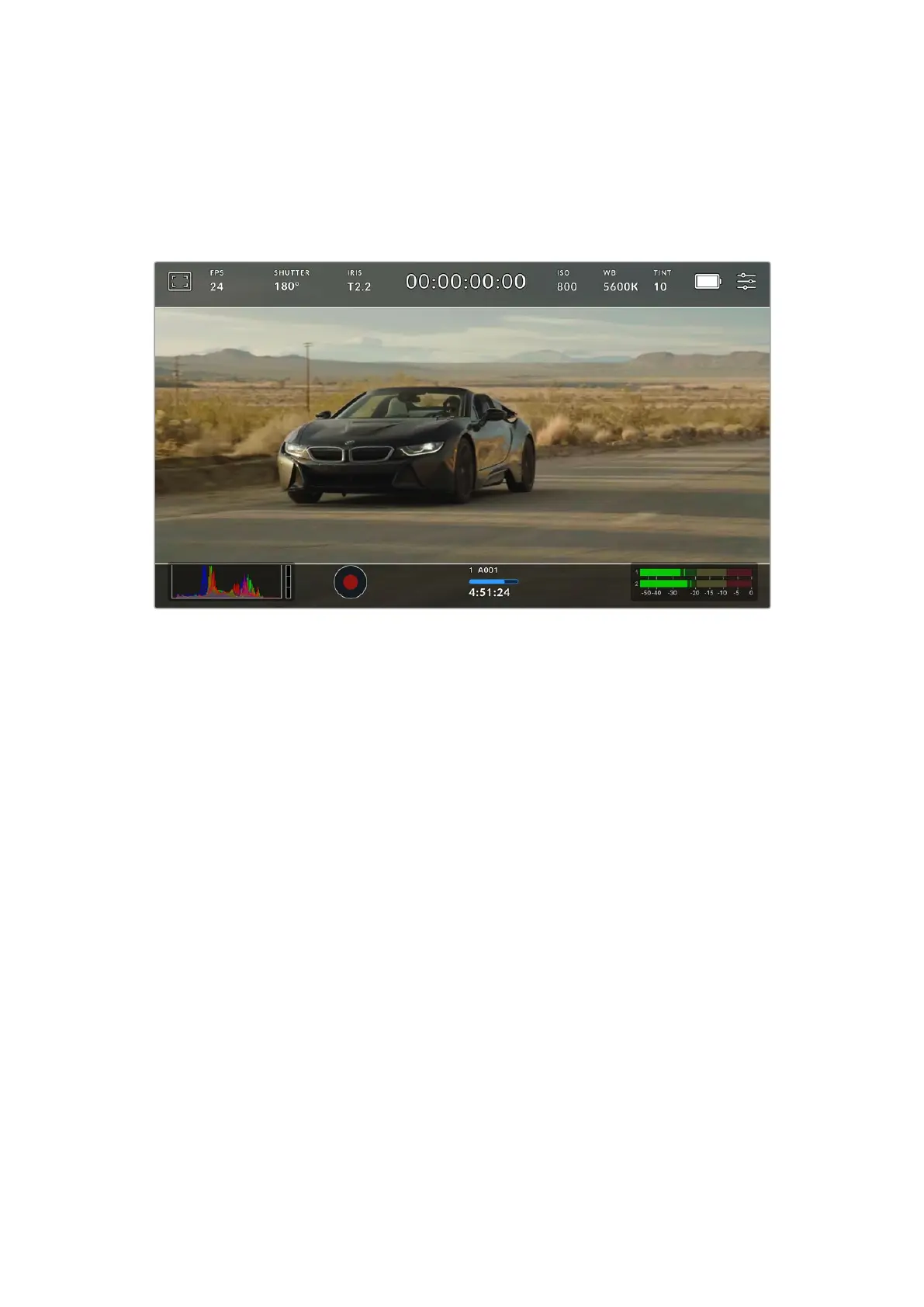
The available guides are:
2.35:1, 2.39:1 and 2.4:1
Displays the broad widescreen aspect ratio compatible with anamorphic or flat widescreen
cinema presentation. The three widescreen settings differ slightly based on the changing
cinema standards over time. 2.39:1 is one of the most prominent standards in use today.
The LCD touchscreen with 2.40:1 frame guides enabled
2:1
Displays a ratio slightly wider than 16:9 but not as wide as 2.35:1.
1.85:1
Displays another common flat widescreen cinema aspect ratio. This ratio is slightly wider than
HD 1.78:1 but not as wide as 2.39:1.
16:9
Displays a 1.78:1 aspect ratio compatible with 16:9 HD television and computer screens. This
ratio is most commonly used for HD broadcasting and online videos. The same aspect ratio has
also been adopted for Ultra HD broadcasting.
14:9
Displays a 14:9 aspect ratio used by some television broadcasters as a compromise between
16:9 and 4:3 television sets. Ideally, both 16:9 and 4:3 footage remains legible when center
cropped to fit 14:9. You can use this as a compositional guide if you know your project may be
broadcast by a television station that uses 14:9 cropping.
4:3
Displays the 4:3 aspect ratio compatible with SD television screens, or to help with framing
when using 2x anamorphic adapters.
1:1
Displays a 1:1 ratio slightly narrower than 4:3. This square ratio is growing in popularity on
social media.
82Touchscreen Controls



 To Next Page