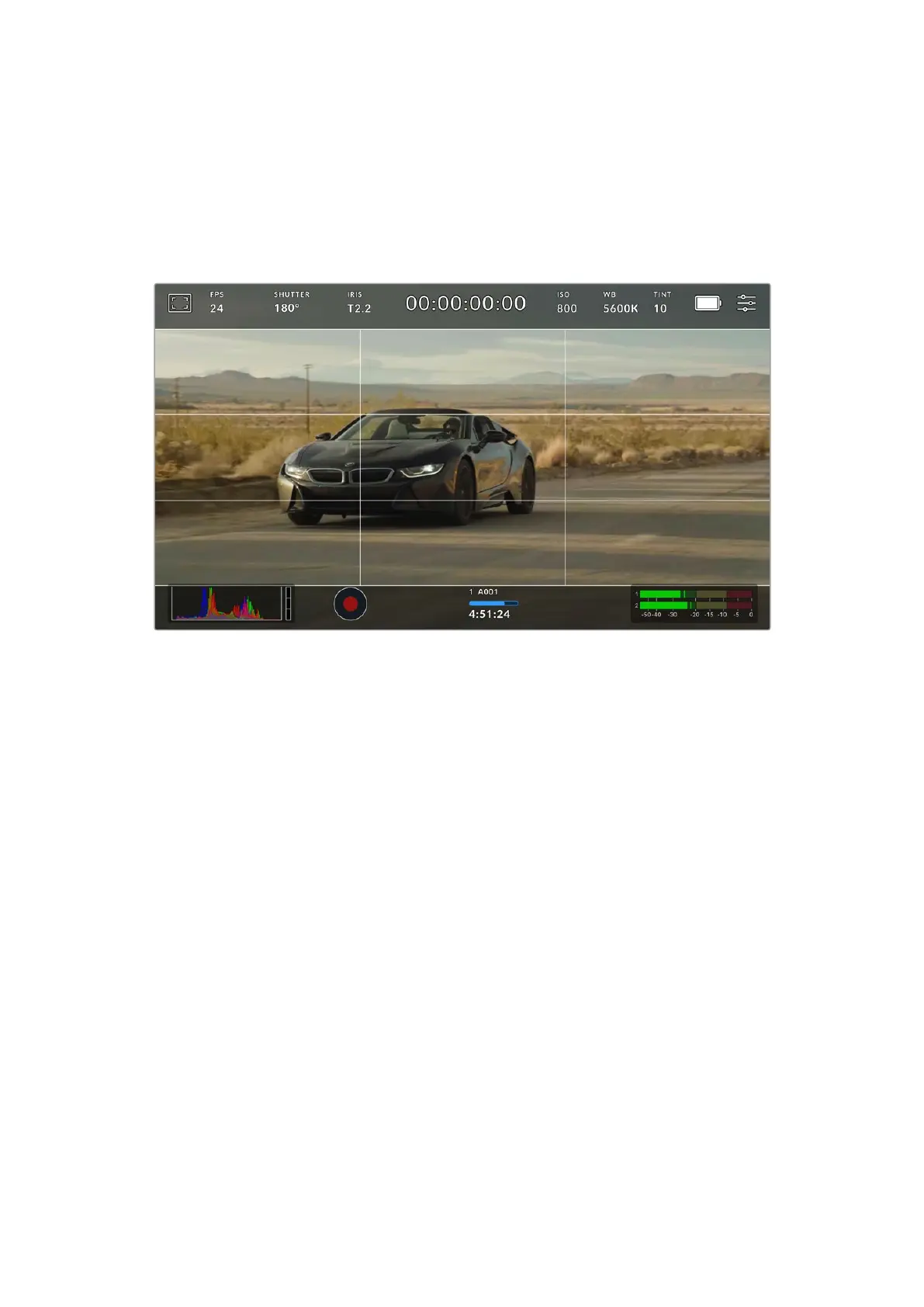
Grids and crosshairs are overlays that can help with image composition. When ‘grids’ are
enabled, your URSA Cine can show a rule of thirds grid, horizon meter, and crosshair or dot.
To toggle the appearance of grids on your URSA Cine touchscreen, tap the switch icon in the
bottom left of the screen while in the ‘frame guides’ tab.
To set which overlay you want to display on all URSA Cine outputs, tap the options at the
bottom of the display for ‘thirds’, ‘horizon’, ‘crosshairs’ or ‘center dot’.
The rule of thirds grid automatically scales to any on screen frame guides
Thirds
The ‘thirds’ setting displays a grid with two vertical and horizontal lines placed in each third of
the image. Thirds are an extremely powerful tool to help compose your shots.
For example, the human eye typically looks for action near the points where the lines intersect,
so it’s helpful to frame key points of interest in these zones. An actor’s eyeline is commonly
framed along the top third of the screen, so you can use the top horizontal third to guide your
framing. Thirds are also useful to maintain framing consistency between shots.
Horizon
The horizon meter indicates when your camera is rolled left or right and tilted up or down.
This can help you keep the horizon level during handheld shots and balance the camera tilt
on a gimbal.
The direction the light gray vertical line moves away from the dark gray crosshair in the
middle indicates the direction your camera is rolled. When the camera is tilted down the light
gray horizontal line moves up and when the camera is tilted up the light gray horizontal line
moves down.
The distance the lines move away from the central crosshair is proportional to the amount of roll
or tilt. After you calibrate the camera’s motion sensor, the horizontal and vertical lines appear
blue to indicate they are aligned to the roll and tilt axes.
Note that if the camera is tilted straight down for an overhead shot or straight up, the horizon
meter takes this into account. If you roll the camera to shoot in portrait orientation, the horizon
meter rotates its axes 90 degrees.
84Touchscreen Controls



 To Next Page