Other Functions
100
Registering Your 30
Favorite Songs
(BEST 30 EDIT)
Including your favorite songs, allows you to
always have the songs you want appear in
song lists.
1. Before starting, rst select a song you
want to list in the BEST 30 (p. 94).
2. Press the [MENU] button.
3. Select “BEST 30 EDIT” with the dial
and press the [ENTER] button.
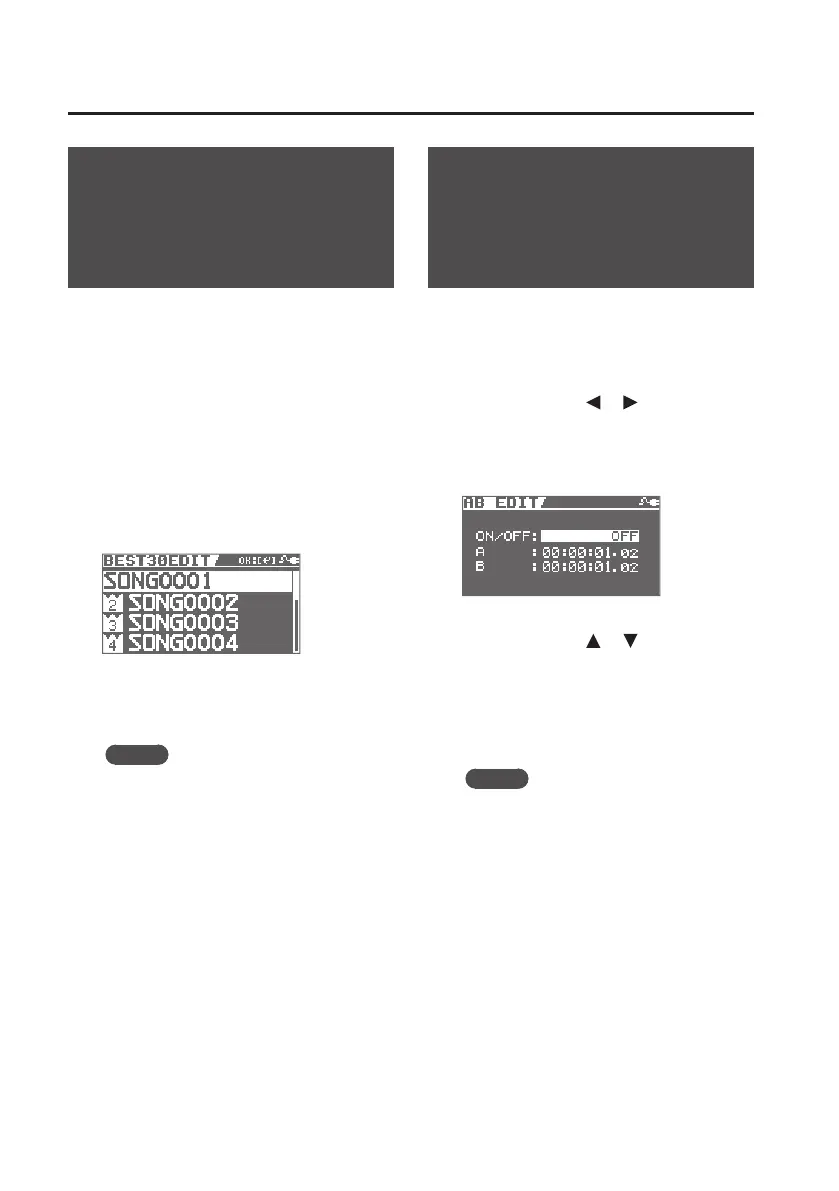
The BEST 30 EDIT screen will appear.
4. Determine the order (1–30) using the
dial.
MEMO
When you choose BEST30 in the song
list, the songs will appear in the order
you chose here.
5. Press the [ENTER] button.
Precise Adjustment of
the Repeat Segment
(AB EDIT)
Here’s how to precisely adjust the start time
and end time for AB Repeat.
1. Press the [MENU] button.
2. Use the cursor [ ] [ ] buttons to
move the cursor to “AB EDIT,” and
press the [ENTER] button.
The AB EDIT screen will appear.
3. Use the cursor [ ] [ ] buttons and
the dial to adjust the start (A) and
end (B) times.
4. Press the [EXIT] button a number of
times to return to the basic screen.
MEMO
• You can press [ENTER] in the AB REPEAT
EDIT screen to alternately switch the
AB REPEAT function on and o without
clearing the markers.
• With MP3 data, you may be unable
to play back from a specic time (the
performance starts near the specied
time).
* You can’t set the start time (A) and end
time (B) less than 1 second apart.



 To Next Page