Mastering
84
Saving the Mastering
Eect Settings
Here’s how to assign a name (patch name)
to the eect you’ve created, and save it as a
new eect.
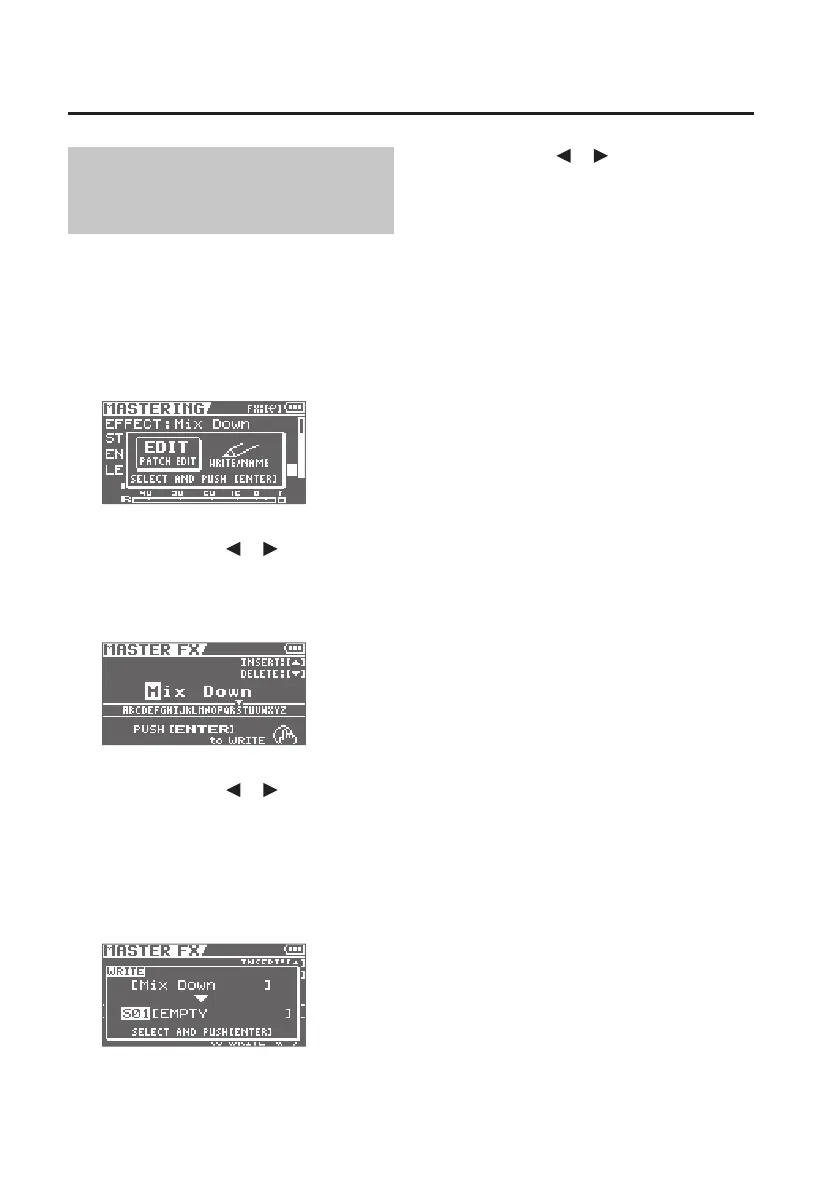
1. In the MASTERING screen, press the
[ENTER] button.
The Menu screen will appear.
2. Use the cursor [ ] [ ] buttons to
move the cursor to “WRITE/NAME,”
and press the [ENTER] button.
The Name screen will appear.
3. Use the cursor [ ] [ ] buttons and
the dial to enter a patch name.
4. When you’ve nished entering
the patch name, press the [ENTER]
button.
The WRITE screen will appear.
5. Use cursor [ ] [ ] buttons and
the dial to select the desired write-
destination mastering eect.
6. Once you’ve selected the destination
at which to write the mastering
eect, press the [ENTER] button.
A conrmation message will ask “Are you
sure?”
7. Press the [ENTER] button to save the
settings, or press the [EXIT] button if
you decide to cancel.
When the settings have been saved, you’ll
be returned to the MASTERING screen.



 To Next Page