Playback/Recording
93
Here’s how the sounds you’re performing in
eBand mode can be recorded as a separate
eBand song.
Using the GUITAR/MIC IN
Jack for Recording
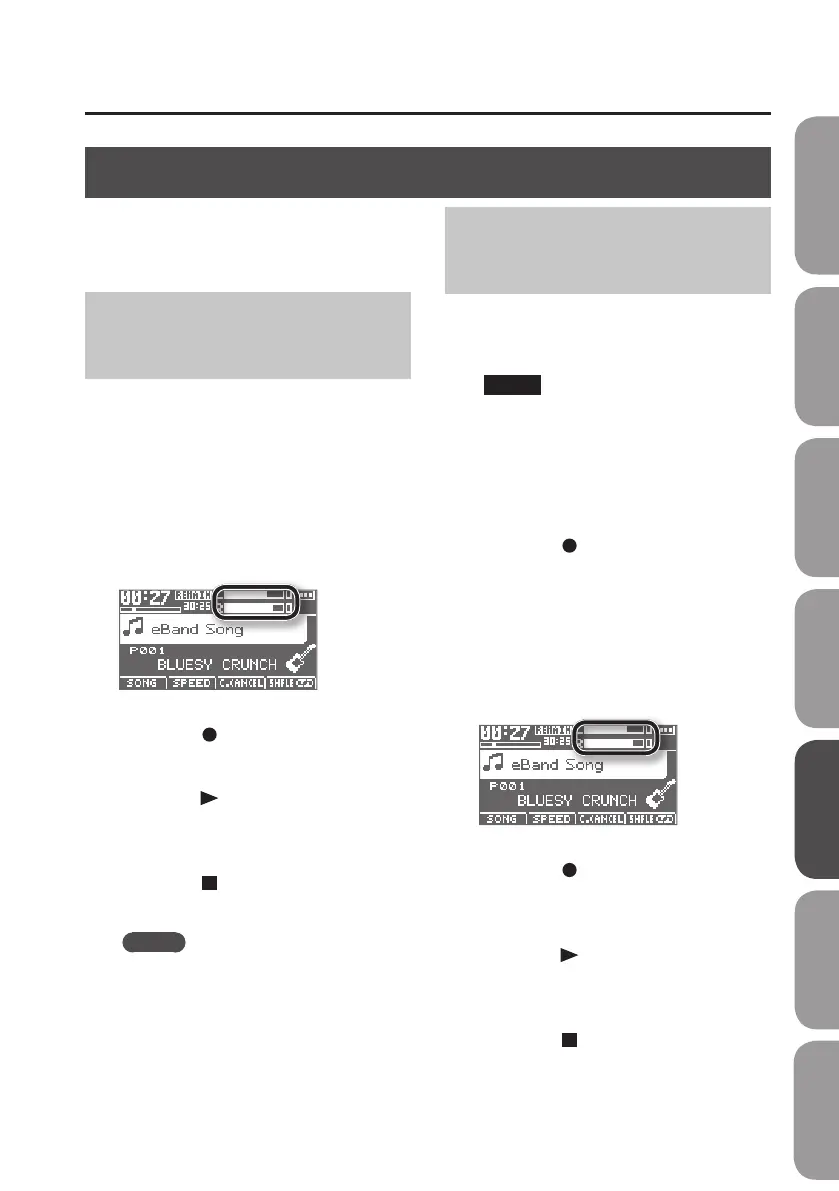
1. Connect the instrument you want to
record to the GUITAR/MIC IN jack
(p. 40).
2. Use the [REC LEVEL] dial to adjust the
recording level.
Adjust the loudness of the sound to be
recorded.
3. Press the [ ] (REC)button.
Recording will begin.
4. Press the [ ] (PLAY) button to start
song playback.
Perform along with the song.
5. Press the [ ] (STOP)button.
Recording will stop.
MEMO
• A song name such as SONG0001 will be
created automatically.
The 0001 portion will be the number
following the highest-numbered song
that exists.
• You can easily nd songs you’ve
recorded in the BR-80 by using the
“USER” category in the SEARCH function.
Recording with the Built-
in Microphones
If you want to use the built-in microphones,
don’t connect anything to the GUITAR/MIC
IN jack.
NOTE!
If you plan on listening to the sound
through monitor speakers while you
record, use due caution when placing
microphones, so their position and
distance relative to the speakers won’t
be the cause of acoustic feedback.
1. Press the [ ] (REC)button.
The BR-80 will enter recording-standby
mode.
2. Use the [REC LEVEL] dial to adjust the
recording level.
Adjust the loudness of the sound you’ll be
recording.
3. Press the [ ] (REC) button once
again.
Recording will start.
4. Press the [ ] (PLAY) button to start
song playback.
Perform along with the song.
5. Press the [ ] (STOP)button.
Recording will stop.
Recording
Quick Start Preparations LIVE REC Mode MTR Mode eBand Mode
Convenient Functions
Appendix



 To Next Page