Other Functions
99
5.
Use the cursor [ ] [ ] buttons to
move the cursor to the character that
you want to edit.
6. Turn the dial to select the desired
character.
Press the cursor [ ] button to insert one
character at the selected location.
Press the cursor [
] button to delete the
selected character.
7. Press the [ENTER] button.
A message will ask “Are you sure?”
If you decide to cancel the procedure, press
the [EXIT] button.
8. Press the [ENTER] button.
The name will be changed.
* While the data is being updated, the
display will indicate “Keep power on!”
Do not turn o the power while this
message is shown.
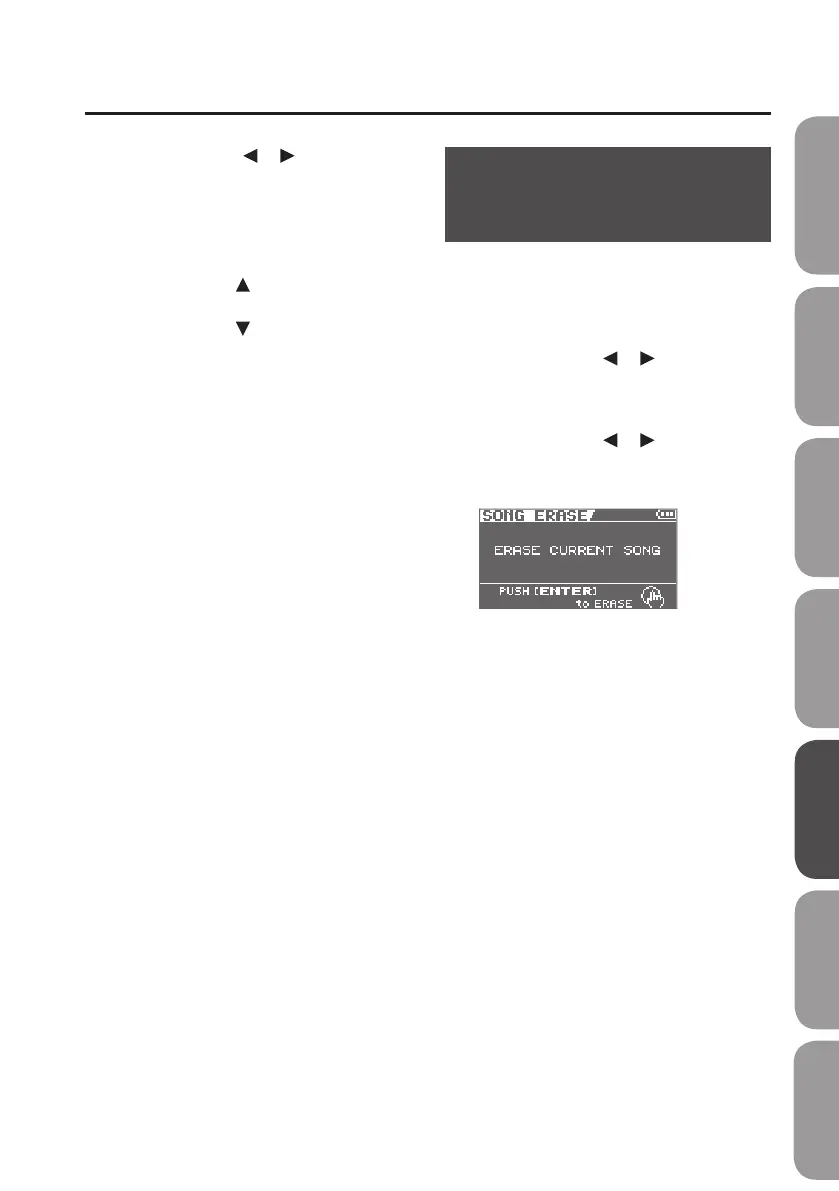
Erasing a Song
(SONG ERASE)
Here’s how to erase the currently selected
song.
1. Press the [MENU] button.
2. Use the cursor [ ] [ ] buttons to
move the cursor to “SONG,” and press
the [ENTER] button.
3. Use the cursor [ ] [ ] buttons to
move the cursor to “ERASE,” and press
the [ENTER] button.
4. Press the [ENTER] button.
A message will ask “Are you sure?”
If you decide to cancel the procedure, press
the [EXIT] button.
5. Press the [ENTER] button.
The song will be erased.
* While the data is being updated, the
display will indicate “Keep power on!”
Do not turn o the power while this
message is shown.
Quick Start Preparations LIVE REC Mode MTR Mode eBand Mode
Convenient Functions
Appendix



 To Next Page