Playback
96
Canceling Sounds in the
Center (CENTER CANCEL)
Here’s how you can minimize sounds that
are localized at the center.
1. Press the [TR5/6] (CENTER CANCEL)
button.
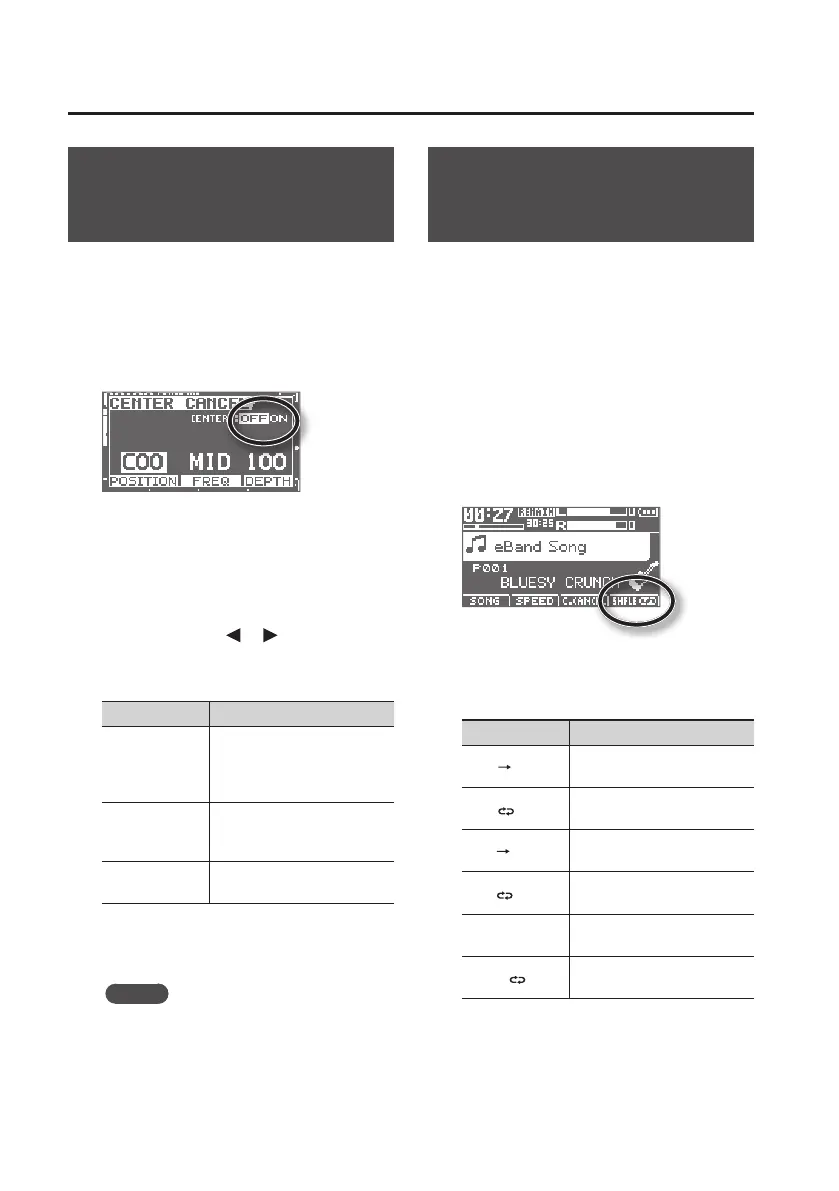
The CENTER CANCEL screen will appear.
2. Press the [ENTER] button to switch
CENTER CANCEL on/o.
It will turn on/o each time you press the
[ENTER] button.
3. Use the cursor [ ] [ ] buttons to
select a parameter, and use the dial
to edit the setting.
Parameter Explanation
POSITION
Specify the location in the
sound eld of the sound you
want to eliminate. L50: left,
C0: center, R50: right
FREQ
Specify the frequency range
of the sound you want to
eliminate.
DEPTH
Increasing this value will
make the eect stronger.
4. Press the [EXIT] button a number of
times to return to the basic screen.
MEMO
• It might not be possible to completely
eliminate certain types of sound.
• The playback will be monaural.
Specifying the Type of
Playback (PLAY MODE)
Here you can specify how the songs
will play back. You can choose the basic
play mode in which the songs play
consecutively starting from the rst song,
or play just the selected single song, or play
songs in random order (shue play).
1. Press the [TR7/8] (PLAY MODE)
button.
The play mode is indicated in the main
screen in the circled location of the
illustration.
Each time you press the [TR7/8] (PLAY
MODE) button, this parameter will be
switched in the following order.
PLAY MODE Explanation
ONE
The current song plays to the
end and stops.
ONE
Playback of the current song
is repeated.
LIST
Songs are played back in the
listed order.
LIST
Playback of songs in the list is
repeated.
SHFLE
Songs in the list are played
back in random order.
SHFLE
Playback of songs in list is
repeated in random order.



 To Next Page