114
Making Overall Settings
Adjusting the Input
Sensitivity (INPUT)
Here’s how to adjust the input sensitivity
of the GUITAR/MIC IN jack/Built-in
microphones.
* This setting is not available in LIVE REC
mode.
1. Press the [MENU] button.
2. Use the cursor [ ] [ ] buttons to
move the cursor to “INPUT,” and press
the [ENTER] button.
3. Use the dial to adjust the value.
4. Press the [EXIT] button a number of
times to return to the relevant screen
for the mode you’re in.
System Settings
(SYSTEM)
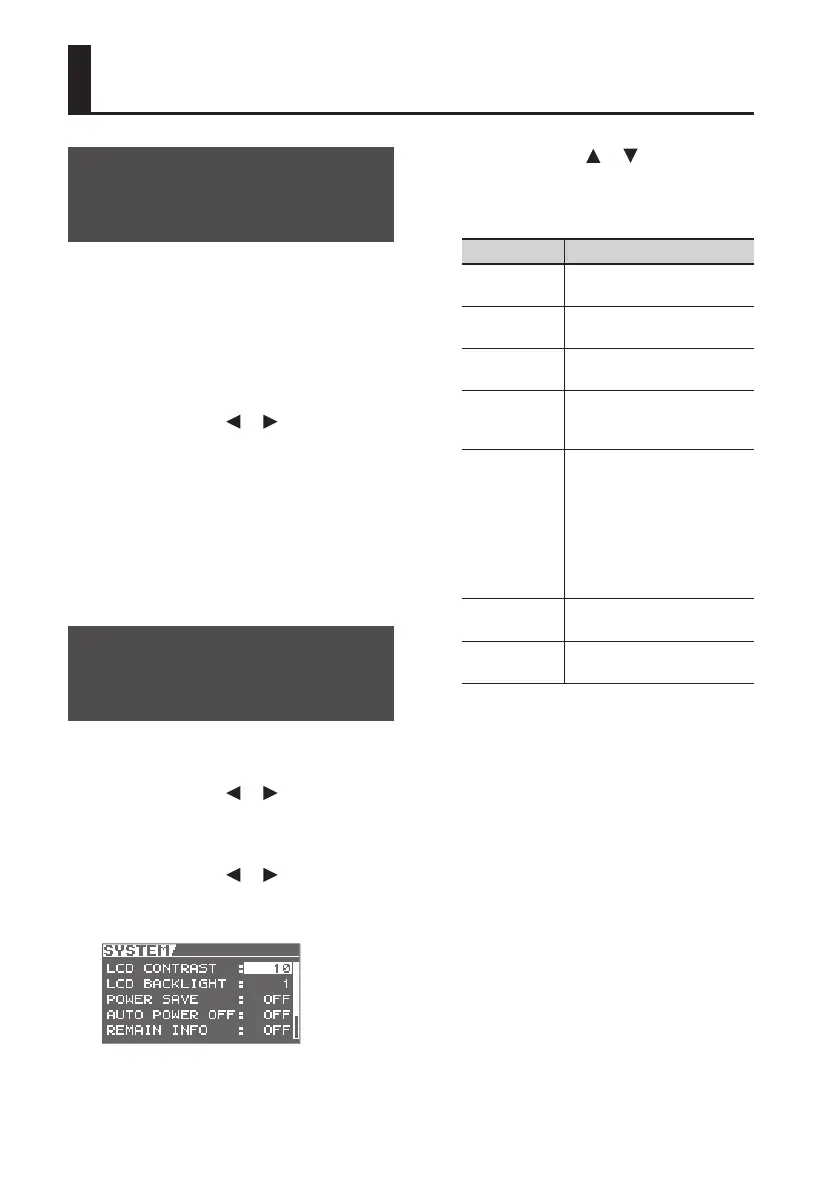
1. Press the [MENU] button.
2. Use the cursor [ ] [ ] buttons to
move the cursor to “FUNCTION,” and
press the [ENTER] button.
3. Use the cursor [ ] [ ] buttons to
move the cursor to “SYSTEM,” and
press the [ENTER] button.
4. Use the cursor [ ] [ ] buttons to
select a parameter, and use the dial
to edit the value.
Parameter Explanation
LCD
CONTRAST
Adjusts the contrast of the LCD
screen.
LCD
BACKLIGHT
Adjusts the brightness of the
LCD screen backlight.
POWER SAVE
Species the time after which
the backlight will be dimmed.
AUTO POWER
OFF
Species the time after which
the power will be automati-
cally turned o (p. 42).
REMAIN INFO
(MTR mode
only)
If you turn this ON, the
indication for the current time
will be switched so it indicates
the remaining available
recording time.
If you turn this OFF, the
indication will return to the
current time.
PATCH SYNC
Here you can turn the PATCH
SYNC function on/o (p. 98).
BATTERY
Species the type of battery
that is installed.
5. Press the [EXIT] button a number of
times to return to the relevant screen
for the mode you’re in.



 To Next Page