Using Rhythm
72
Changing the Drum
Sounds (Kit)
A drum performance typically uses a drum
set that contains a variety of percussion
instruments, such as kick drum and snare
drum, chosen to be appropriate for the
musical style.
The BR-80 contains nine such sets, which
are appropriate for dierent styles of music.
Each of these sets is called a “drum kit.”
A drum kit is a set of multiple rhythm
instrument sounds. The BR-80 contains nine
“preset drum kits.”
1. Press the [RHYTHM] button.
The RHYTHM screen will appear.
2. Press the [ENTER] button to enter
EDIT mode.
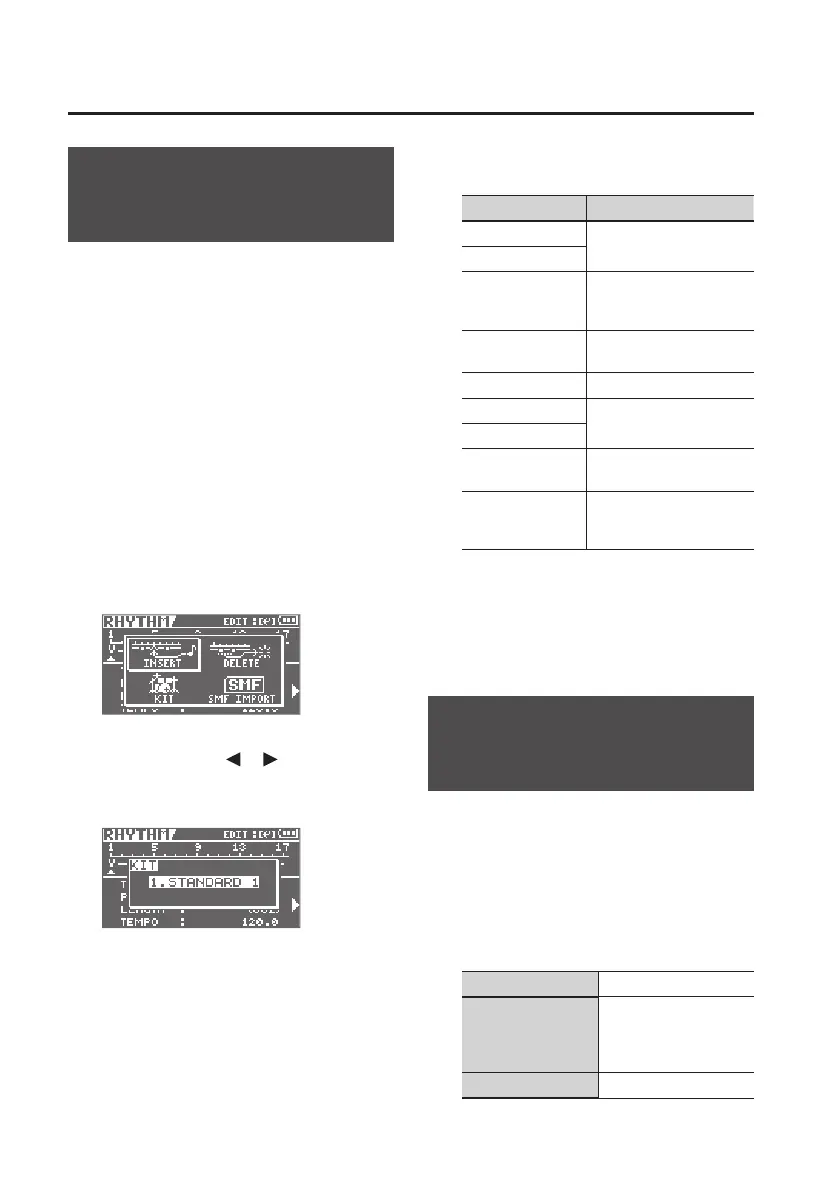
3. Use the cursor [ ] [ ] buttons to
move the cursor to “KIT,” and press
the [ENTER] button.
4. Turn the dial to select a drum kit.
Setting Explanation
1. STANDARD 1
Standard drum kits
2. STANDARD 2
3. ROOM
A drum kit with an
appropriate amount of
ambience
4. HARD
A drum kit suitable for
hard rock
5. JAZZ A drum kit suitable for jazz
6. HIP-HOP
A drum kit suitable for
dance music
7. HOUSE
8. REGGAE
A drum kit suitable for
reggae
9. 808
A drum kit based on the
classic Roland TR-808
rhythm machine
5. Press the [EXIT] button a number of
times to return to the Level Meter
screen.
Importing a Rhythm
from SMF (SMF IMPORT)
You can import SMFs stored on PC as
rhythm patterns. You can easily increase
your collection of rhythm patterns by
creating SMFs on your computer or other
device and copying them to SD cards.
In order to import the SMF, it must meet the
following conditions.
Format 0 or 1
File size
240 KB maximum (Note
that this will vary slightly
based on the SMF
content.)
Number of measure Up to 999 measures



 To Next Page