94
You can connect your guitar or microphone,
and perform along with the song that’s
playing back.
Selecting Songs (SONG)
Here’s how to select the song or rhythm
that you want to play.
1. Press the [TR1/2] (SONG) button.
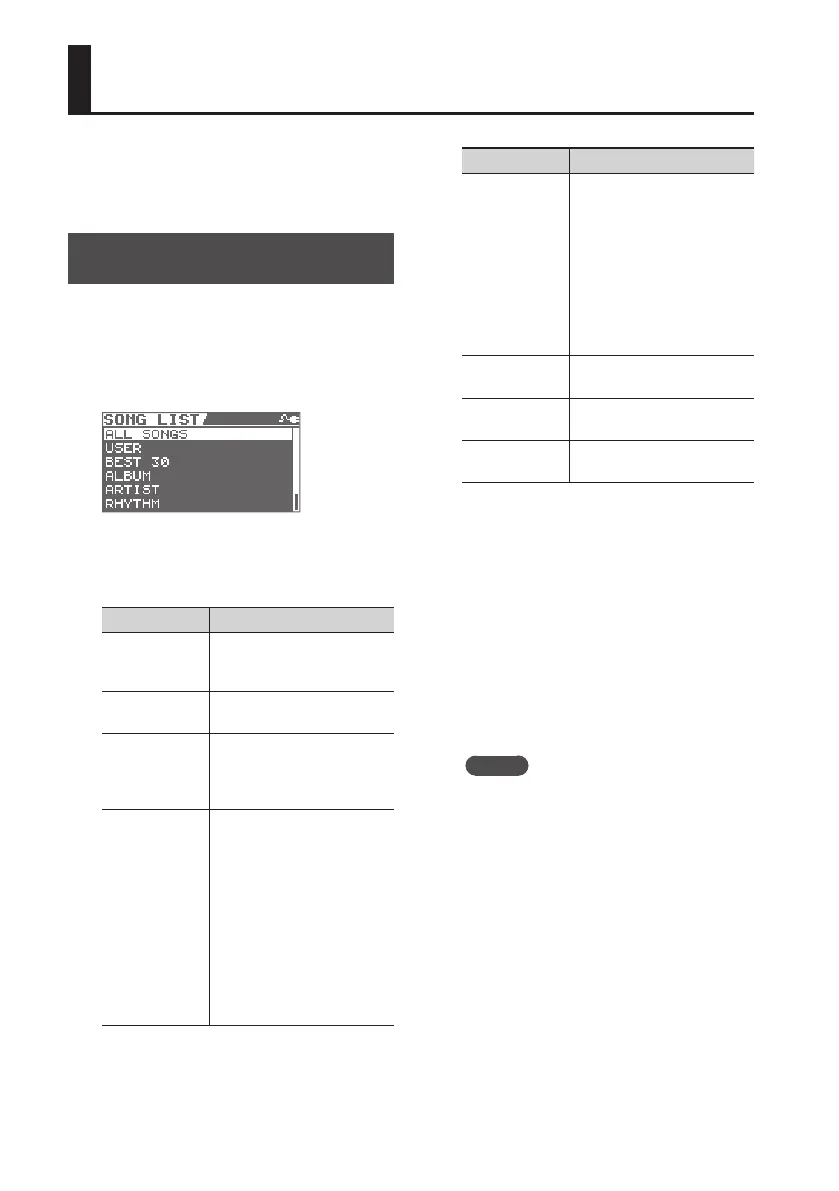
The SONG LIST screen will appear.
2. Select the search type with the dial
and press the [ENTER] button.
Search Type Explanation
ALL SONGS
Songs recorded with the
BR-80, registered album title
or artist name are listed.
USER
Songs recorded with the
BR-80 are listed.
BEST 30
Only the thirty favorite songs
are listed, if these songs have
already been ranked (1–30)
(p. 100).
ALBUM/ARTIST
Songs are listed by album
title (ALBUM) or artist name
(ARTIST).
* These headings are
available when album
titles and artist names are
registered to the songs. By
using the included eBand
Song List Editor (p. 107) you
can use your computer to
register and edit album
names and artist names.
Search Type Explanation
RHYTHM
Only short phrases (RHYTHM
LOOP) contained on the card
included with the BR-80 are
listed.
* By using the included
eBand Song List Editor
(p. 107) you can use your
computer to add your
favorite audio les as
rhythms.
MASTERING
Displays les created by
mastering in MTR mode.
LIVE REC
Displays les recorded in LIVE
REC mode.
PREVIOUS
SONG
Returns to the song that was
selected prior to recording.
3. Use the dial to select a song, and
press the [ENTER] button.
By using eBand Song List Editor you can
add songs and edit song data on your
computer.
For details on installation, refer to
“ReadmeEN.txt” on the included SD card.
For details on use, refer to the online help
included with the software.
MEMO
• The BR-80 can handle up to a maximum
of 4,000 songs.
• You can register up to 2,000 headings,
including those for Album Title, Artist
Name.
Playback



 To Next Page