63
Track Settings (
the Mixer Screen
)
The mixer screen lets you make settings for
each track.
In the mixer screen, use the cursor [
]
[ ] buttons to move through the various
settings in the following order.
Screen Page
Level Meter screen p. 63
TRACK LEVEL screen p. 63
TRACK PAN screen p. 64
TRACK MUTE&SOLO screen p. 64
TRACK EQ screen p. 64
REVERB SEND screen p. 65
V-TRACK screen p. 66
Viewing the Track
Levels (Level Meter)
This is the main screen for MTR mode.
To access this screen, press the [EXIT]
button a number of times.
MEMO
You can press the cursor [
] button to
switch to the TRACK LEVEL screen.
Adjusting the Volume
Balance (TRACK LEVEL)
Here you can adjust the volume of each
track.
1. Use the cursor [ ] [ ] buttons to
select a track.
2. Use the dial to adjust the track’s
volume.
MEMO
You can press the cursor [
] button to
switch to the level meter screen.
You can press the cursor [
] button to
switch to the TRACK PAN screen.
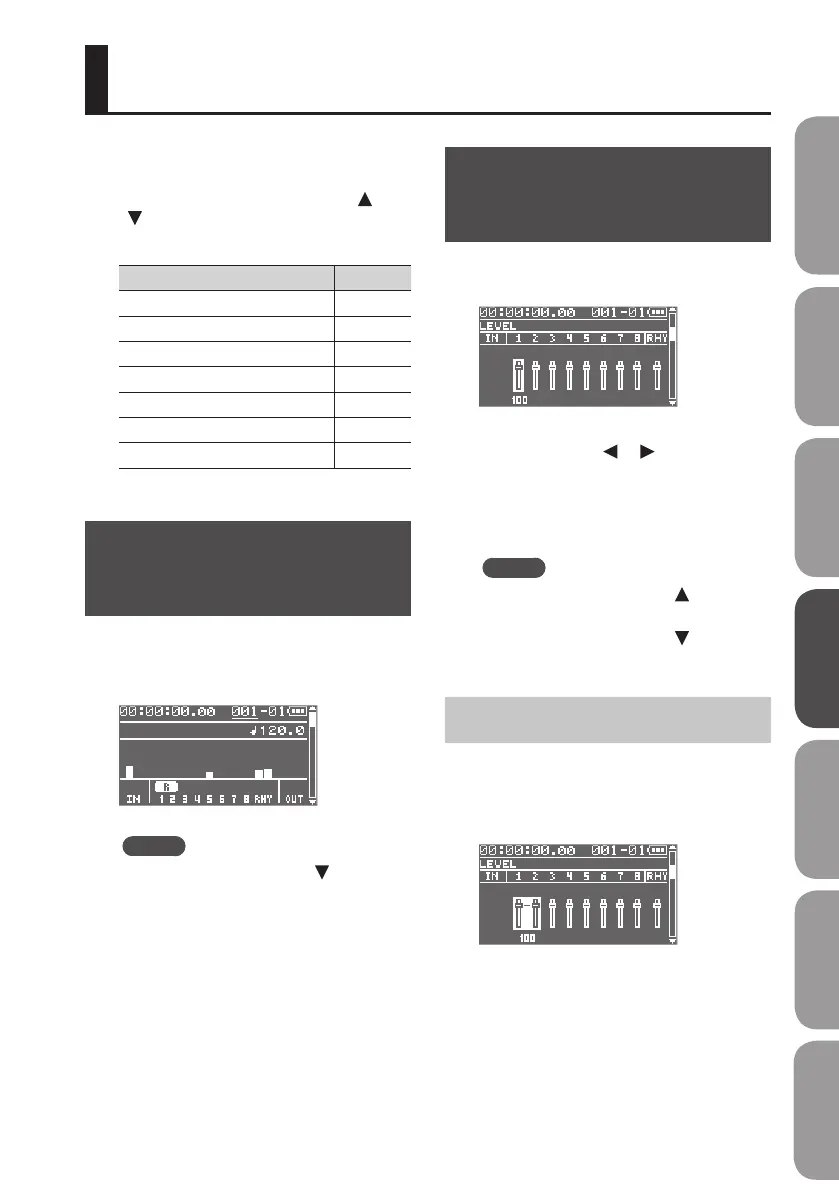
Creating a Stereo Track
In the TRACK LEVEL screen, press the
[ENTER] button to link the adjacent odd-
numbered and even-numbered tracks as
a pair.
You’ll be able to edit the settings of the two
tracks simultaneously.
Press the [ENTER] button once again to
disengage the stereo link.
Quick Start Preparations LIVE REC Mode MTR Mode eBand Mode
Convenient Functions
Appendix



 To Next Page