Recording/Playback
48
Specifying the Type of
Playback (PLAY MODE)
Here you can specify how the songs
will play back. You can choose the basic
play mode in which the songs play
consecutively starting from the rst song,
or play just the selected single song, or play
songs in random order (shue play).
1. Press the [TR7/8] (PLAY MODE)
button.
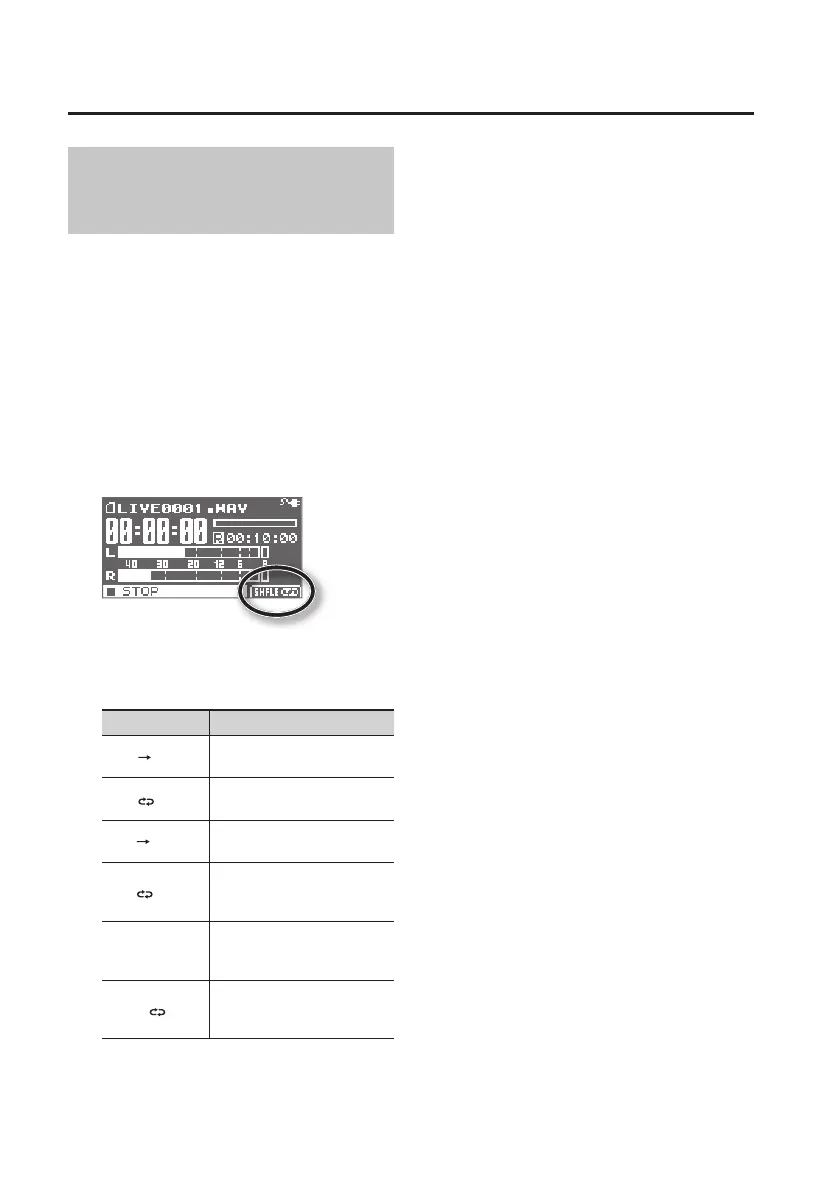
The play mode is indicated in the main
screen in the circled location of the
illustration.
Each time you press the [TR7/8] (PLAY
MODE) button, this parameter will be
switched in the following order.
Play Mode Explanation
ONE
The current song plays to the
end and stops.
ONE
Playback of the current song
is repeated.
LIST
All songs of LIVE REC mode
are played back in order.
LIST
All songs of LIVE REC mode
are played back in order,
repeatedly.
SHFLE
All songs of LIVE REC mode
are played back in random
order.
SHFLE
All songs of LIVE REC mode
are played back repeatedly, in
random order.



 To Next Page