Mastering
81
5. Make bounce settings.
Use the cursor [ ] [ ] buttons and the
dial to select the item that you want to edit,
and use the dial to edit the setting.
Parameter Explanation
DEST
Species the bounce-
destination V-track.
START
Species the location at which
bounce will start.
END
Species the location at which
bounce will end.
LEVEL
Species the volume of the
bounce-recorded V-track.
Set the volume level so it is as
high as you can get it without
causing the sound to distort.
6. Press the [ ] (REC) button.
The BR-80 will enter recording-standby
mode.
7. Press the [ ] (PLAY) button.
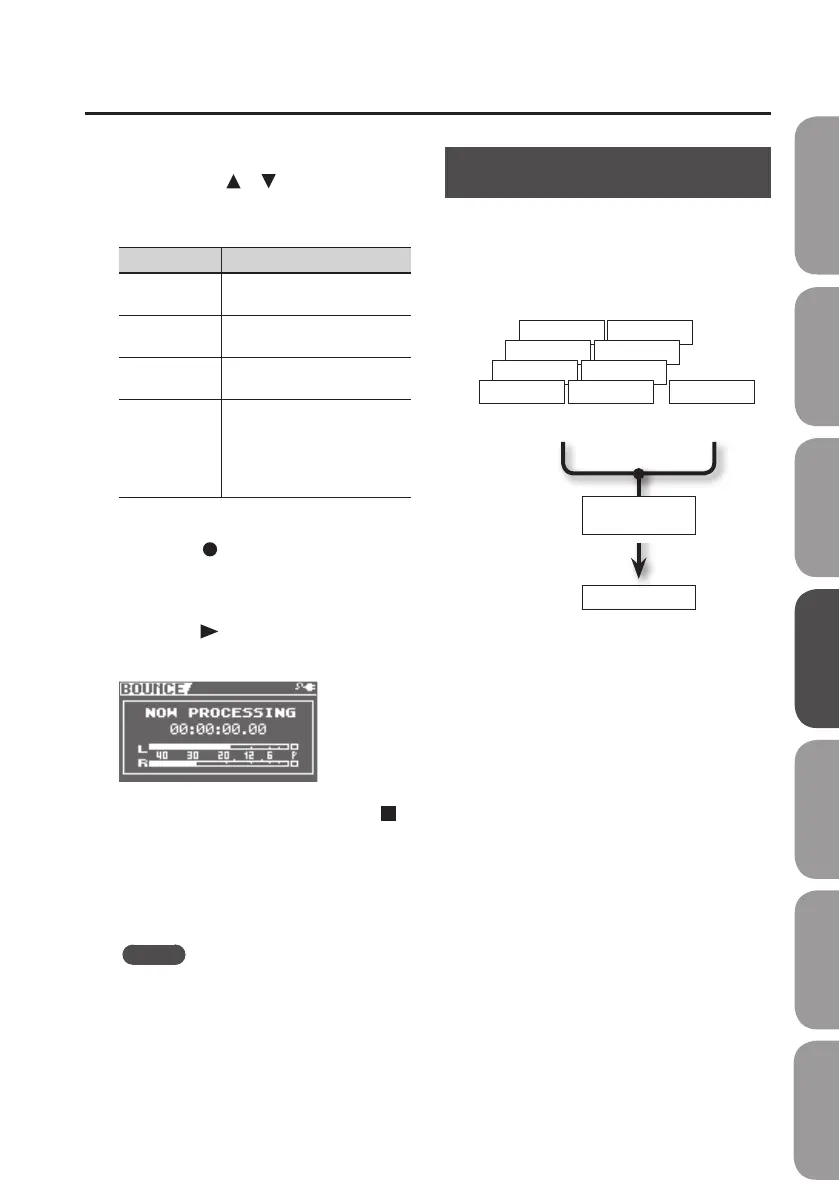
The bounce operation will begin.
If you decide not to bounce, press the [ ]
(STOP) button or the [EXIT] button.
When the bounce operation has been
completed, you’ll be returned to the level
meter screen.
MEMO
Bounce operation will stop
automatically upon reaching the time
set for END.
Mastering (MASTERING)
This chapter explains the process of mixing
down your recorded tracks onto WAV le
and applying a “mastering eect” to create
a nished song with the optimal volume
level.
Track 1–8
TRACK 4-V1
TRACK 3-V1
TRACK 2-V1
TRACK 1-V1
TRACK 8-V1
TRACK 7-V1
TRACK 6-V1
TRACK 5-V1 RHYTHM
WAV le
Rhythm
Mastering
eect
What is the mastering eect?
When creating a CD from your recorded
songs, it’s important to manage the overall
volume so that the loudest section of your
songs will stay within the available range of
the CD. However this will lower the overall
volume, causing the music to sound less
powerful.
Additionally, excessive sound in the low
frequency range that is dicult for the
human ear to hear can cause the level
meter to move all the way to the maximum
in spite of the fact that the actual sound
does not appear to be loud. This can also
make your music sound less powerful.
By using the mastering eect, you can
make the volume of your song more
consistent, and correct the balance of the
low-frequency range.
We recommend that you use the mastering
eect to add the nal touch to your song.
Quick Start Preparations LIVE REC Mode MTR Mode eBand Mode
Convenient Functions
Appendix



 To Next Page