Connecting the BR-80 to a Computer
107
Using BR Series Wave
Converter
By using “BOSS BR Series Wave Converter”
you can convert BR-80 audio data to WAV/
AIFF les, or convert WAV/AIFF les from
your computer to BR-80 audio data.
“BR Series Wave Converter” is on the
included SD card.
For details on where to nd “BOSS BR Series
Wave Converter,” refer to “ReadmeEN.txt” on
the included SD card.
Using eBand Song List
Editor
By using “eBand Song List Editor” you can
convert songs from a music CD to BR-80
audio data, convert WAV/AIFF les to BR-80
audio data, and edit song data stored on
the BR-80’s SD card.
“eBand Song List Editor” is provided on the
included SD card.
For details on where to nd “eBand Song
List Editor,” refer to “ReadmeEN.txt” on the
included SD card.
Saving Data on Your
Computer
Set the USB mode to STORAGE before you
connect the BR-80 to your computer (p. 104).
When your SD card has lled up, or if
you want to save important data on your
computer, you can create a backup. It’s a
good idea to make regular backups as a
safeguard against unexpected failure of
your SD card.
The following types of song data will be
backed up.
• MTR Mode song data
(Recorded data, Mixer status, Insert
eect song patches, Mastering eect
song patches, Rhythms, Loop eect)
• eBand Mode song data
• Live Rec Mode song data
• Mastered song data
1. Press the [EXIT] button to return to
the main screen.
2. Use a USB cable to connect the BR-80
to your computer.
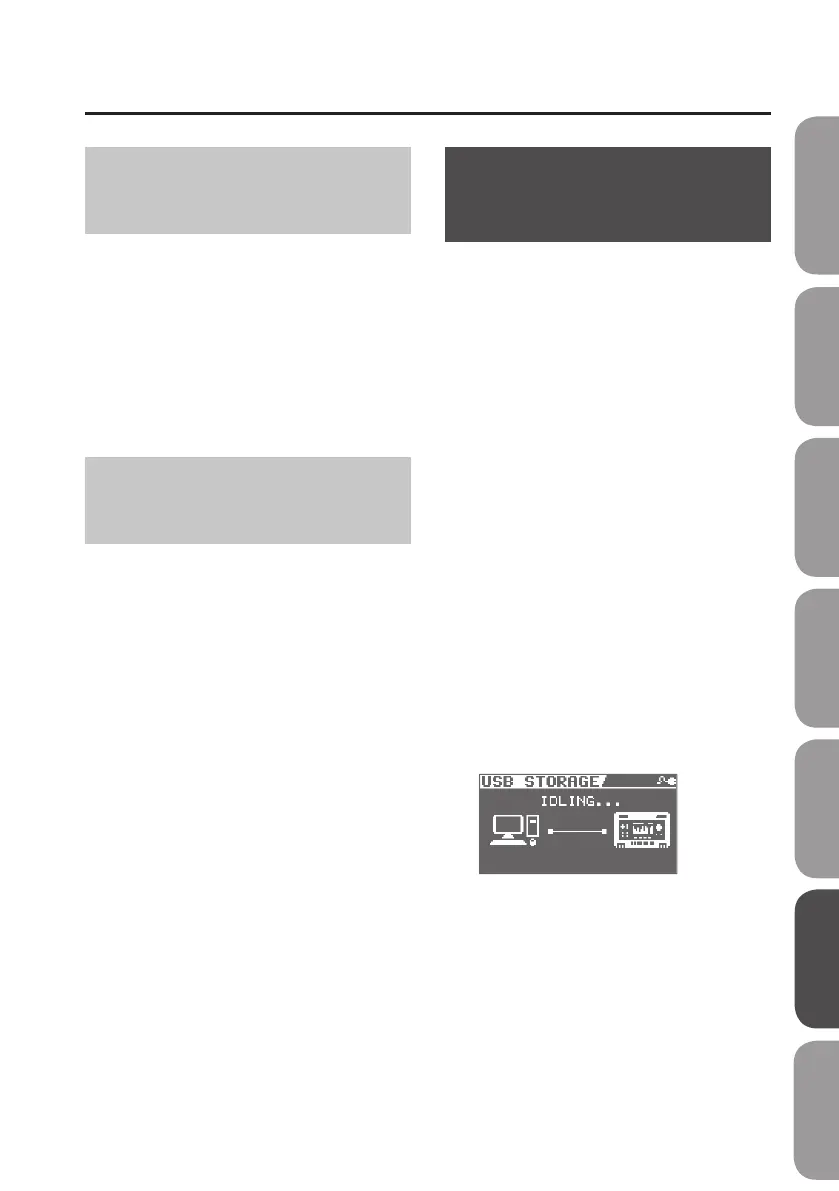
The IDLING screen will appear.
A “BR-80 eBand” icon (or a “removable disk
(*:)” icon) will appear on your computer.
* The following steps cannot be
performed if the IDLING screen is not
displayed. Set the BR-80’s USB mode to
STORAGE (p. 104).
Quick Start Preparations LIVE REC Mode MTR Mode eBand Mode
Convenient Functions
Appendix



 To Next Page