Practicing Along With
a Completed Song
(eBand Mode)
• The built-in microphones will turn o when you connect a cable to the GUITAR/MIC
IN jack.
• If you want to use the built-in microphones, don’t connect anything to the GUITAR/
MIC IN jack.
• The signal from LINE IN jack and USB connector is mixed with the input from GUITAR/
MIC IN jack or the built-in microphones, and then input to the recorder. Use the
controls of the connected devices to adjust the volume balance.
• To record only the sound arriving at the LINE IN jack and USB connector, turn the [REC
LEVEL] dial all the way down.
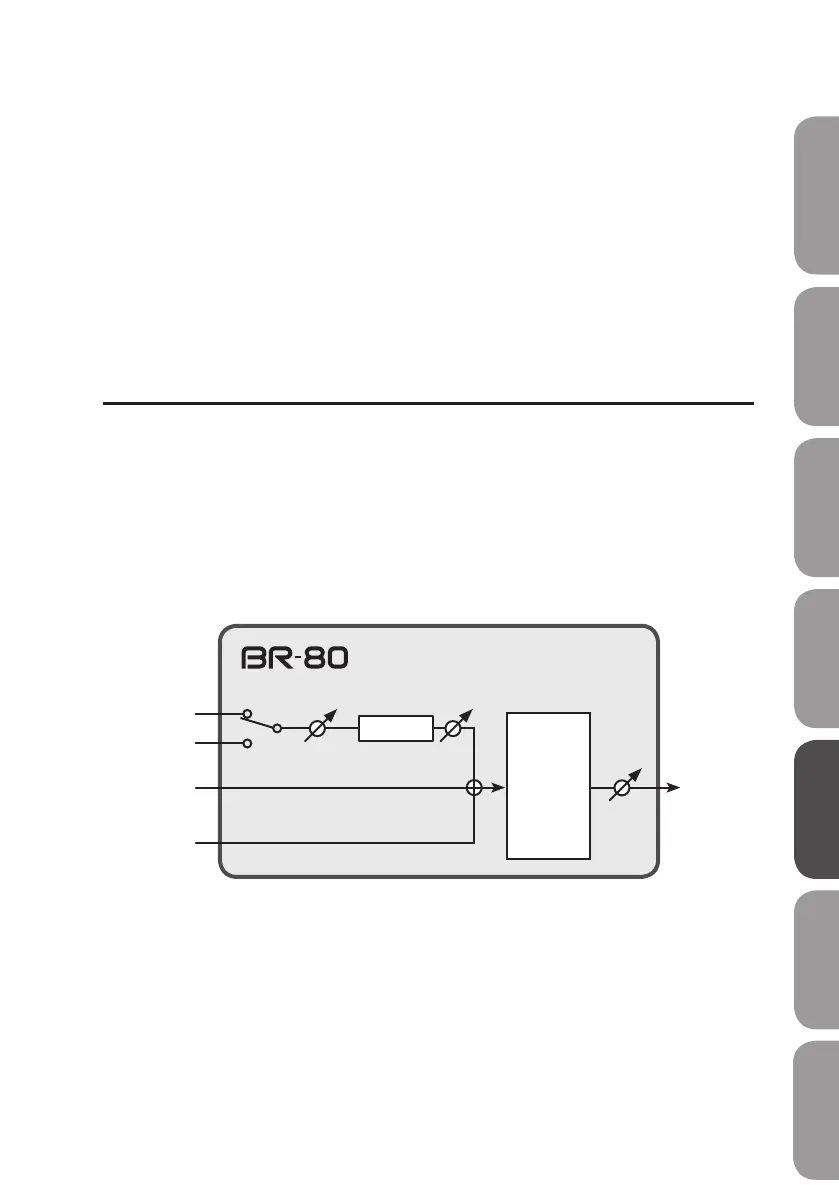
Audio signal ow in eBand mode
GUITAR/
MIC IN
LINE IN
USB
Recorder
Built-in
microphones
Eect
REC LEVELSENS
PHONES/
LINE OUT
VOLUME
PreparationsQuick Start LIVE REC Mode MTR Mode eBand Mode
Convenient Functions
Appendix



 To Next Page