Track Settings (the Mixer Screen)
65
Making Detailed EQ
Settings
1. In the TRACK EQ screen, press the
[ENTER] button.
A screen for detailed track EQ editing will
appear.
2. Use the cursor [ ] [ ] buttons to
select a track.
3. Use the cursor [ ] [ ] buttons to
select a parameter, and use the dial
to edit the value.
Parameter Value
ON/OFF OFF, ON
HIGH CUT 700Hz–11kHz, FLAT
HIGH GAIN -20dB–+20dB
MID FREQ 20Hz–10kHz
MID Q 0.5–16
MID GAIN -20dB–+20dB
LOW GAIN -20dB–+20dB
LOW CUT FLAT, 55Hz–800Hz
LEVEL -20dB–+20dB
4. Press the [EXIT] button to return to
the TRACK EQ screen.
Adjusting the Reverb
(REVERB SEND)
Here you can adjust the depth of
reverberation (reverb) for each track.
1. Use the cursor [ ] [ ] buttons to
select a track.
2. Use the dial to adjust the amount of
signal that’s sent to the reverb.
MEMO
You can press the cursor [
] button to
switch to the TRACK EQ screen.
You can press the cursor [
] button to
switch to the V-TRACK screen.
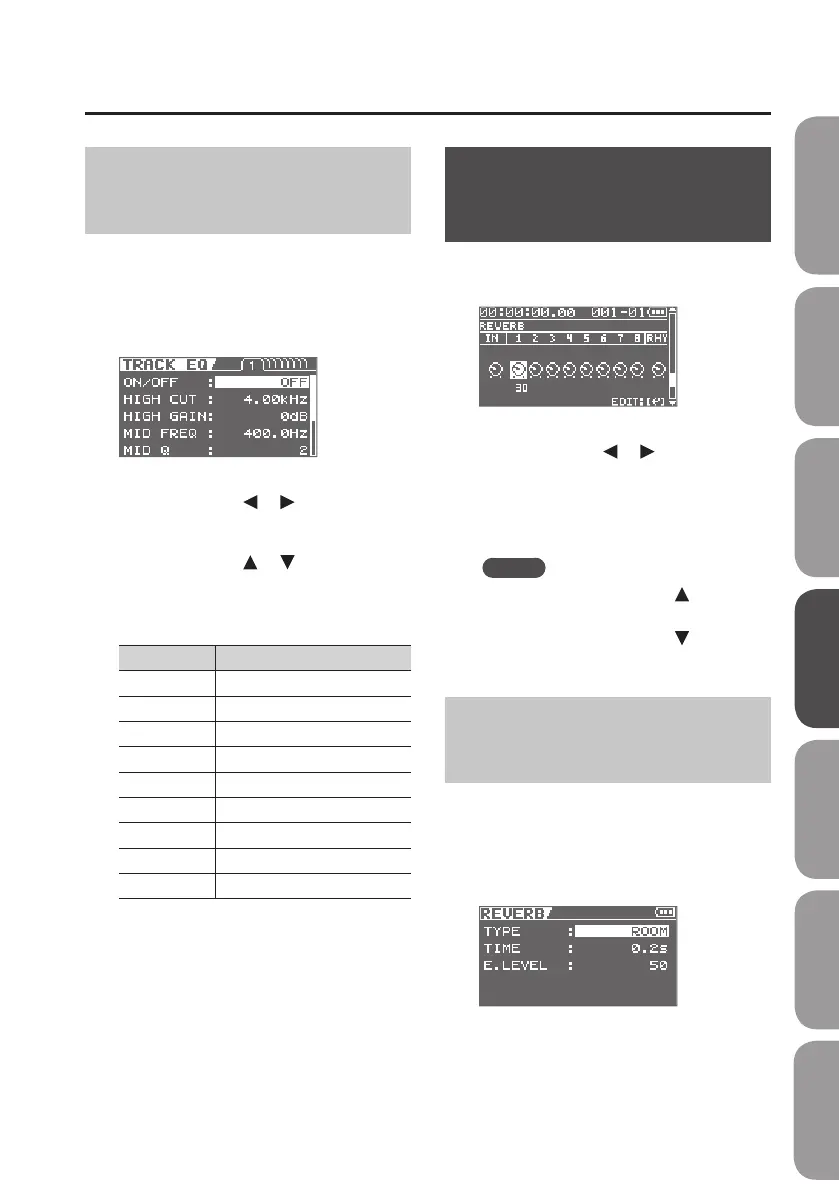
Making Detailed Reverb
Settings
1. In the REVERB SEND screen, press the
[ENTER] button.
A screen for detailed reverb editing will
appear.
Quick Start Preparations LIVE REC Mode MTR Mode eBand Mode
Convenient Functions
Appendix



 To Next Page