Other Functions
50
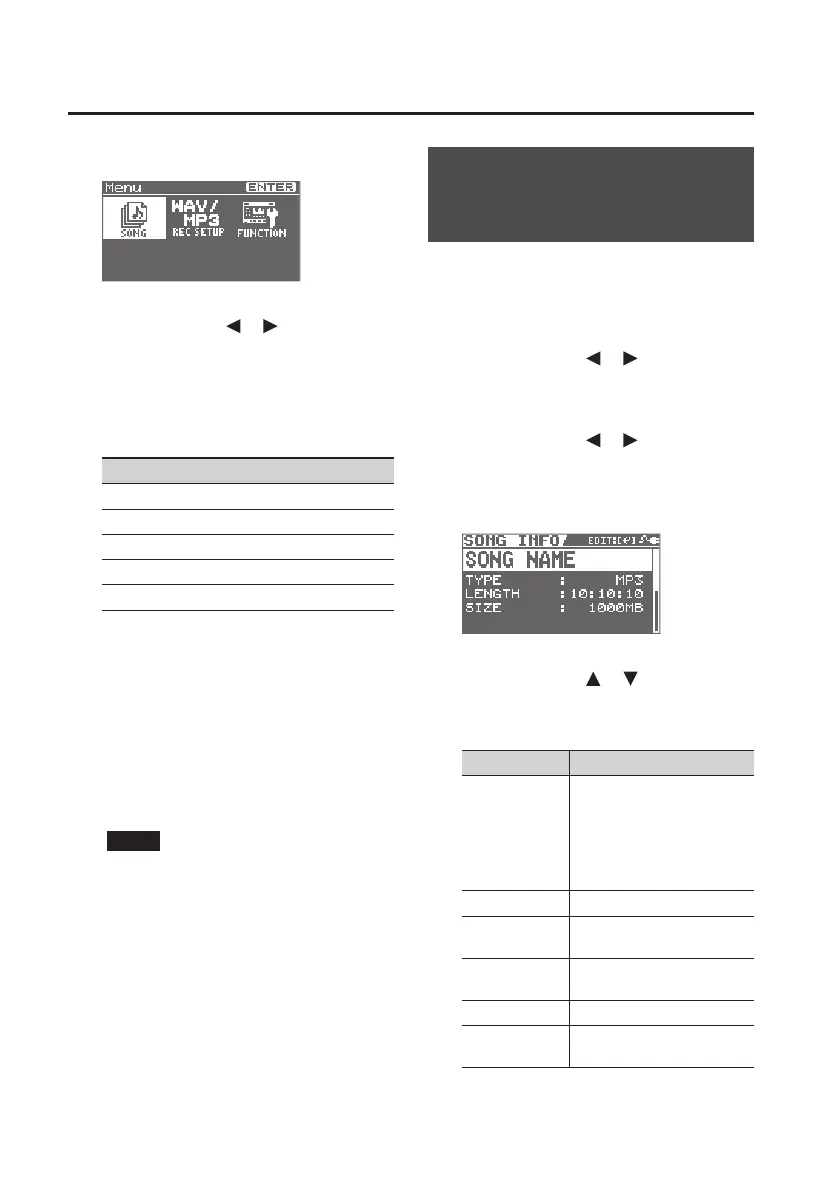
1. Press the [MENU] button.
2. Use the cursor [ ] [ ] buttons to
select “REC SETUP,” and press the
[ENTER] button.
3. Use the dial to specify the record
mode.
Record Mode
WAV
MP3-64kbps
MP3-128kbps
MP3-192kbps
MP3-320kbps
WAV les allow higher-quality recording
than MP3 les.
If you choose MP3, the le size will be
smaller than WAV, allowing you to record
for a longer length of time.
Higher bps values allow higher-quality
recording. However, this will produce a
larger le, so the available recording time
will be shorter.
NOTE
The following frequency is xed at 44.1
kHz.
4. Press the [EXIT] button a number of
times to return to the basic screen.
Making Settings for a
Song (SONG INFO)
Here’s how to view or edit information
about the song.
1. Press the [MENU] button.
2. Use the cursor [ ] [ ] buttons to
move the cursor to “SONG,” and press
the [ENTER] button.
3. Use the cursor [ ] [ ] buttons to
move the cursor to “INFO,” and press
the [ENTER] button.
The SONG INFO screen will appear.
4. Use the cursor [ ] [ ] buttons to
select a parameter, and use the dial
to edit the setting.
Parameter Explanation
NAME
Edits the song name.
Move the cursor to song
name and press the [ENTER]
button; you’ll switch to the
song name editing screen
(p. 51.)
TYPE Indicates the le type.
LENGTH
Indicates the length of the
song (time).
SIZE
Indicates the size (le size) of
the song.
LEVEL Species the song’s volume.
PROTECT
Turns protection on/o for
the song.



 To Next Page