Track Settings (the Mixer Screen)
64
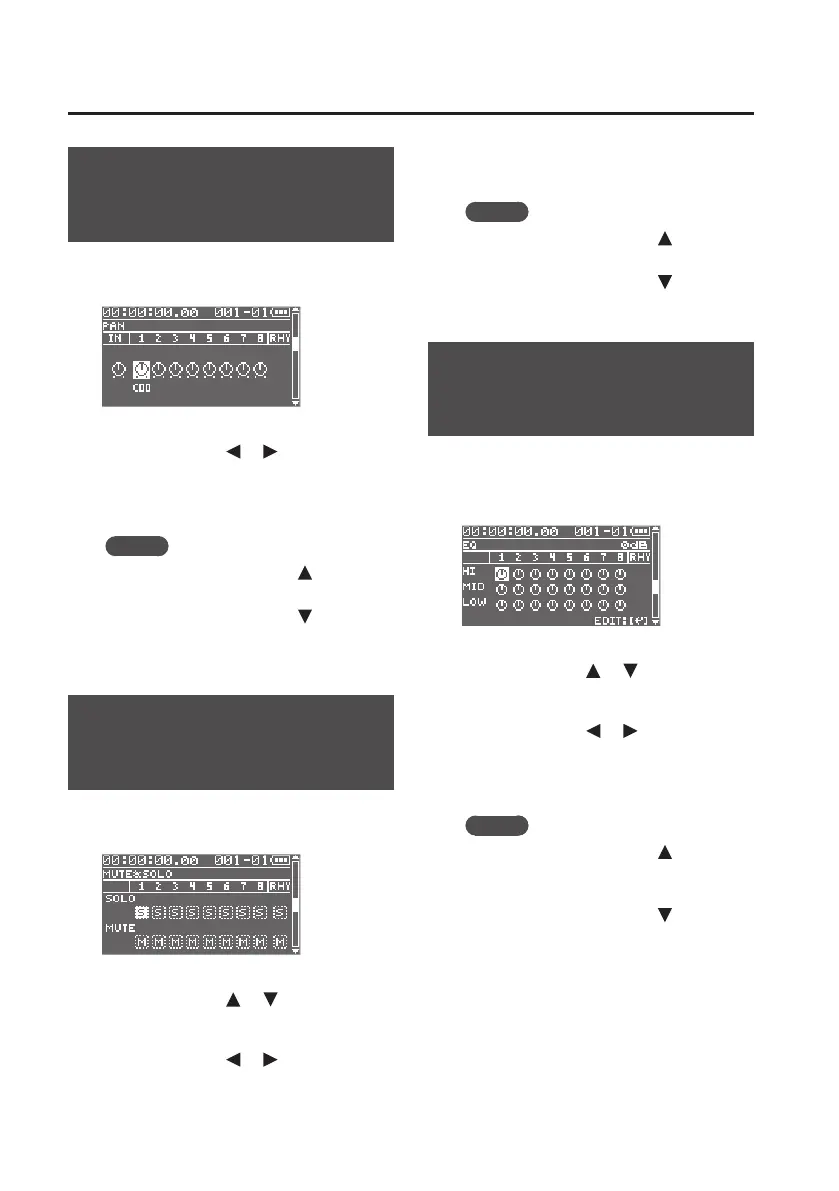
Adjusting the Stereo
Position (TRACK PAN)
Here you can adjust the left/right position
of each track.
1. Use the cursor [ ] [ ] buttons to
select a track.
2. Use the dial to adjust the pan.
MEMO
You can press the cursor [
] button to
switch to the TRACK LEVEL screen.
You can press the cursor [
] button
to switch to the TRACK MUTE & SOLO
screen.
Mute and Solo Settings
(TRACK MUTE & SOLO)
Here you can mute (silence) or solo each
track.
1. Use the cursor [ ] [ ] buttons to
select SOLO or MUTE.
2. Use the cursor [ ] [ ] buttons to
select a track.
3. Use the dial to turn solo or mute on/
o.
MEMO
You can press the cursor [
] button to
switch to the TRACK PAN screen.
You can press the cursor [
] button to
switch to the TRACK EQ screen.
Adjusting the Tone
(TRACK EQ)
Here you can adjust the tone of each track.
The EQ (equalizer) lets you adjust the high,
mid, and low ranges.
1. Use the cursor [ ] [ ] buttons to
select HI, MID, or LOW.
2. Use the cursor [ ] [ ] buttons to
select a track.
3. Use the dial to adjust the tone.
MEMO
You can press the cursor [
] button
to switch to the TRACK MUTE & SOLO
screen.
You can press the cursor [
] button to
switch to the REVERB SEND screen.



 To Next Page