67
Using Eects
The BR-80 has independent processors for
four dierent kinds of eects: insert eects,
reverb (p. 65), track EQ (p. 64), and mastering
eects (p. 81).
Eect Patches and
Categories
By calling up “eect patches,” you can
switch the eects used by the insert eect
and the parameters of each eect.
The BR-80 provides a variety of eect
patches suitable for use with vocals and a
variety of instruments. These eect patches
are organized by their type into seven
“categories.”
Preset patches
Preset patches contain pre-programmed
patch data. You can select and edit a preset
patch, and then save your changes as a user
patch or song patch.
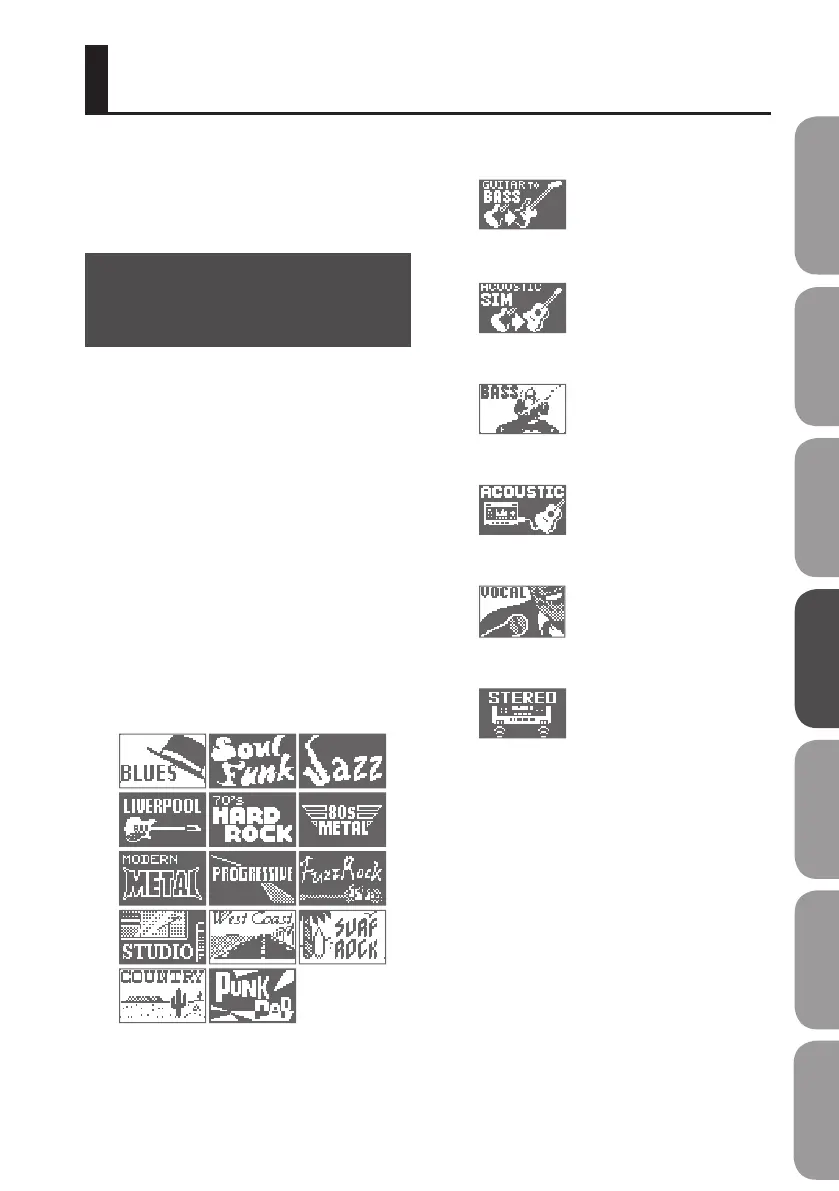
For Guitar
Guitar to Bass
Acoustic Simulator
For Bass
A. Guitar Multi
For Vocal
For Built-in Microphone
User patches
User patches let you store your edited
patches in internal memory. If you’ve
created a patch that you want to use in
another song as well, you should save it as
a user patch.
Song patches
Song patches let you store your edited
patches on an SD card together with the
song data. This is convenient when you
want a patch that you used when recording
the performance to be saved together with
the song.
Quick Start Preparations LIVE REC Mode MTR Mode eBand Mode
Convenient Functions
Appendix



 To Next Page