25
Tips for Recording
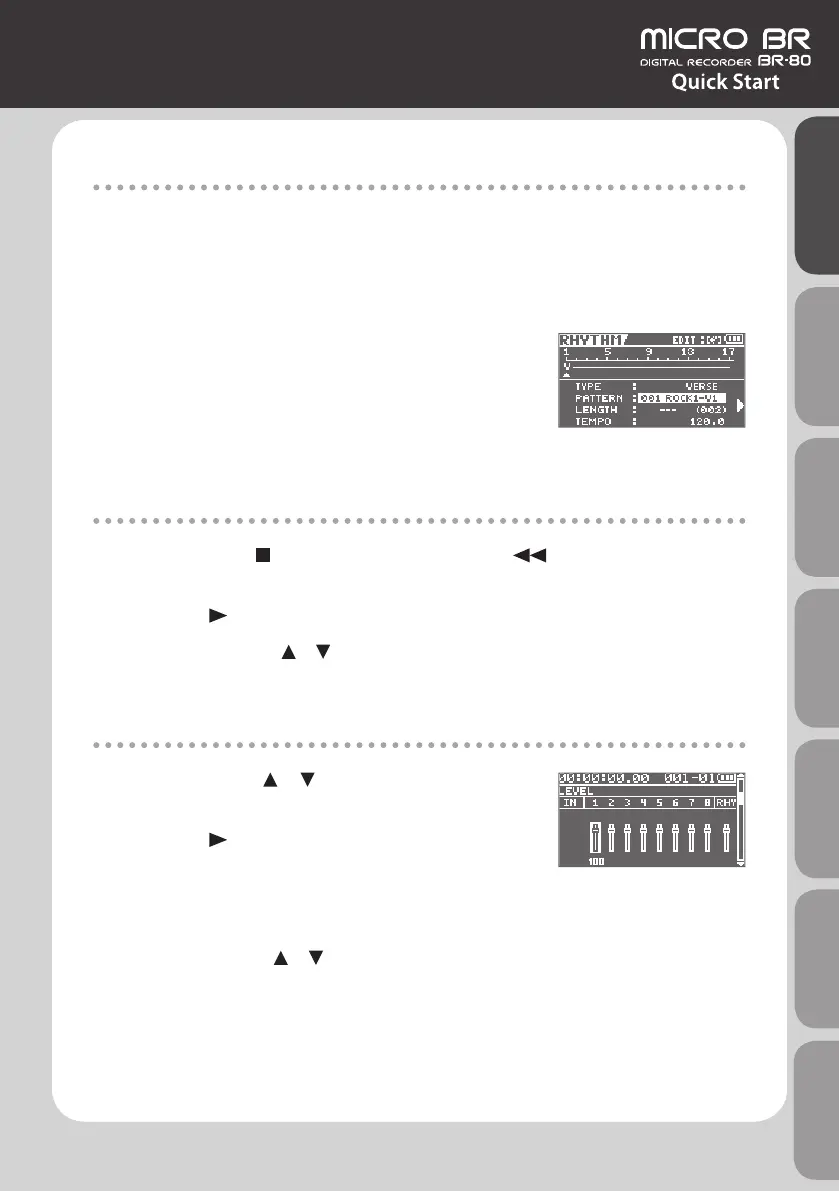
Setting the tempo
Here’s how to adjust the tempo of the rhythm that sounds during recording and playback.
1. Press the [RHYTHM] button.
2. Use the cursor buttons to move the cursor to “TEMPO,”
and use the dial to set the tempo.
You can set the tempo in the range of 25.0–250.0.
3. Press the [EXIT] button a number of times to return to
the Mixer screen.
Play Back
1. Hold down the [ ] (STOP) button and press the [ ] button to return to the
beginning of the song.
2. Press the [ ] (PLAY) button to start playback.
If you press the cursor [ ] [ ] buttons to access the TRACK SOLO&MUTE screen (p. 64), you’ll
be able to make solo and mute settings for each track.
Adjusting the Volume Balance of the Tracks
1. Press the cursor [ ] [ ] buttons to access the TRACK
LEVEL screen.
2. Press the [ ] (PLAY) button to start playback.
3. Use the cursor buttons to select the track whose
volume you want to adjust, and use the dial to adjust
the volume.
If you use the cursor [ ] [ ] buttons to switch screens, you can also adjust PAN
(p. 64), EQ (p. 64), and reverb send (p. 65).
Quick Start Preparations LIVE REC Mode MTR Mode eBand Mode
Convenient Functions
Appendix



 To Next Page