7-40 Changing Objects
This sample label demonstrates both justification and position.
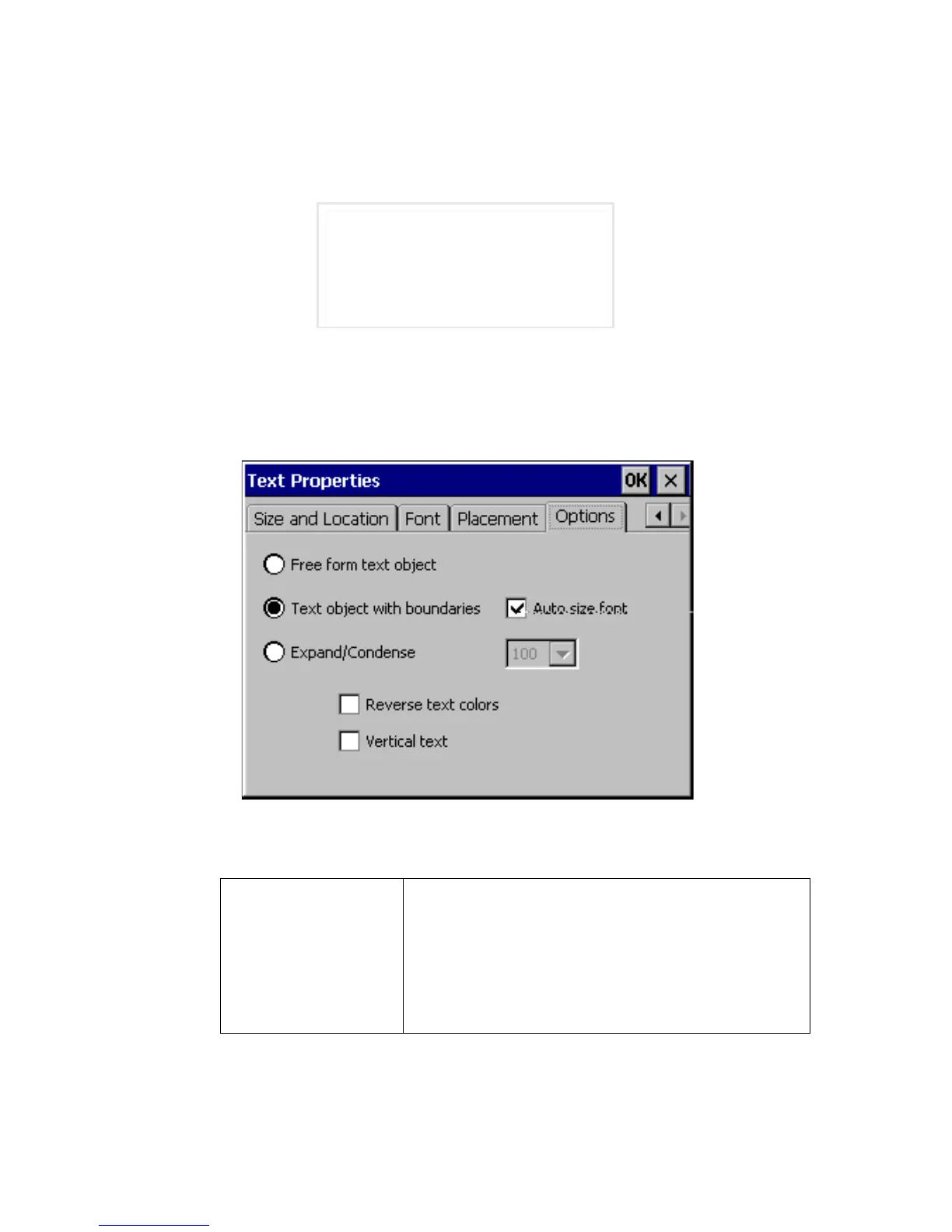
Setting options on the Options tab
Use the options on the object Text Properties screen’s Options tab to set various
text object properties:
Figure 7-22. The Text Properties Option tab.
The options are:
Free form text
object
Choose to indicate that the selected text is a free
form text object, which means that the object size is
based on the amount and the size of the text inside.
If you change the amount of text inside, the object
size changes too. This type of text object is the
opposite of a text object with boundaries.
Left-justified text, top position
Right-justified text, bottom position
Centered text, middle position



 To Next Page