12-6 Placing Your System Online
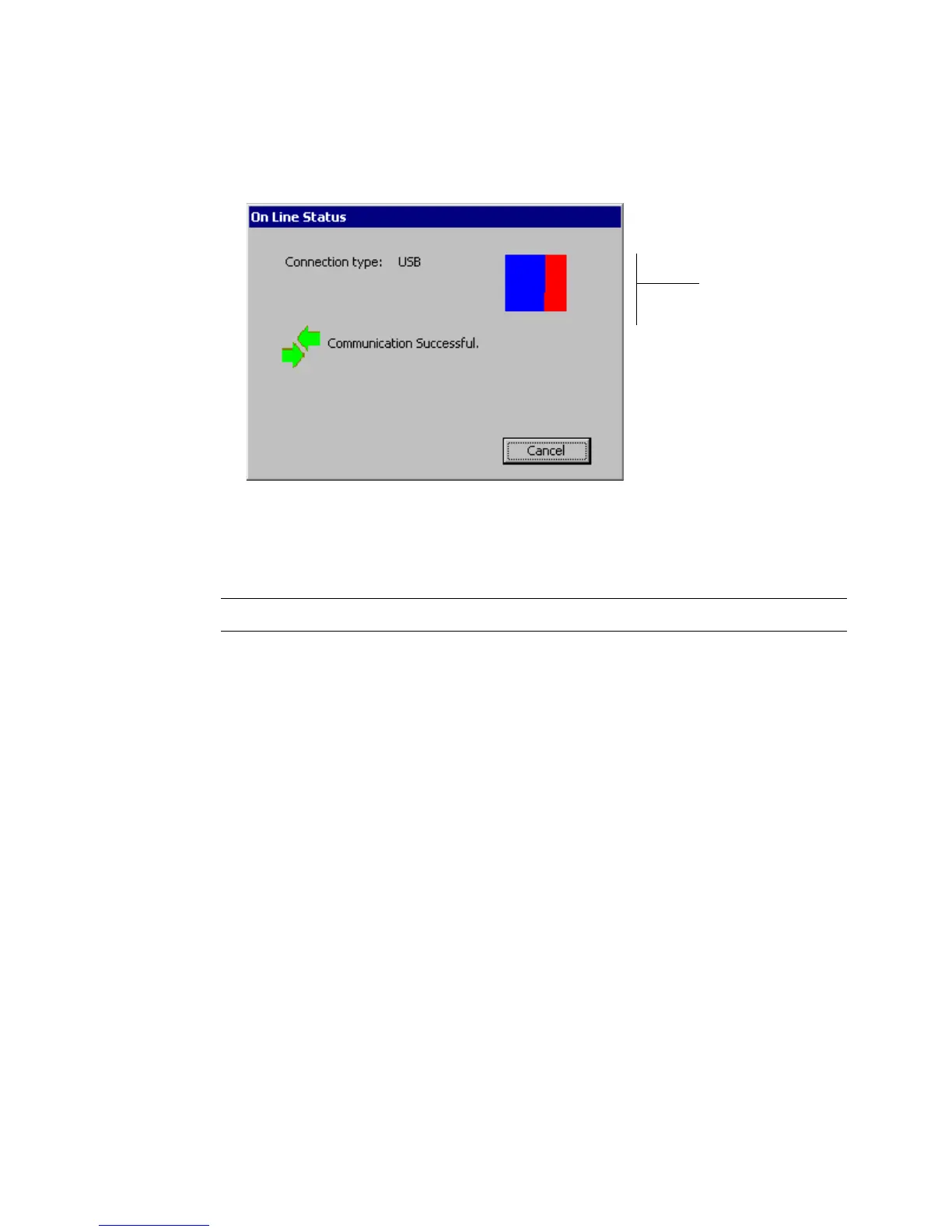
You’ll see the Online Status screen, which displays the connection type and a
progress box that indicates you are receiving print data from the PC:
Image
refreshes to
indicate
transmission
of print data
from PC
Figure 12-3. The Online Status screen.
You can now print to your label printing system from MarkWare or transfer files
using the File Management Utility.
Note: You can press Cancel to stop the data transfer and cancel the print job.



 To Next Page