Programmable DC Power Supply (with Solar Array Simulation) 62000H Series
Operating & Programming Manual
Table 3-8
Suggest Model or Capacity
HP 34401A or equivalent DVM
Prodigit 7550 or ULTRASTAB
SATURN or equivalent
CHROMA 63204 or equivalent
1. The table above lists the BREAKER capacity for the 62150H-600S
only. For the applicable BREAKER capacity for other models, see the
specifications for OUTPUT CURRENT in
Table 1-1.
2. Use the ULTRASTAB SATURN to do the calibration for the
3.3.7.3.2 SETUP
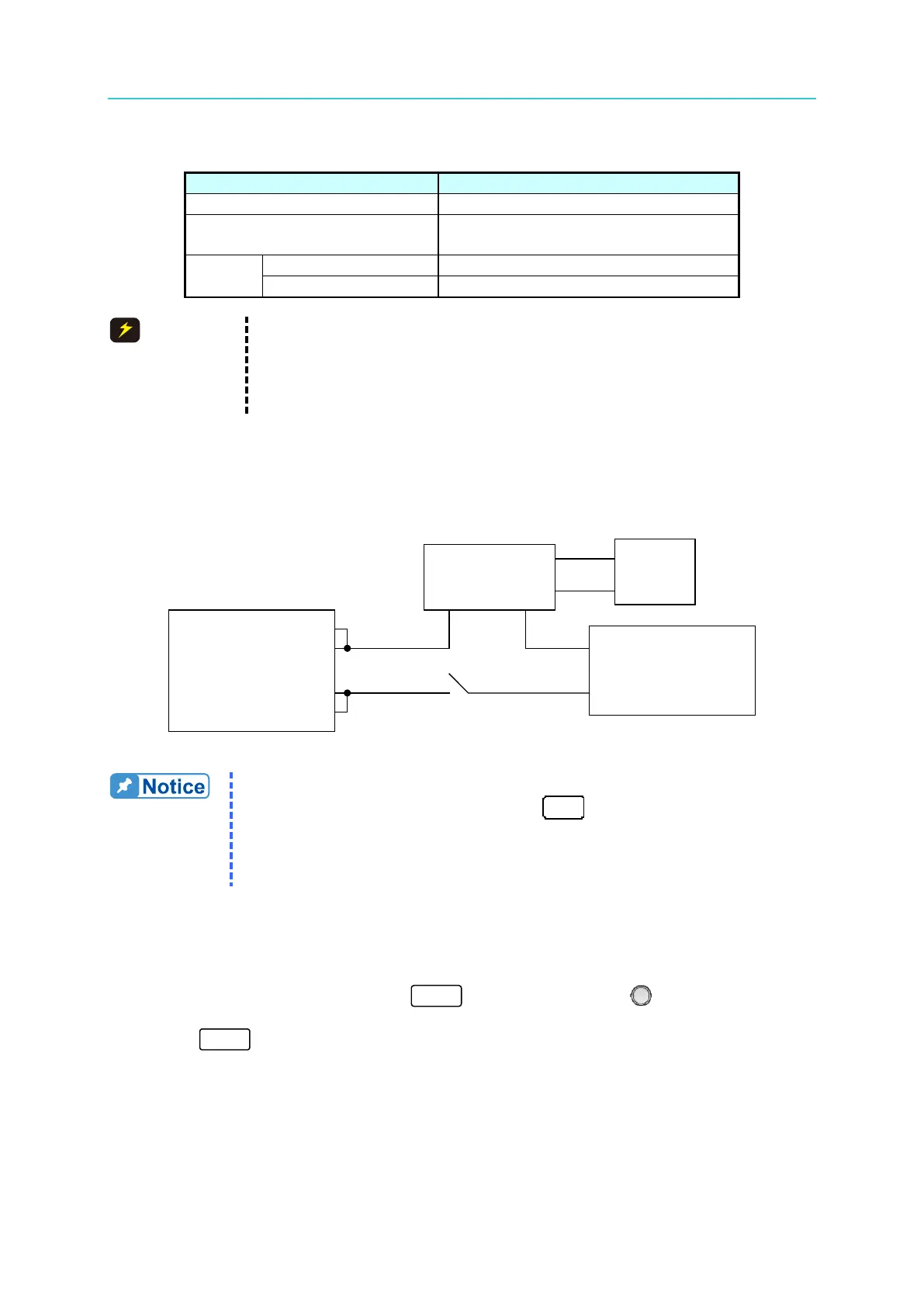
Figure 3-117 shows the wiring connections.
Current Shunt
Electronic Load
Figure 3-117
1. Calibrate the offset voltage of the ULTRASTAB SATURN before using
it for the current calibration. Press “
” and the DVM panel digits
will reset and show “Math” for the current calibration.
2. Key in at least 5 digits for each calibration point to ensure the Power
Supply accuracy after calibration.
3.3.7.3.3 Calibration Procedure (Example: Model 62150H-600)
1. Set the Electronic Load to CV mode 48V.
2. In the CALIBRATION page, press “ ” or turn the “Rotary” ( ) knob to set
CHOICE=3.
3. Press “ to display the current calibration options as shown in Figure 3-118.








 To Next Page