74
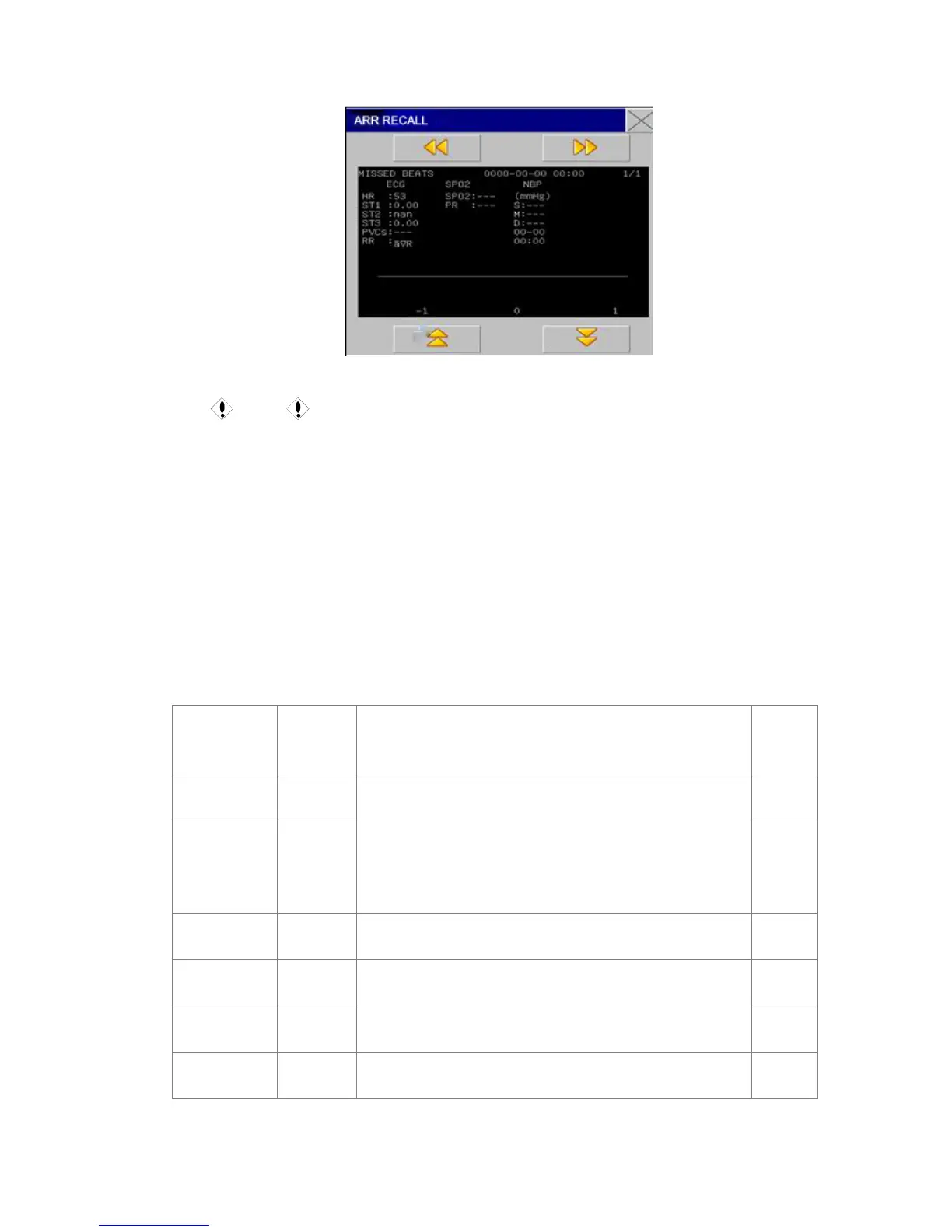
Fig 10-12 Arrhythmia Waveform Review Window
Caution
In the event that the number of arrhythmia event is more than 200, the monitor will
retain the latest instead of the earliest. As for the monitor with the power-fail saving
function, it can save 200 arrhythmia events with power-fail.
Arrhythmia Alarm
In case of arrhythmia, the system will give an alarm sound. If “Alarm Switch” is ON, the system
will give an alarm sound and the indicator light; if “Alarm Record Switch” is ON, the alarm
record will be outputted (ECG waveform of channels analyzed 4 seconds before and after
alarming).
The alarm or prompt message related to arrhythmia analysis is as shown in the following table.
Physical alarms:
Prompt
Message
Applied
Patient
Type
Conditions
Alarm
Level
Asystole Full No QRS waveforms successivefully for 4 seconds
Selectabl
e by users
VFIB/VTAC No pacing
F Wave successively for 4 seconds or the continuous
ventricular beats are greater than the number upper limit of
serial ventricular beats (≥5pcs), of which R-R time is smaller
than 600ms.
Selectabl
e by users
Multiple PVS No pacing
The number of serial PVS greater than or equal to 3 and
smaller than 5.
Selectabl
e by users
Two PVS No pacing Two continuous PVS
Selectabl
e by users
PVS bigeminy No pacing PVS bigeminy
Selectabl
e by users
PVS trigeminy No pacing PVS trigeminy
Selectabl
e by users



 To Next Page