73
patient’s arrhythmia information.
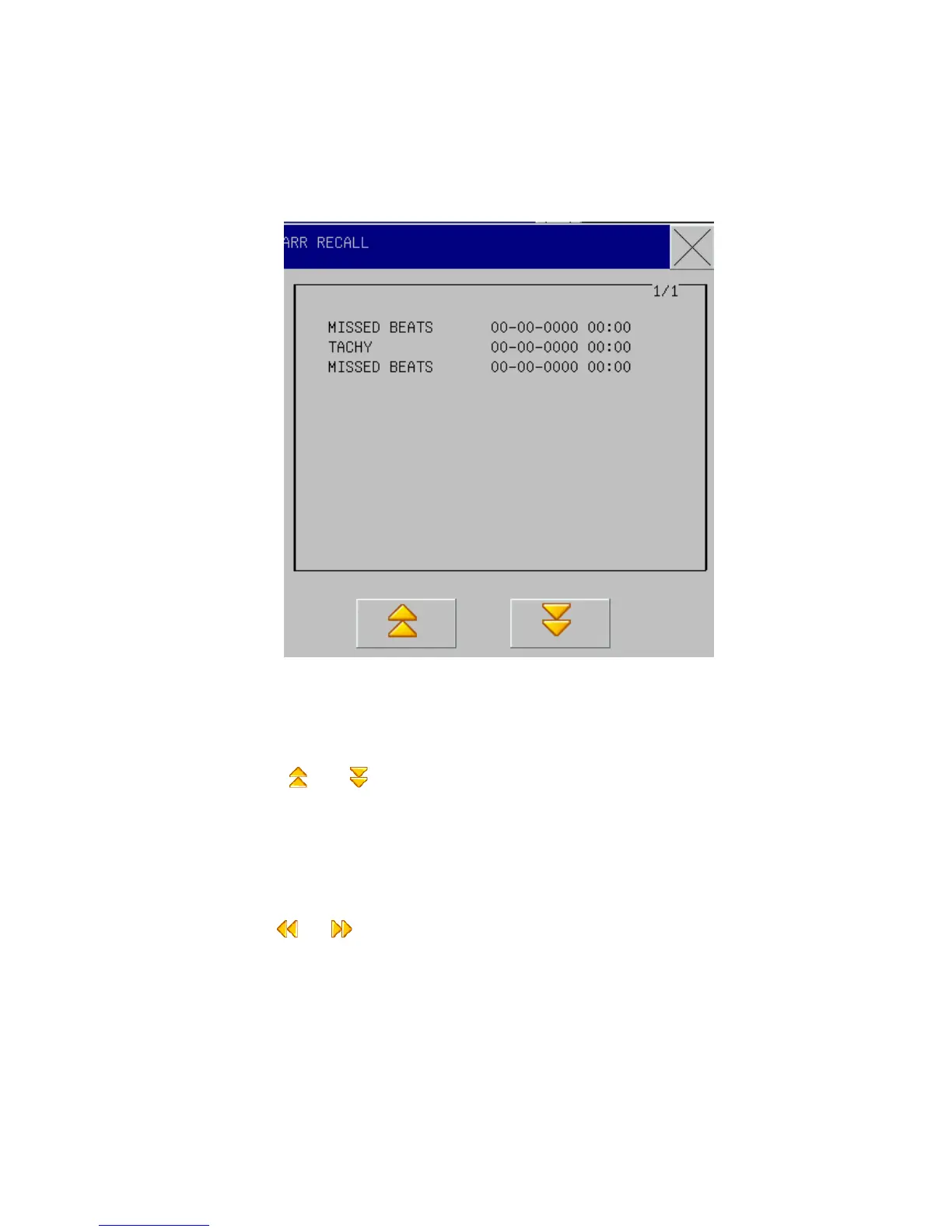
The latest saved arrhythmia events are listed in the window (one page can show 10 events
and at most 6 pages can display).
Fig 10-11 Arrhythmia Review
The latest saved arrhythmia events are listed in the window (one page can show 10 events and at
most 6 pages can display).
Press “ ”&“ ”: to observe the list of arrhythmia events in other pages.
Cursor Movement: to move the cursor to select the arrhythmia events in the list.
Waveform: press this button and the window will show the waveforms, occurrence time
and parameters of the selected arrhythmia events .
Arrhythmia Waveform Review Window:
Press “ ” & “ ”: to observe waveforms of other arrhythmia events.
Movable Waveform: to observe all waveforms of arrhythmia events in 8 seconds.
Waveform: to output the arrhythmia event waveform through the recorder.
Quit: to return to the window of arrhythmia event list.



 To Next Page