DMD1050TS Satellite Modem Board
Revision 1
Web Browser 7–1 MN-DMD1050TS
Chapter 7. Web Browser
7.1 Web Browser User Interface
This chapter contains instructions for how to configure the interface for both the base modem
board and the FIPS TRANSEC module. The Web applications are described as well.
7.2 Configuring Your PC
Get access to the Web Browser interface through the RJ45 (J11), MagJack on the DMD1050TS.
You must use Microsoft Internet Explorer 6 or greater to use the Web Browser menus.
7.3 Graphical User Interface
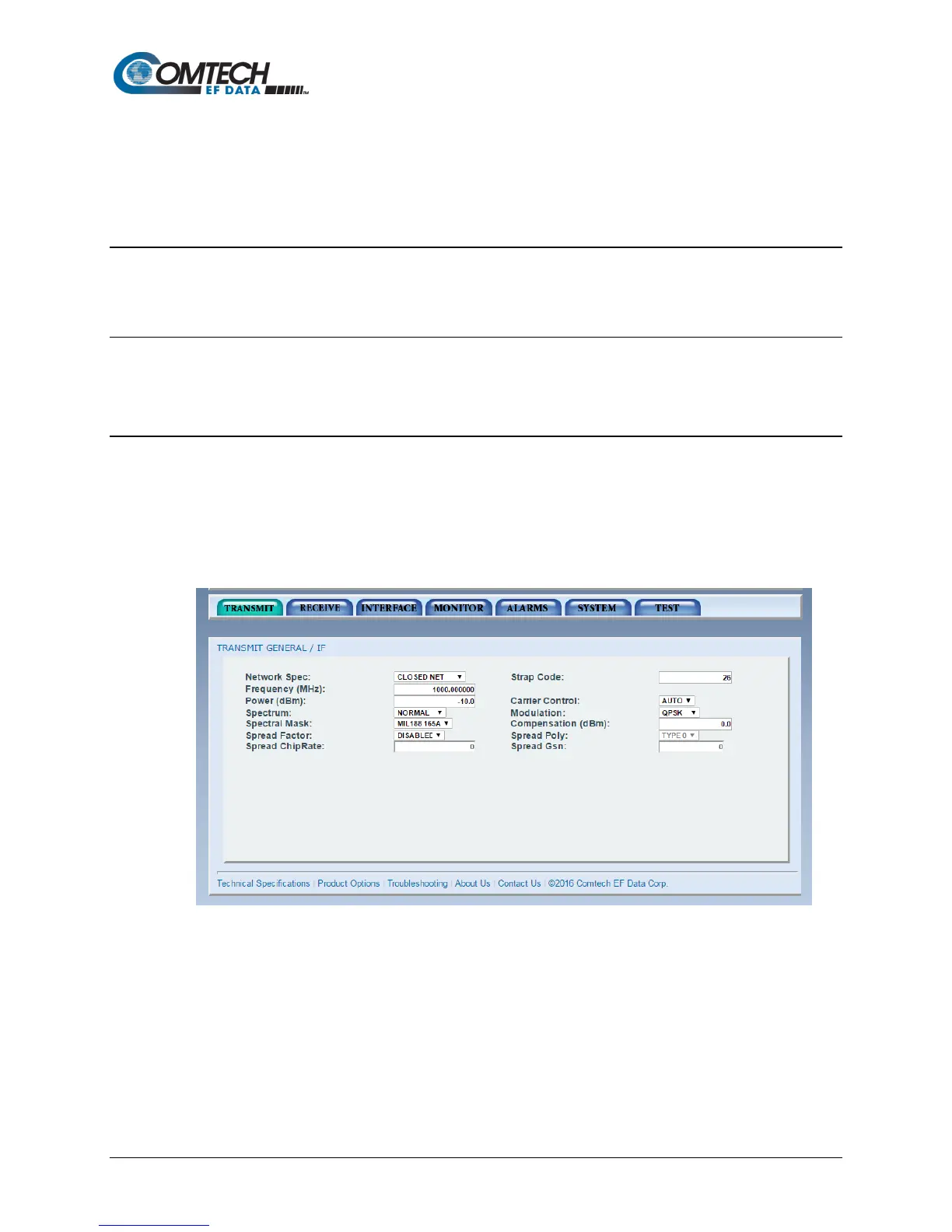
The Graphical User Interface (GUI) is designed to look like the front panel interface of a DMD
product. Figure 7-1 is an example of a GUI layout. For users’ familiar with the front panel
interface, adjusting to the GUI interface should be easy.
The GUI Interface is divided into functional areas: the DMD-style front panel display simulation,
navigation tab area, information/data entry and product information and contact areas.
Figure 7-1. Web User Interface Example



 To Next Page