DMD1050TS Satellite Modem Board
Revision 1
Web Browser 7–5 MN-DMD1050TS
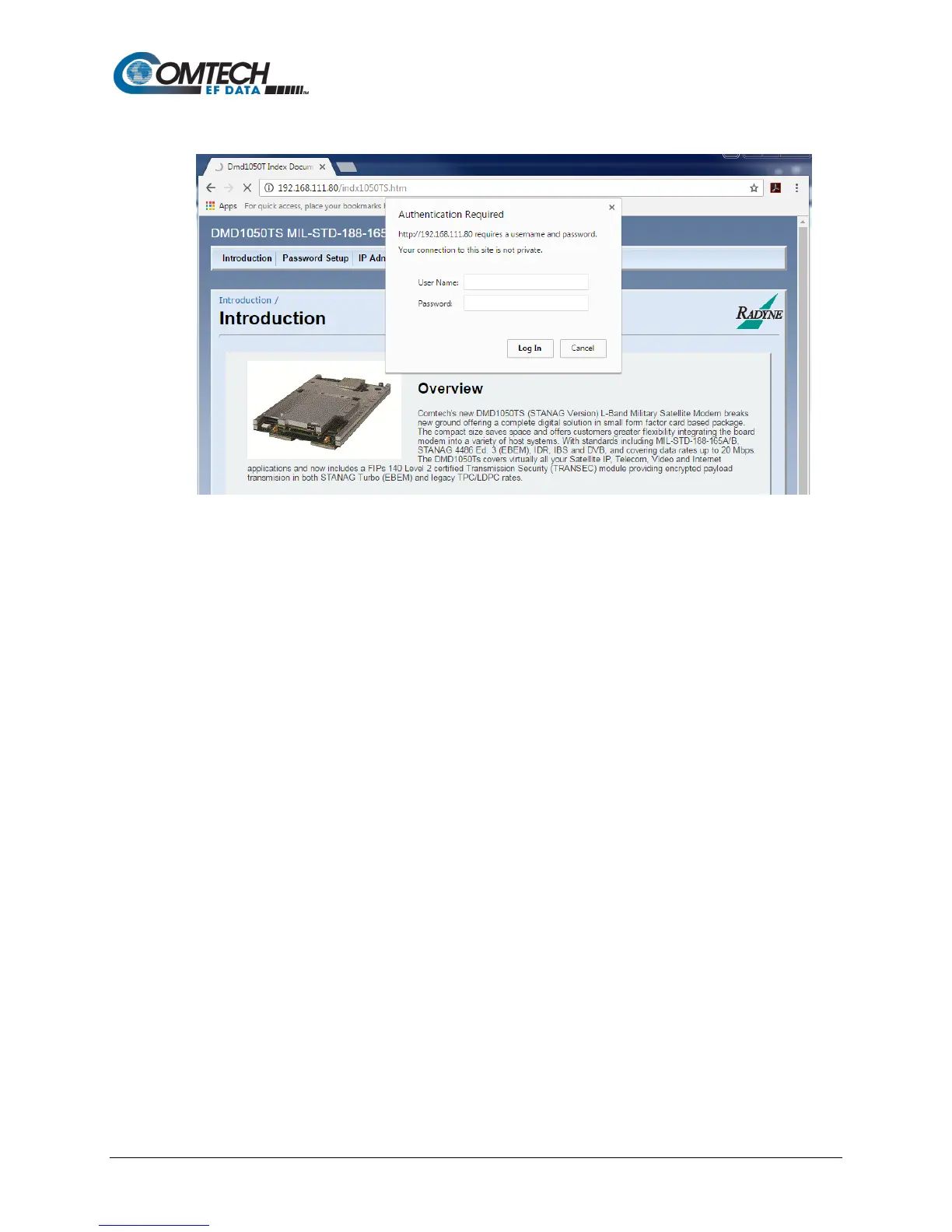
7.4.1 Login Screen
Figure 7-6. Login Screen Example
The Login screen shows when you click any of these tabs: Password Setup, IP Administration
or Monitor & Control.
Log in, using the correct User Name and Password. The DMD1050TS is configured initially with
these defaults:
User Name: admin
Password: admin
See Section 7.6 for more information.



 To Next Page