DMD1050TS Satellite Modem Board
Revision 1
TRANSEC Module SSH CLI Operation 9–14 MN-DMD1050TS
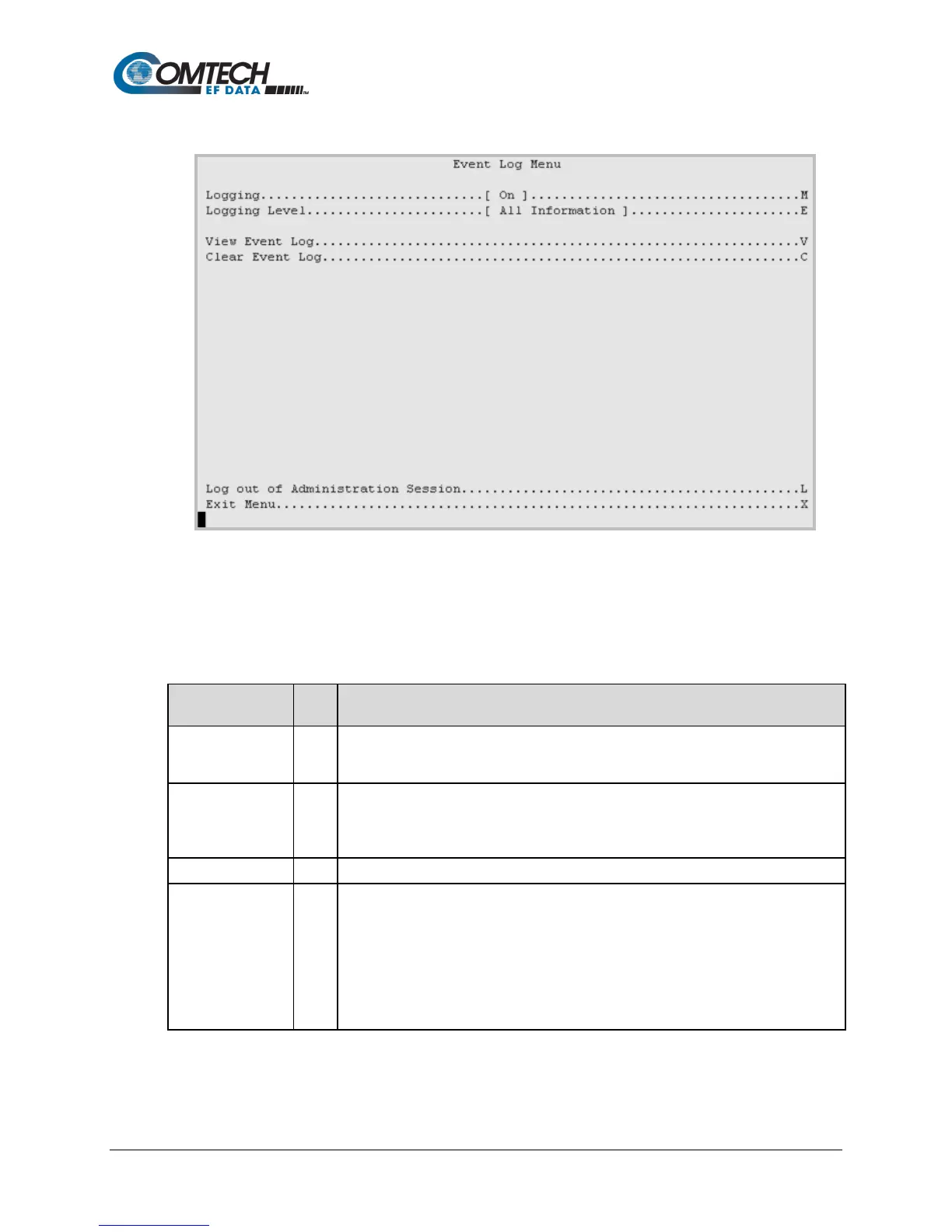
9.2.6 Event Log Menu [E]
Figure 9-11. Event Log Menu Example
Table 9-9. Event Log Menu Options
Entry Description
Logging M
Sets recording of events and alarms:
0: Off
Logging Level E
Sets the level of information collected for the Events Log:
0: Errors Only
1: Errors and Warning
Shows the tally of events logged since the last time the Log was cleared.
Clear Event Log C
Clears the event log of all messages. Once selected, you see this prompt:
This action will clear the event log.
Are you sure? (Y/N)
Enter Y or N. If Y is entered, the event log is reset to zero entries, and you see this
prompt:
Event log cleared.
Press Any Character to Continue.
Press any key to return to the Event Log Menu.



 To Next Page