DMD1050TS Satellite Modem Board
Revision 1
TRANSEC Module SSH CLI Operation 9–15 MN-DMD1050TS
9.2.7 Unit Info Menu [ I ]
See Appendix H for information about the TRANSEC Module firmware update process.
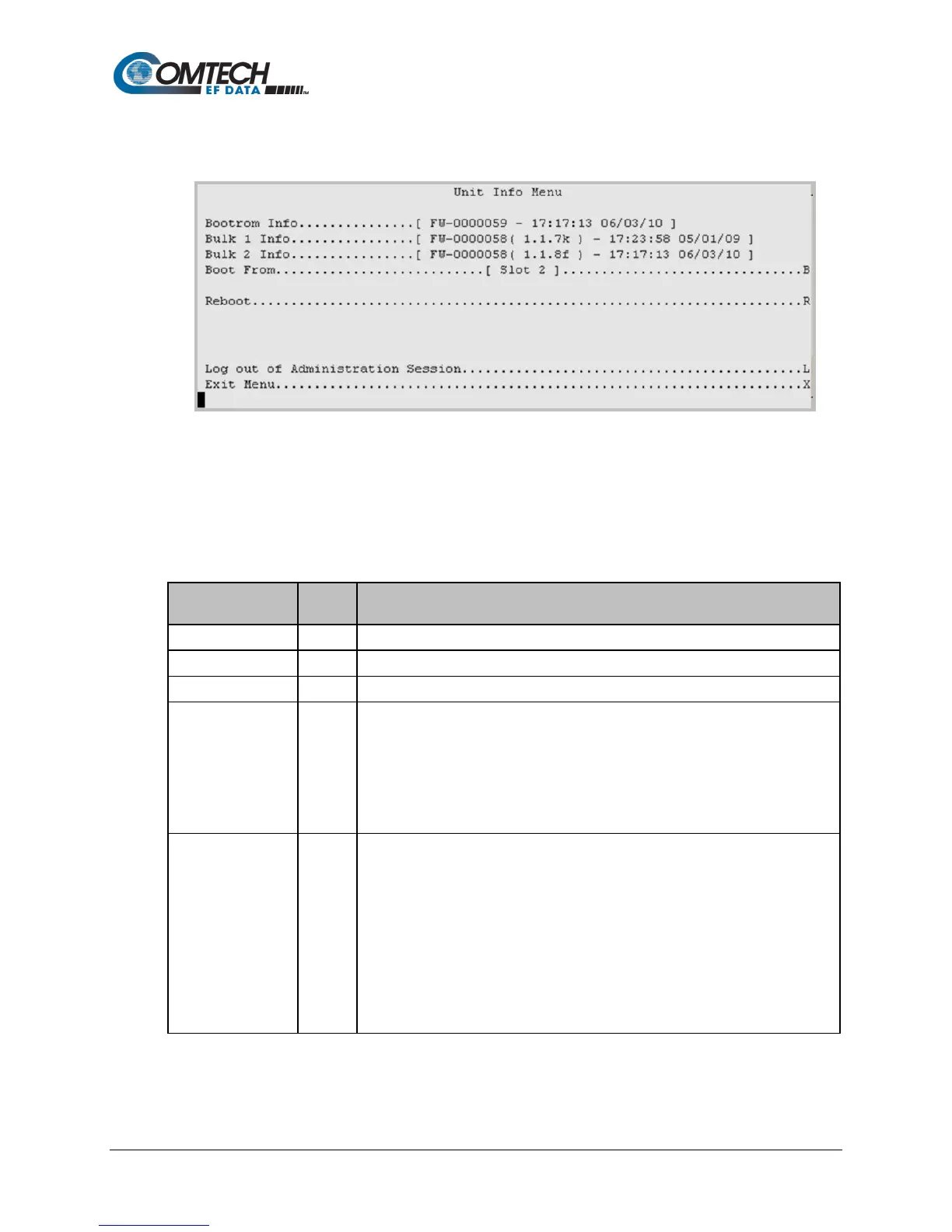
Figure 9-12. Unit Info Menu Example
The Unit Information Menu shows information so that you can make sure the correct firmware is
loaded.
Table 9-10. Unit Information Options
Entry Description
Shows the bootrom firmware.
Shows the firmware version loaded into Slot 1.
Shows the firmware version loaded into Slot 2.
Select the firmware boot source for modem operations:
0: Newest. This selects the most current firmware residing in either Slot 1 or
Slot 2, automatically.
1: Slot 1. This selects the firmware in the Slot 1 location.
2: Slot 2. This selects the firmware in the Slot 2 location.
Note: If the Boot From selection is changed, you must reboot the modem so that
the firmware selection is loaded for operation.
Reboots the modem. When selected, you see this prompt:
This action will reboot the TRANSEC module.
Are you sure? (Y/N)
Enter Y or N. If Y is entered, the reboot process begins by closing the SSH CLI.
THIS MODEM WILL REBOOT
IN FIVE SECONDS!
BOOTING MODEM…
…PLEASE WAIT
INITIALIZING MODEM…
Once the modem reboots, you must start a new SSH CLI session to resume use of



 To Next Page