DMD1050TS Satellite Modem Board
Revision 1
TRANSEC Module HTTPS Interface 8–13 MN-DMD1050TS
Table 8-1. Event Log Message Types
Event Type (By order of severity – from least to worst case)
Event Type Event Description Level of Severity / User Action
Informational
Normal operational status change; e.g.,
successful password or configuration setting
Minimum. Event logged is for user reference only.
Warning
Status change that the system might not
accept or expect; e.g., setting the future
passphrase without first setting the future
seed key, entering an invalid remote
Moderate. User should consult the pertinent
sections of this manual to troubleshoot, and then
repeat command or procedure as needed.
Minor
Error condition that the system should be
able to recover from without affecting the
operation of the system; e.g., encountering
software ‘bug’, etc.
Such events are not recorded into the
Moderate. User should report issues when
convenient to Comtech EF Data Customer Support.
Major
A more severe error that may indicate a
degradation of the stability of the system;
e.g., out-of-range temperature readings for
Maximum. User should contact Comtech EF
Data Customer Support as soon as possible to
address issue.
Critical
The most severe error level indicating that
system failure has occurred or is imminent;
e.g., memory allocation failure, OS failure,
Maximum. User should contact Comtech EF
Data Customer Support immediately to arrange
for RMA / in-factory service.
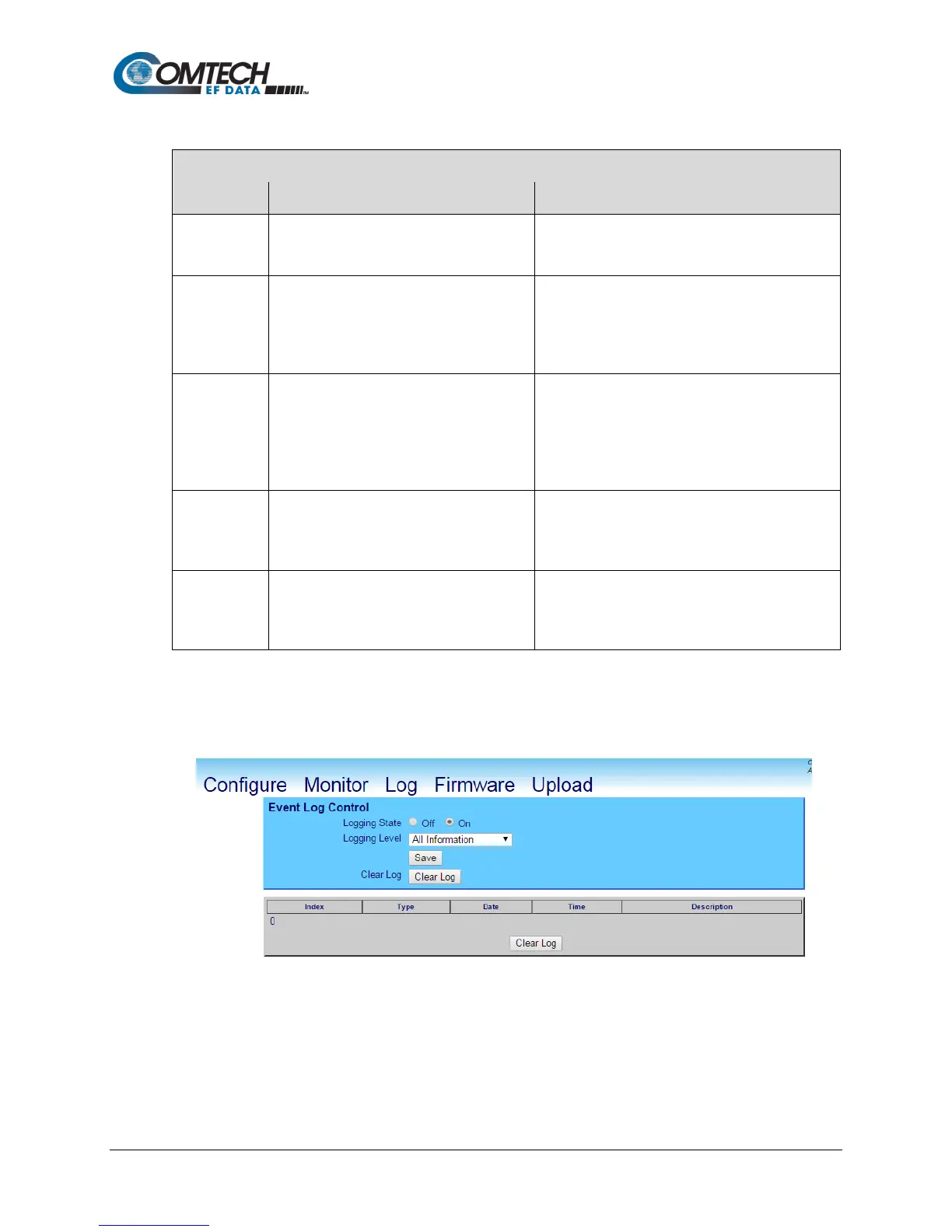
Click Clear Log to clear the event log of all messages. The event log is reset to zero entries.
Figure 8-5. Event Log Page Cleared



 To Next Page