DMD1050TS Satellite Modem Board
Revision 1
TRANSEC Module HTTPS Interface 8–3 MN-DMD1050TS
8.3.1 Interface Instructions for Older Browsers
While legacy IE browser versions (e.g., Internet Explorer 6.0), can be used, Comtech EF Data
Technical Support does not support services for these older browsers. If you have problems
connecting to the secure web interface using an older browser, try this troubleshooting tip:
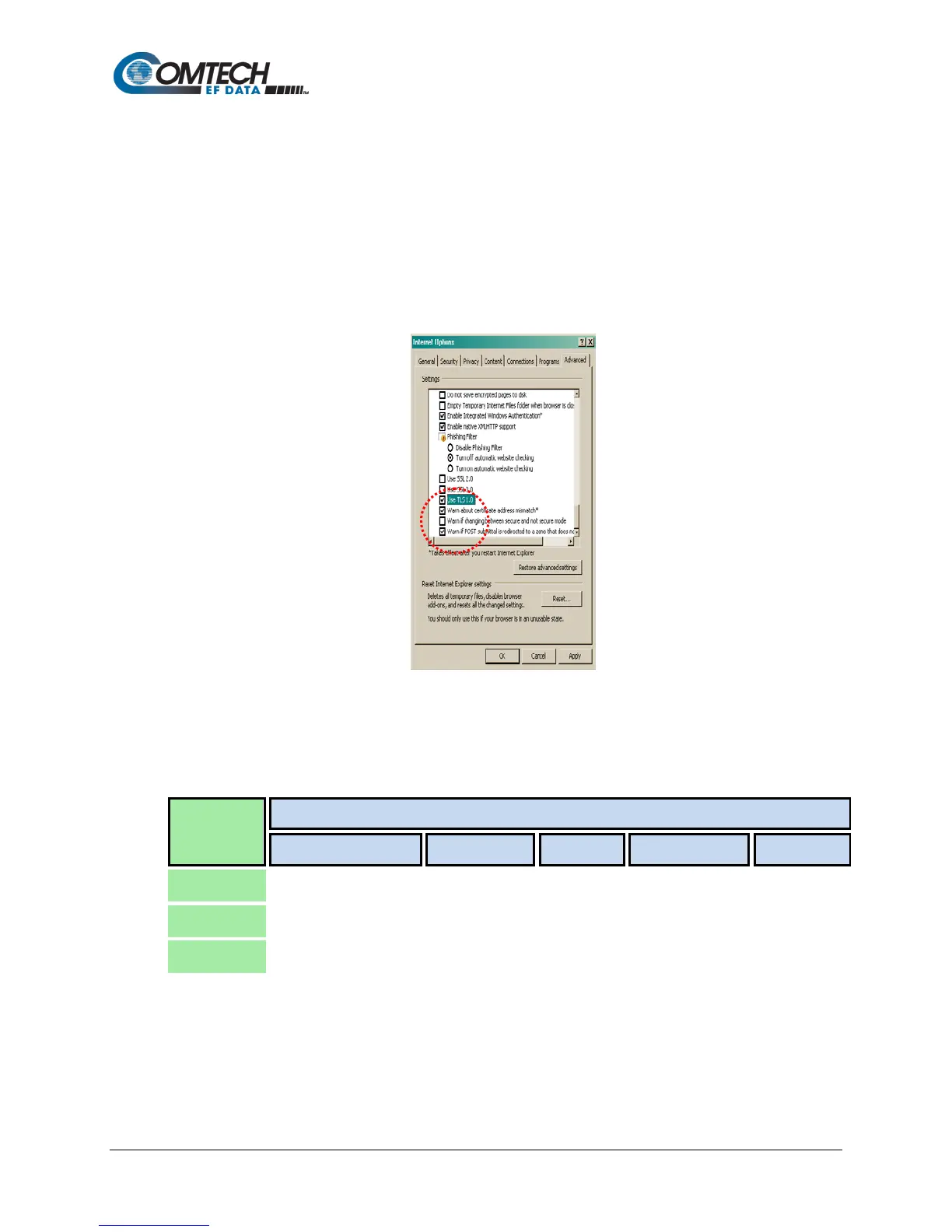
1. From the browser tool bar, go to the Tools | Internet Options | Advanced tab. See
Figure 8-1.
2. Under the Security heading, use the check boxes to:
a. Disable the Secure Sockets Layers (SSL 2.0 and SSL 3.0).
b. Enable the Transport Layer Security (TLS 1.0).
3. Make sure to enable SSL again, once troubleshooting is finished.
Figure 8-1. Tools | Internet Options | Advanced | Security Settings
8.3.2 HTTPS Interface Menu Tree
This menu tree diagram shows the options available via the TRANSEC Module HTTPS Interface:
Navigator
Drop-down
Page Navigation Tabs
Configure Monitor Log Firmware Upload
The Interface Navigator Drop-down Menu and its selections (shown in green) allow secure
access to one of the DMD1050TS’s three, distinct Web interfaces.
Once Crypto Officer (i.e., the TRANSEC Module HTTPS Interface) is selected, the four,
available navigation tabs (above, shown in blue) are available.
Click any tab or hyperlink to continue.



 To Next Page