DMD1050TS Satellite Modem Board
Revision 1
TRANSEC Module SSH CLI Operation 9–9 MN-DMD1050TS
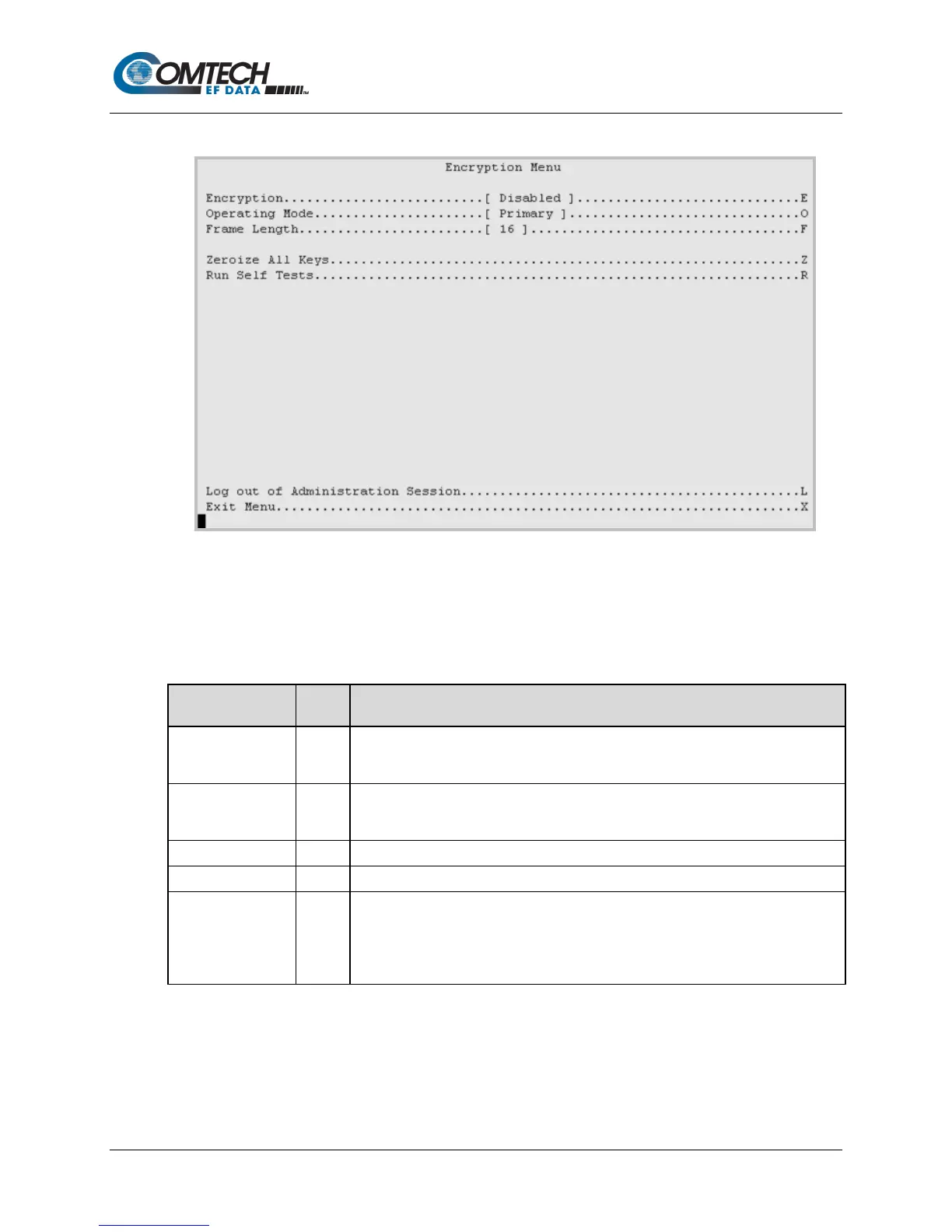
9.2.4.3 Configuration | Encryption Menu [E]
Figure 9-6. Encryption Menu Example
Table 9-5. Encryption Menu Options
Entry Description
Encryption E
Prompts you to set the Encryption Mode operation:
0: Disabled
Operating Mode O
Prompts you to set the Operating Mode operation:
0: Primary
Specify the length of the AES 256 encryption frame, from 1 to 255.
Resets all encryption keys in the module’s memory and flash to default values.
Run Self Tests R
Runs the module’s cryptographic self tests.
If the tests succeed, the module resumes operation.
If the tests fail, the module reports an error to the event log.
If encryption is enabled and the tests fail, the module stops transmitting data, for



 To Next Page