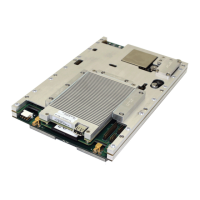
DMD1050TS Satellite Modem Board
Revision 1
Web Browser 7–4 MN-DMD1050TS
7.4 Introduction Page
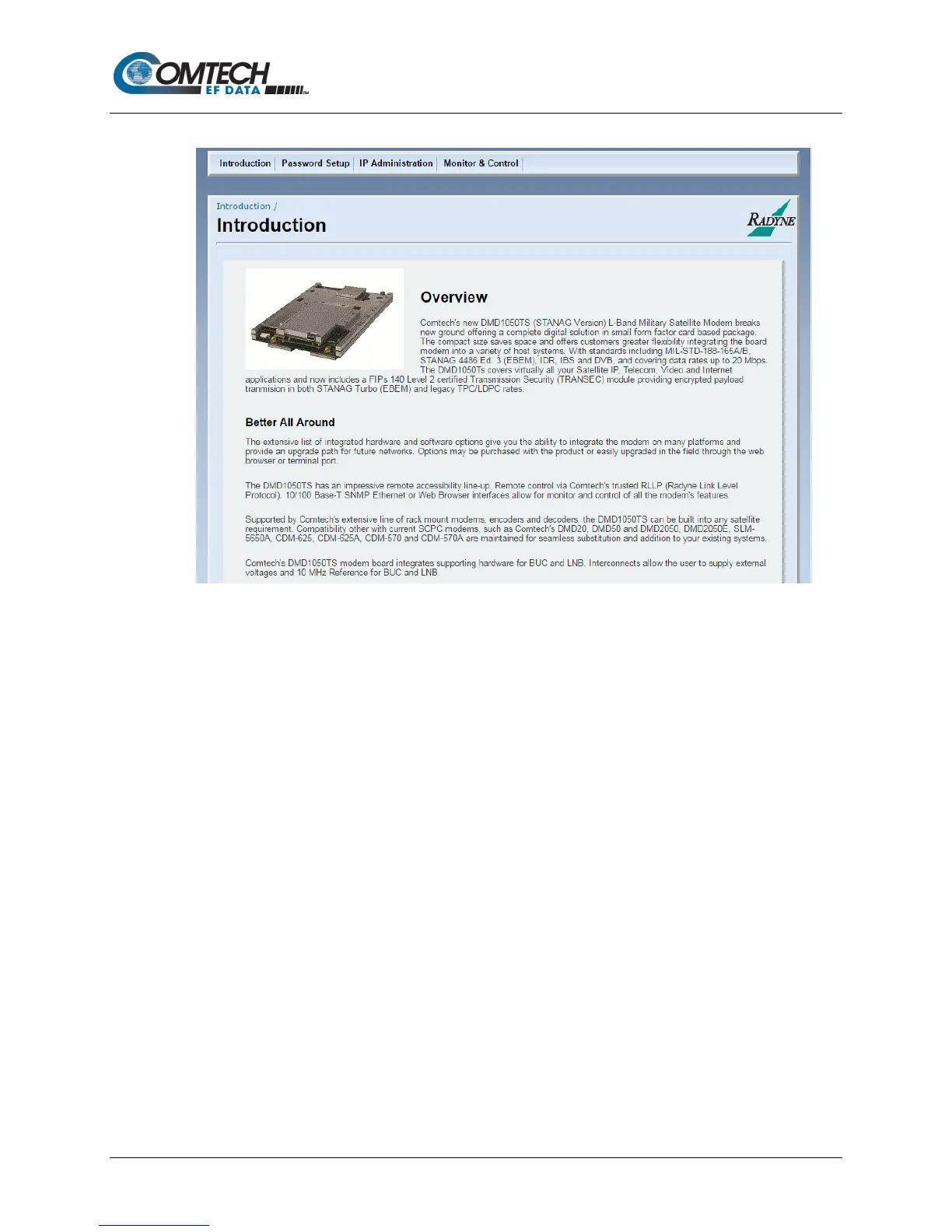
Figure 7-5. Introduction Page Example
This page shows when the web browser starts. The bottom of the page has links for Technical
Specifications, Product Options, Troubleshooting, About Us, and Contact us.
The Introduction page gives an overview of the product. It has no configurable items. The main
menus and submenus are:
• Introduction
• Password Setup
• Access
• Preferences
• IP Administration
• Modem Addressing
• Configure Apps
• Configure PC
• Monitor and Control
• Transmit
• Receive
• Interface
• Monitor
• Alarms
• System
• Test


 To Next Page