DMD1050TS Satellite Modem Board
Revision 1
Appendix D D–8 MN-DMD1050TS
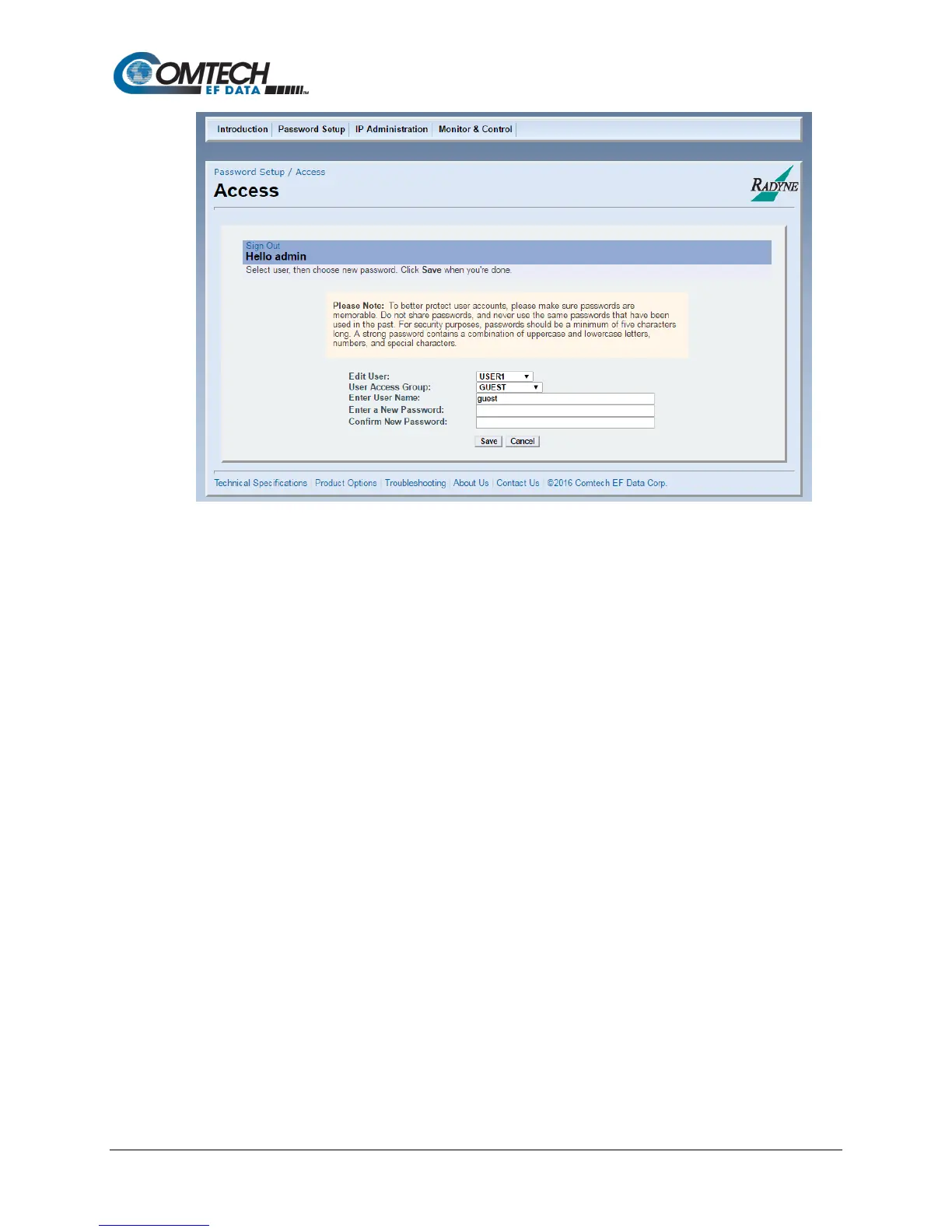
Figure D-6. User Settings/Access Screen
1. On the modem introduction page, click the ADMINISTRATION tab.
2. If necessary, enter your User Name and Password on the logon popup.
3. Press Enter.
4. Select USER1, USER2 or USER3 from the drop-down Edit User menu.
The applicable User Name and access rights are updated on the screen.
5. Select a new User Name if desired, and Password.
6. Confirm the new Password.
7. Click Save.
8. Otherwise, click Cancel at any time to abort the changes and reload the existing user
settings.
D.5.1 Change the Password
Users can change their own Passwords. See Section D.5.



 To Next Page