DMD1050TS Satellite Modem Board
Revision 1
Appendix C C–6 MN-DMD1050TS
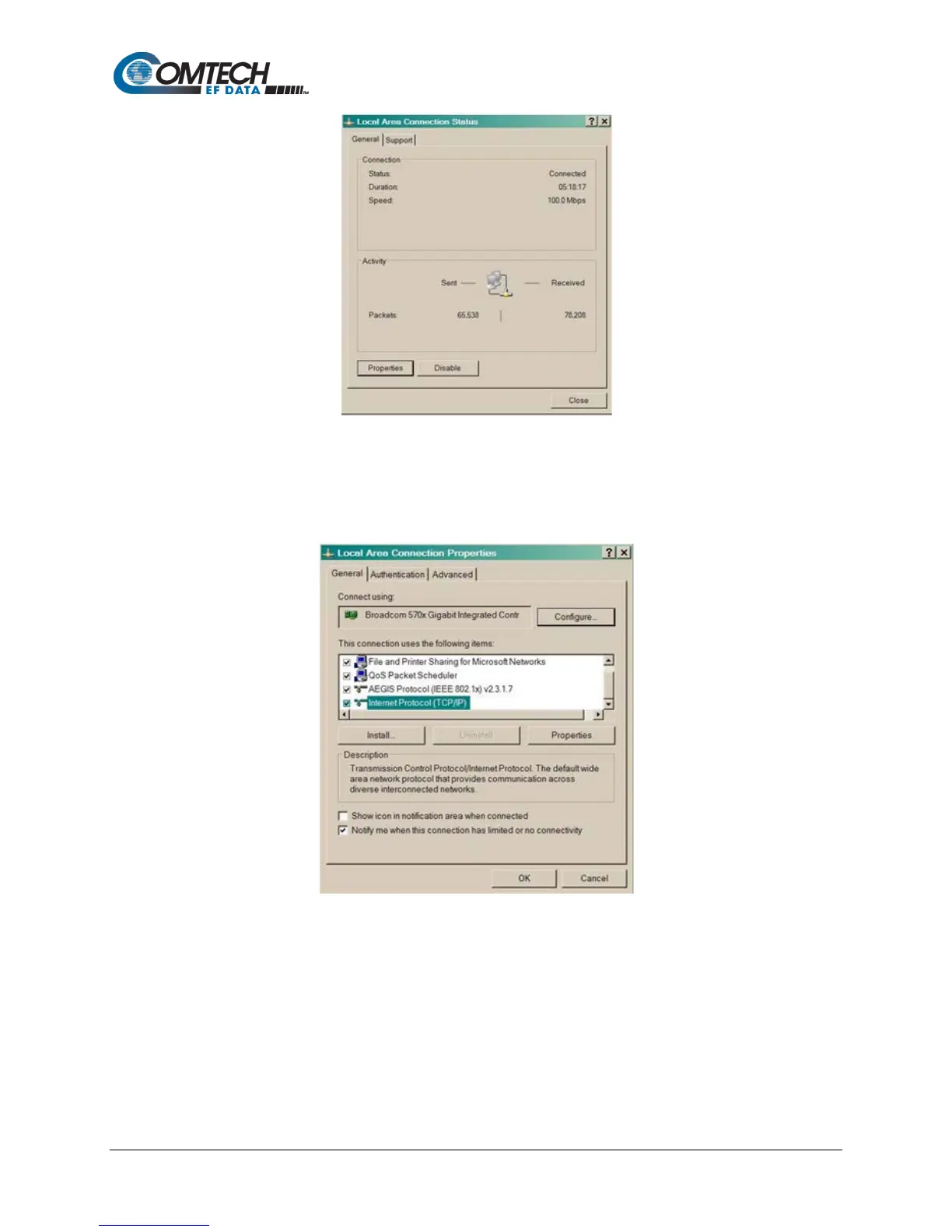
Figure C-2. Local Area Connection Status Box
8. Make sure that the box adjacent to Internet Protocol (TCP/IP) is checked
9. Select Interconnect Protocol (TCP/IP)
10. Click the Properties button
Figure C-3. Local Area Connection Properties Box
11. Select Use the following IP Address
12. Enter an IP Address that is offset by five or so numbers from the equipment address.
The computer and the equipment to which it is connecting cannot have identical
addresses.
13. Enter a Subnet Mask. This must be identical to the subnet mask programmed into the
equipment.
14. Click the OK button to complete the PC Configuration.



 To Next Page