DMD1050TS Satellite Modem Board
Revision 1
Appendix D D–2 MN-DMD1050TS
To allow the computer to recognize the modem, the Subnet Masks of the computer and modem
must match. The IP Address Mask is 255.255.255.000. Contact the network administrator to
confirm IP addresses and masks.
1. Turn power on to the unit.
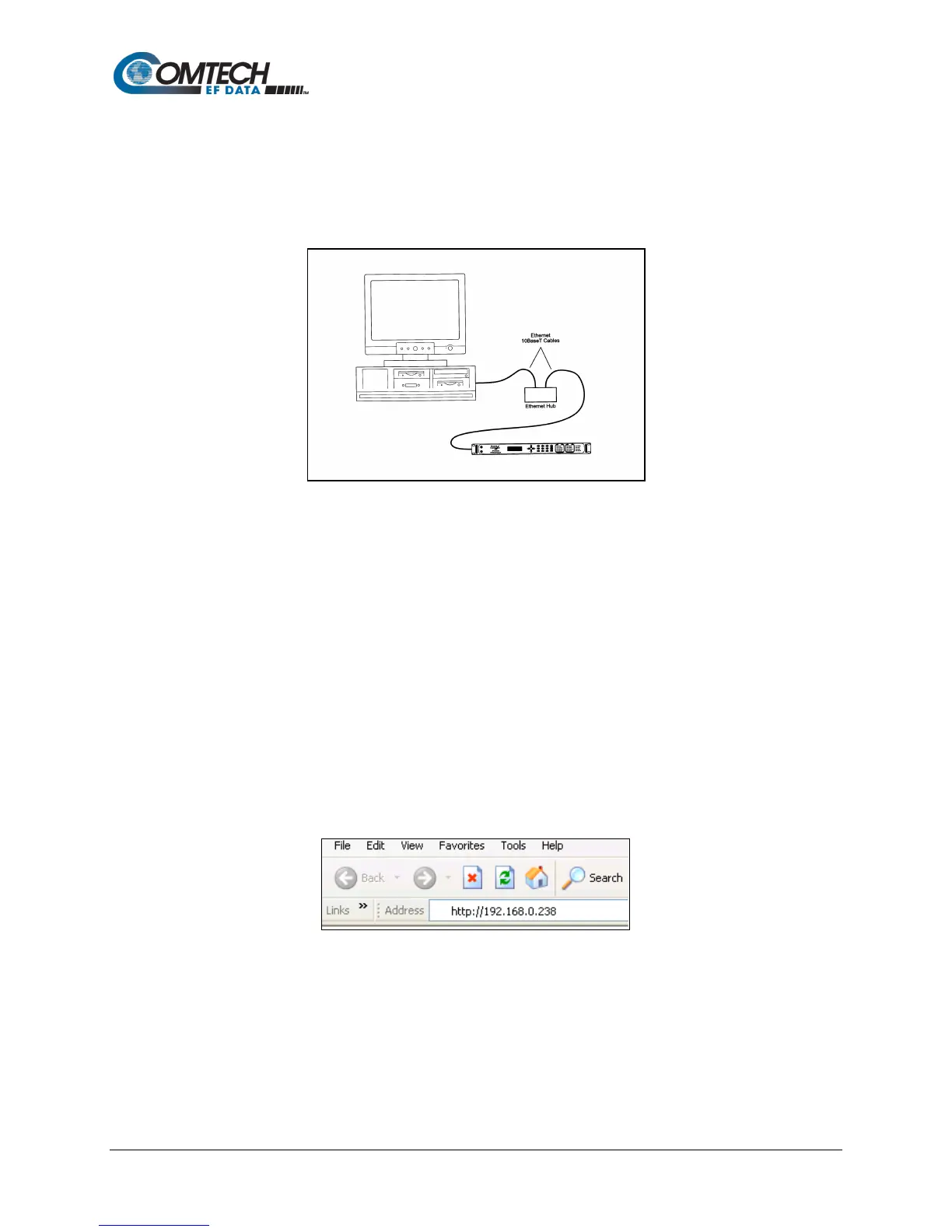
2. Connect the RJ45 cable from the DMD1050TS to the computer/router/bridge, as shown
in Figure D-1.
Figure D-1. Ethernet Connection
3. Do a PING test to make sure there is communication between the modem and the
computer. Example: ping 192.168.0.238
If everything is functioning correctly, replies from the modem show on the computer screen, along
with the time it took to respond.
If unsuccessful, make sure of these items:
a. The cables are secure.
b. The Link Light is lit.
c. The IP Address matches the modem’s IP Address.
d. The server and modem are on the same subnet.
4. Open the Web browser on the computer.
5. Enter the IP Address 192.168.0.238 in the address field.
6. Press the Enter key.
Figure D-2. Internet Browser Address



 To Next Page